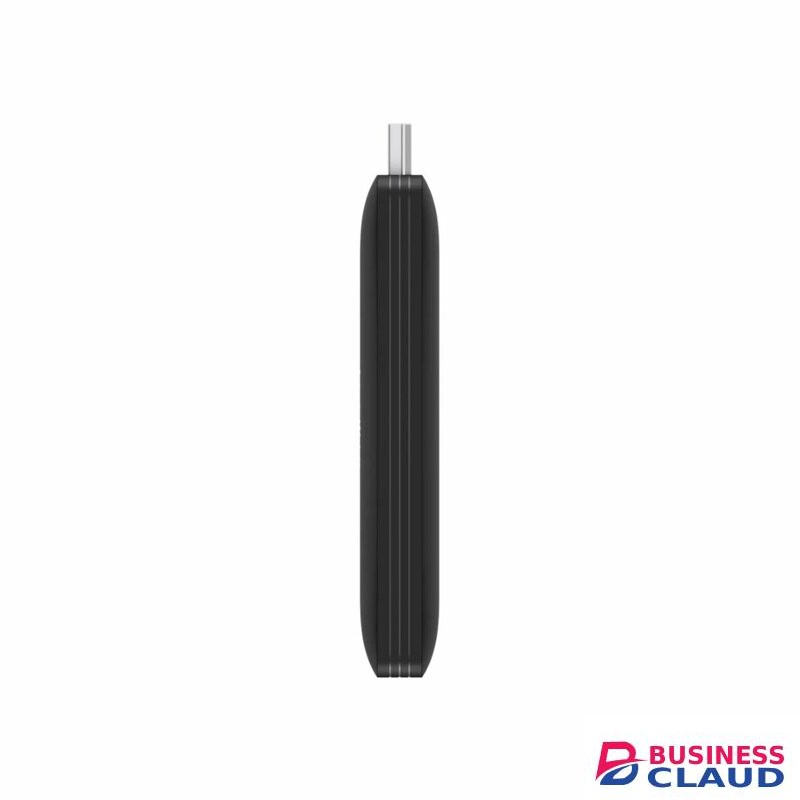
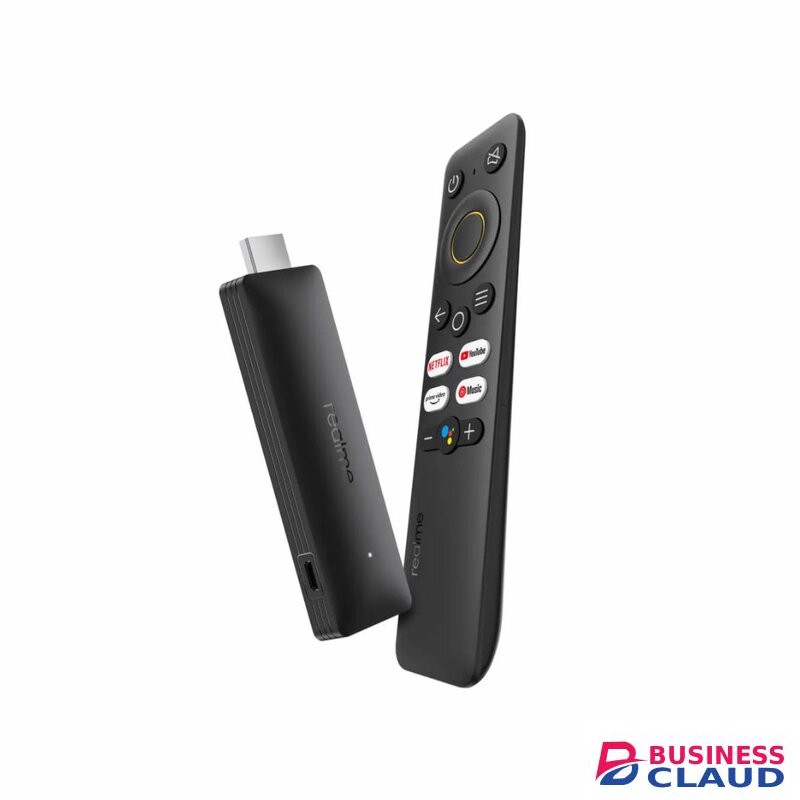
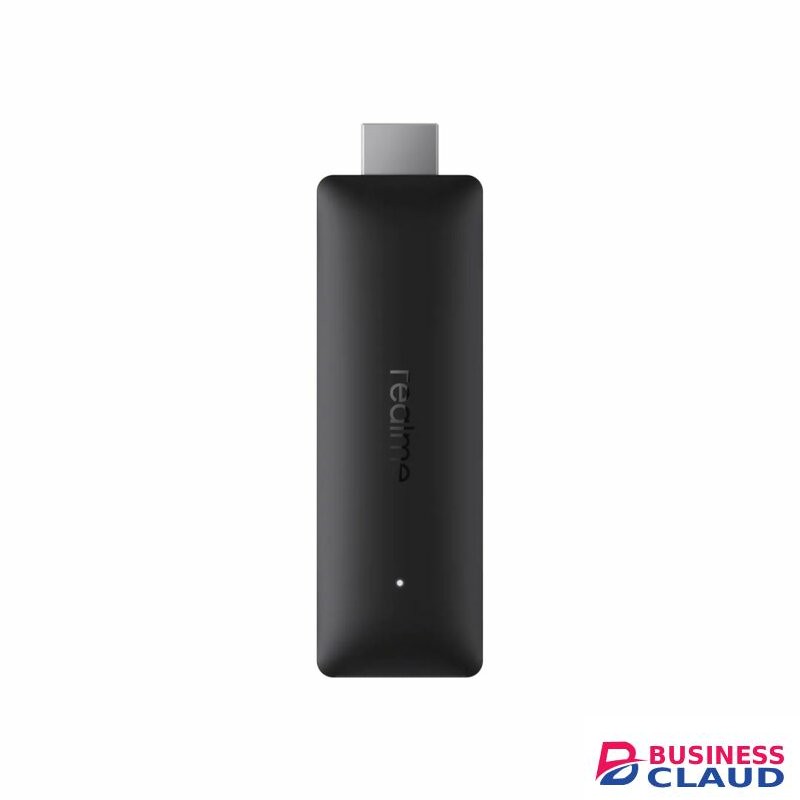
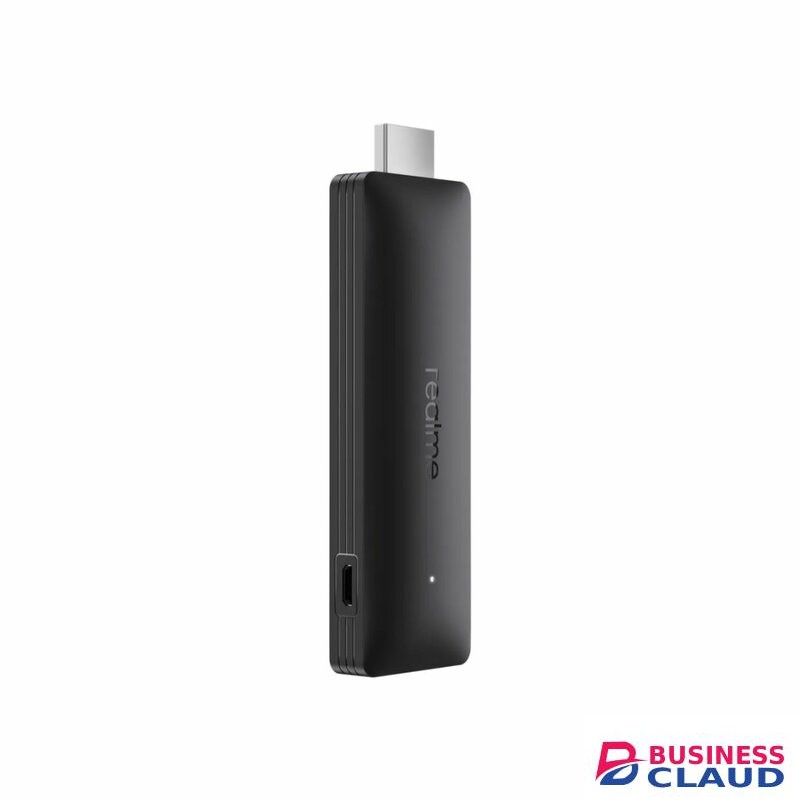
Enhance your viewing experience with the realme Smart TV Stick. It lets you effortlessly stream videos, watch movies, and listen to music on your smart TV. With a small and lightweight design, this smart TV stick can be neatly hidden behind your TV set. And, it supports 4K output, HDR10+, and HDMI 2.1 to ensure high-quality pictures. Moreover, the built-in Chromecast allows you to view content from your phone on the big screen for a larger-than-life experience.
Based on Google TV
HDR 10+
Google Play Store
Built-in Chromecast
Bluetooth Remote with Voice Recognition
AMlogic S905W2 processor – Quad-core CPU – 2GB RAM – 8GB storage – 4K@60fps resolution – Google TV – Google Assistant – Google Chromecast – HDMI 2.1 – Dual-band Wi-Fi ac – Bluetooth 5.0
Realme 4K Smart Google TV Stick: take it everywhere! The small design of this device, which allows you to enjoy 4K content streaming, connects directly to the HDMI port and is hidden behind the TV, so you won’t even notice it’s there when you’re enjoying your Smart TV! Interested?
Small on the outside, a beast on the inside! Driven by a powerful processor with quad-core ARM Cortex-A35 CPU, dual-core GPU and 2GB of RAM, the Realme Smart TV Stick delivers fast and smooth performance both when it plays videos and when it runs applications.
Enjoy spectacular Ultra HD 4K streaming playback at up to 60fps with the Realme Smart TV Stick, and be amazed by the vivid, lifelike colors delivered by HDR10+ technology. It is compatible with HDMI 2.1.
You won’t have time to watch so many shows and films… The Realme 4K Smart Google TV Stick includes numerous entertainment platforms such as Netflix, YouTube, Prime Video and more. Enjoy your favorite music, videos, games and more!
*Subscription fees not included.
With the built-in Google Assistant, the Realme Smart TV Stick makes it really easy for you to interact with it. Ask questions, set reminders, check the weather forecast or search for titles simply by voice commands.
But if there are days when you don’t feel like talking, the Realme Smart TV Stick also has built-in Google Chromecast. So you can cast pictures and videos from your phone to your TV.
Finally, setting up your Realme Smart TV Stick to start enjoying it is very simple: plug it into a free port on the TV (preferably HDMI 2.1 for maximum resolution), connect it to the Wi-Fi network to give it access to the Internet and control it with the Bluetooth 5.0 remote control. And enjoy your evening!
For alternatives of the Realme TV Stick, check out Amazon_TV_Stick or the Xiaomi_MI_Stick