Promotional Banner - Delivery in 2-3 hours, Quality & Original, Delivered

Computers

New Sale
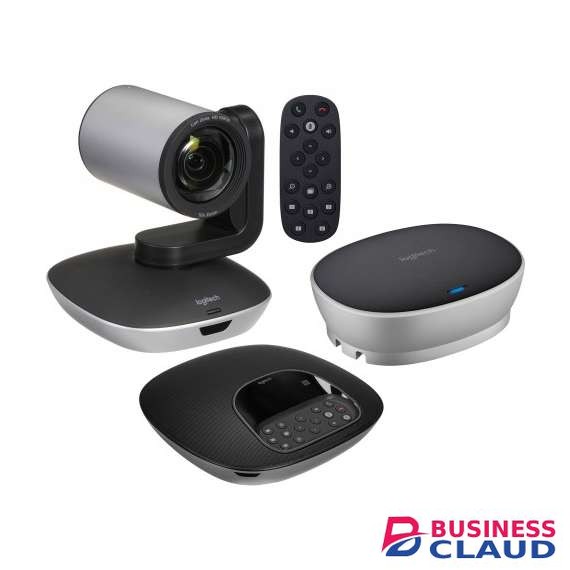
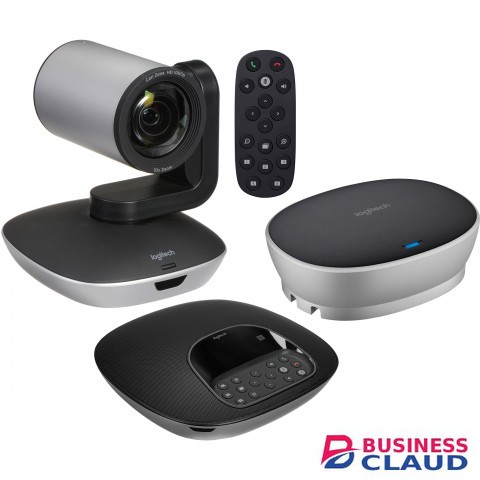
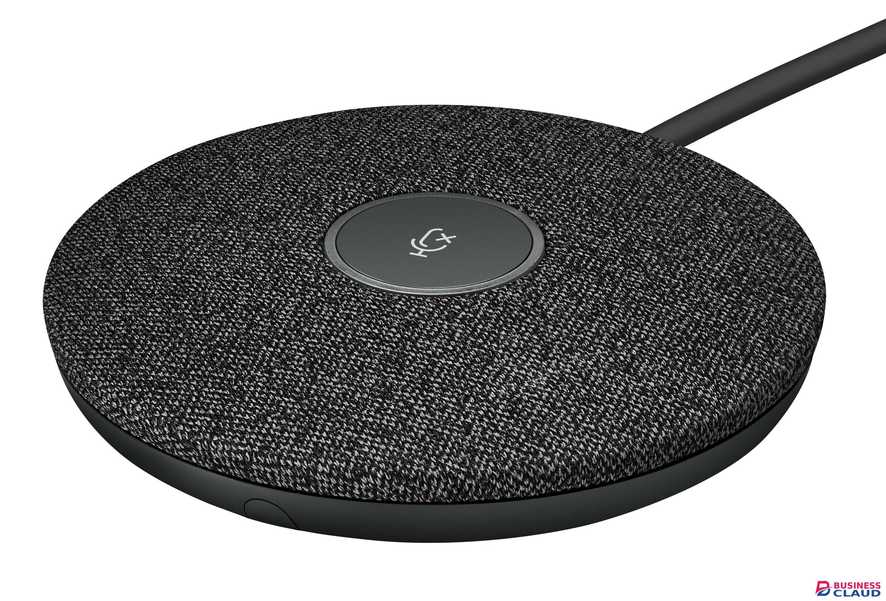
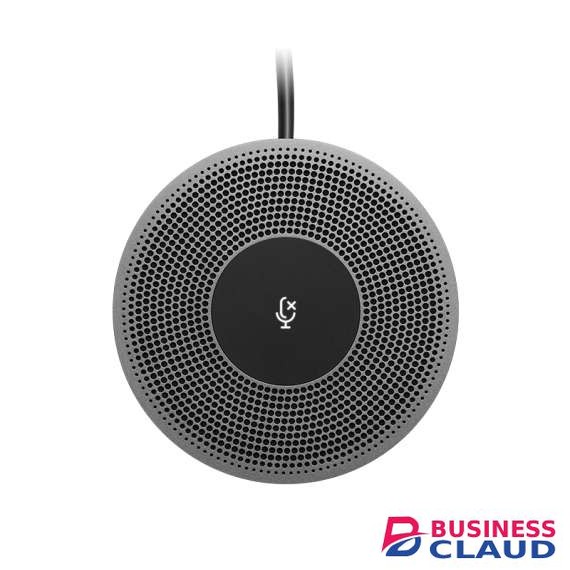
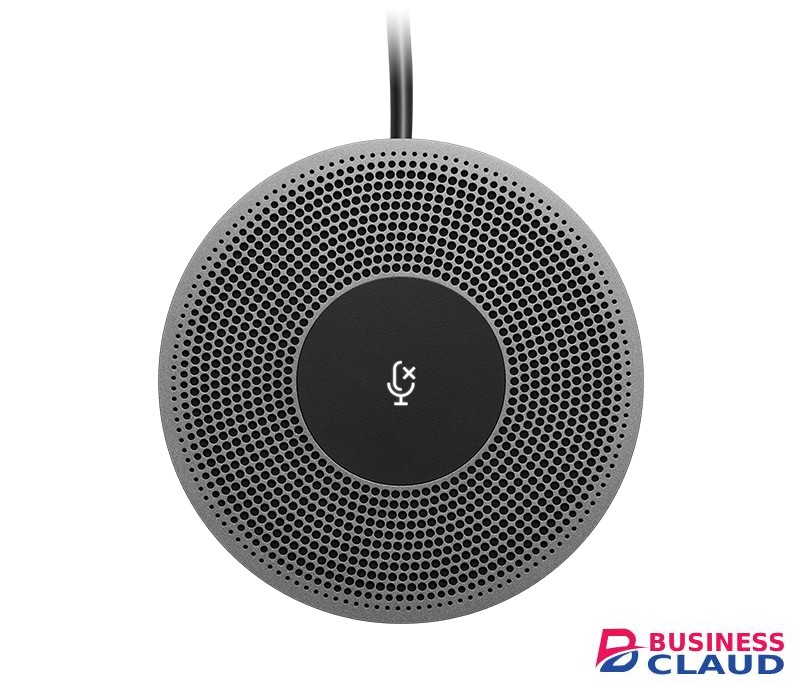
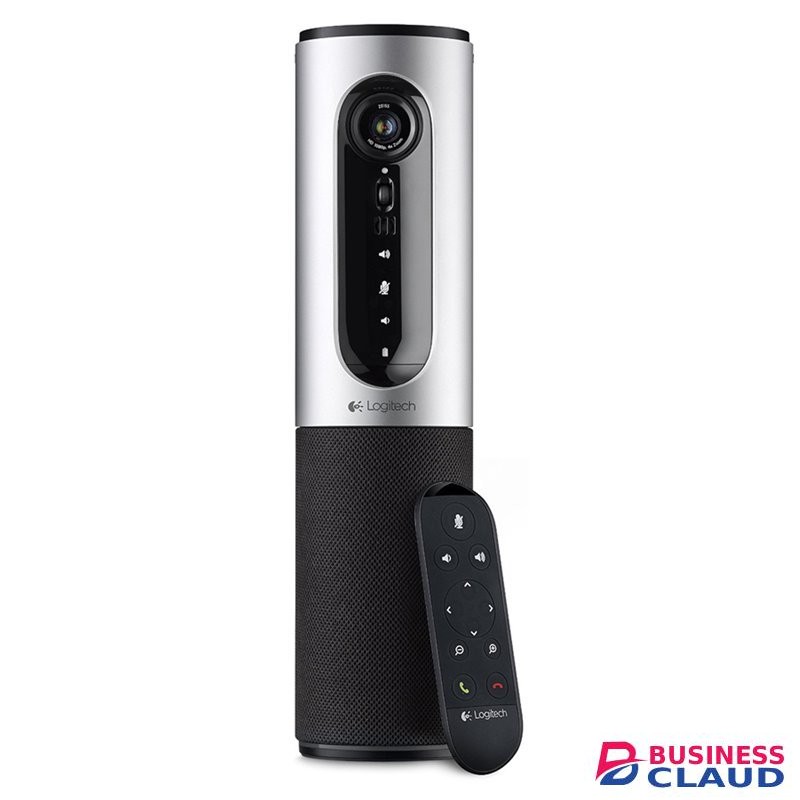
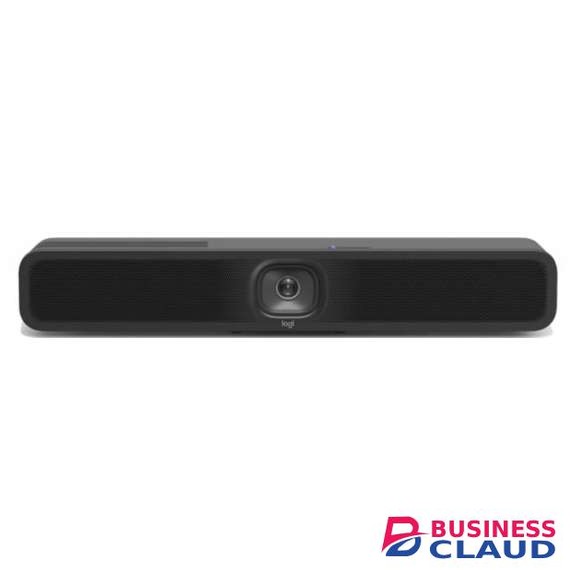
Logitech MeetUp 2 Video Conference System

Logitech MeetUp 2 Video Conference System

Overview
from 1 USh 6,637,500.00 Incl. 0.16% VAT
New Sale
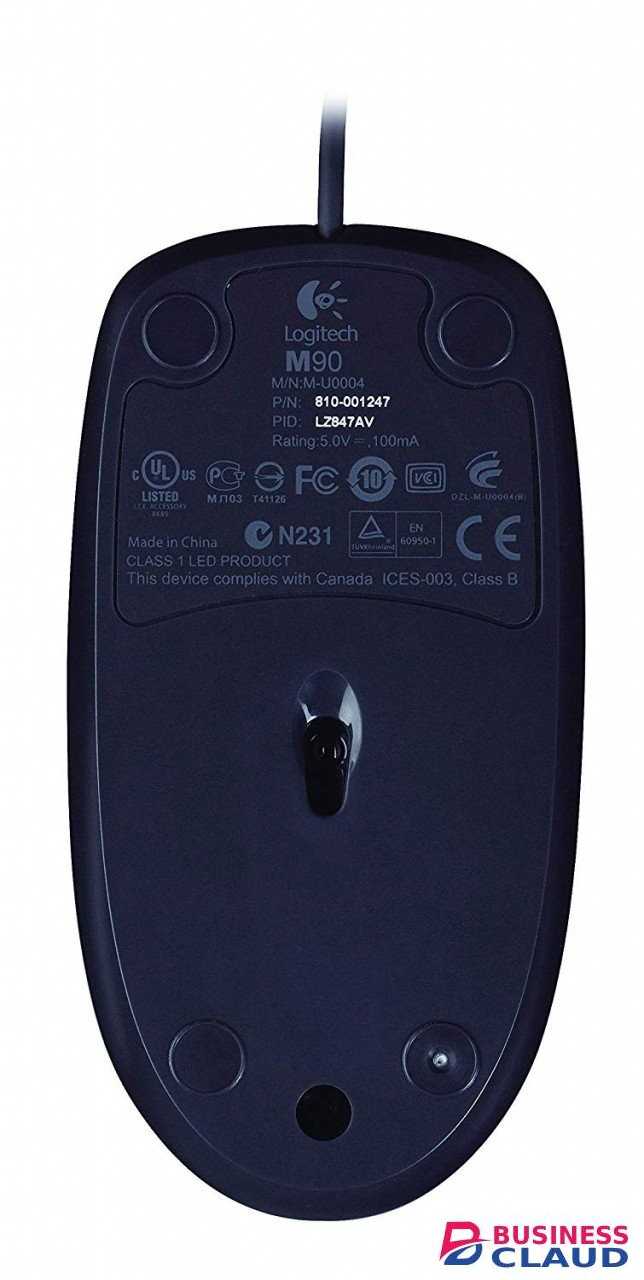
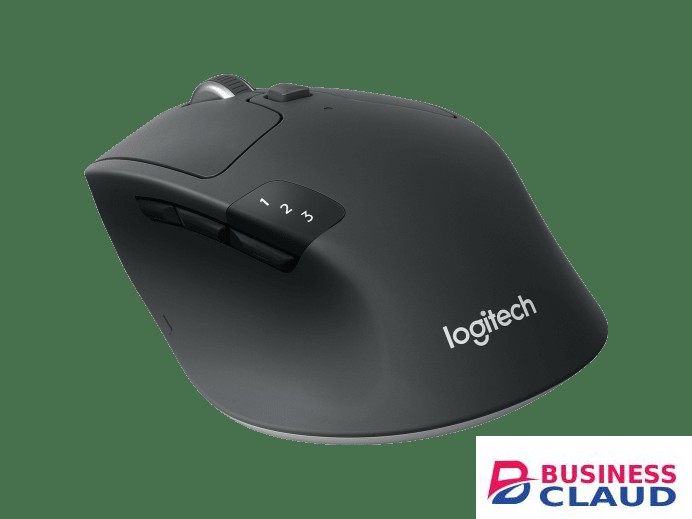
Logitech M720 Triathlon Wireless Mouse

Logitech M720 Triathlon Wireless Mouse

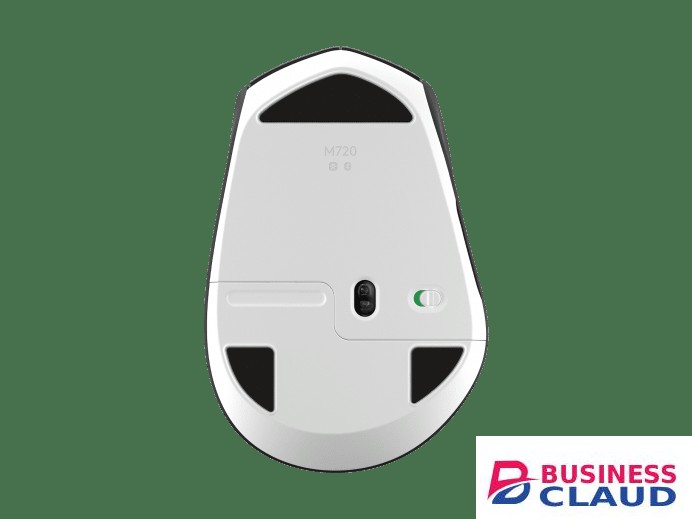
Full-Sized Comfort The full-sized, contoured shape follows the natural curve of your hand, providing perfect palm support, so you can stay productive longer. This right-handed design also features soft rubber coating so you can work comfortably for long hours — at home or at work. Ultra-Precise Navigation Scroll better, track better, and get more done. The dual-mode scrolling lets you switch between speed and precision, so you can fly through long webpages, or go line-by-line with a switch of a button. You can also scroll horizontally with the tilt-wheel—perfect for large spreadsheets, big images, and web pages. High-precision tracking gives you superior cursor control on almost any surface with adjustable dpi. Flexible and Compatible M720 is compatible with computers, laptops and tablets -Windows®, macOS, Chrome OS™, Linux®, and iPadOS, it’s ready to integrate with your work setup, regardless of device or operating system. Connect your way, via either Bluetooth® wireless technology or the wireless Logitech Unifying receiver, which lets you connect up to 6 compatible Logitech peripherals with only one USB receiver. Productivity Your Way Two side buttons plus a hidden thumb button provide extra control right where you need it, making it simpler and faster to get things done. Programmed to go backward and forward on the web, you can customize them to fit your needs on macOS and Windows by downloading Logi Options+ software. Multi-Device Flow Use M720 to work seamlessly between computers, laptops, tablets. Pair your mouse to up to three different devices, and switch between them with the Easy-Switch™ button. Use Flow™ to fly through your tasks: seamlessly move text, images, and files across computers – and operating systems – with a simple copy and paste. Quality You Can Count On The mouse is built using the same high quality standards that have made Logitech the global leader for mice and keyboards. Durable and reliable, M720 also works up to 24 months without changing batteries thanks to the auto-sleep power-saving mode and the on/off switch button. Sensor Technology: High Precision Optical Tracking DPI (Min/Max): 1000± Scroll Wheel: Yes, Rubber Tilt Wheel: Yes, with middle click Number of Buttons: 8 Customization app: Supported by Logi Options+ on Windows and macOS Battery: Up to 24 months Battery Details: 1 x AA (included) Connection Type: 2.4 GHz wireless connection, Bluetooth Low Energy Technology Wireless range: 33 ft (10 m) Easy-Switch, 3 channels Compatibility Windows® 10,11 or later macOS 10.5 or later ChromeOS Linux® kernel 2.6+ iPadOS 13.4 or later Android 5.0 or later Engineered for Intel® Evo™ Laptops In The Box Wireless Mouse Unifying Receiver 1 AA Battery User documentation
from 1 USh 398,250.00 Incl. 0.16% VAT
New Sale
Logitech M330 Silent Plus Wireless Mouse

Logitech M330 Silent Plus Wireless Mouse

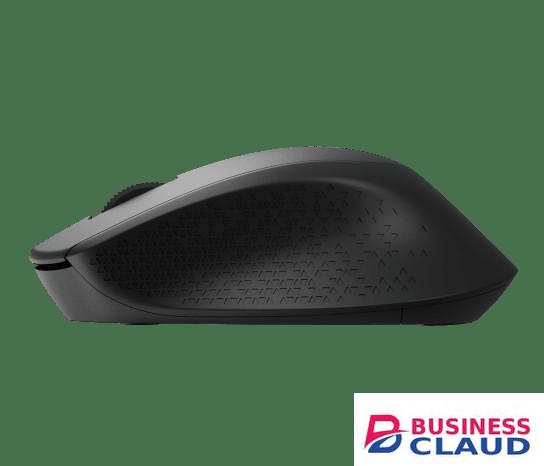
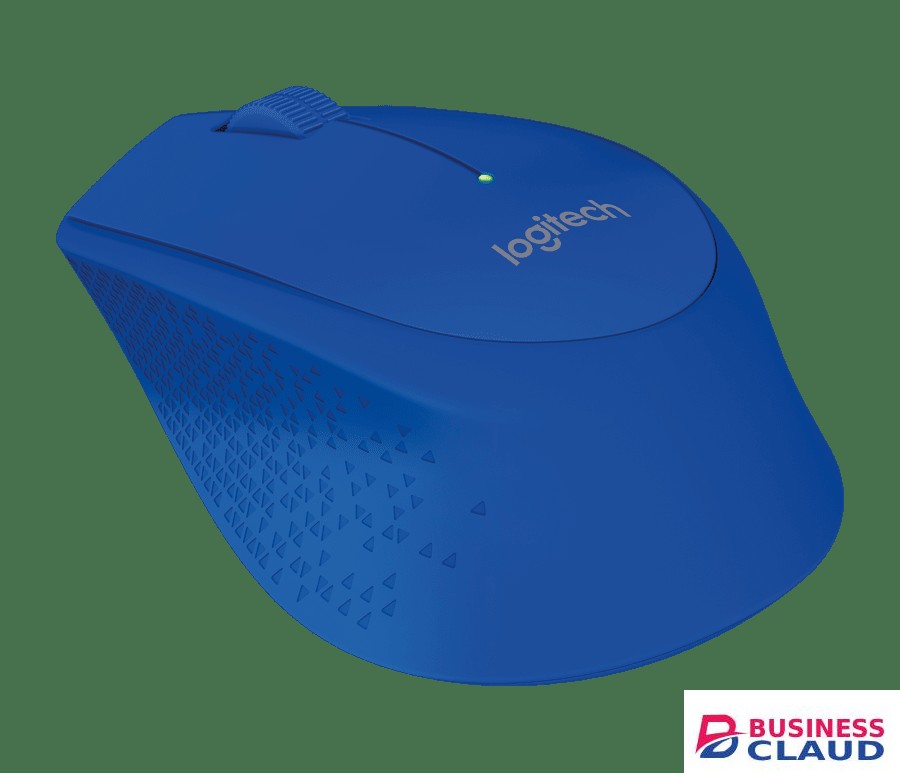
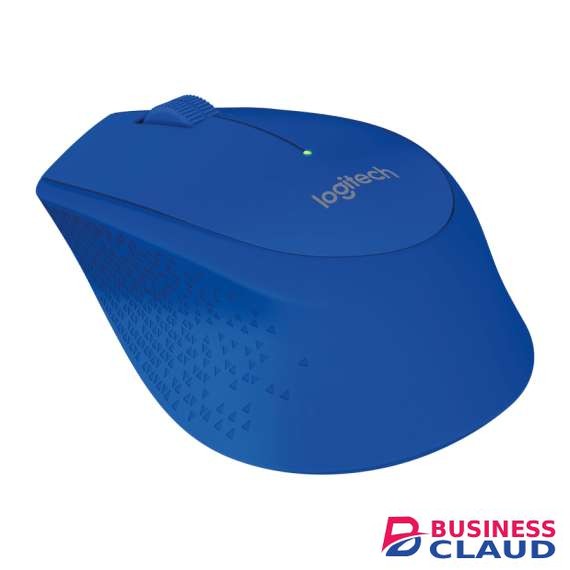
Decades of Design Excellence We bring over 25 years of expertise and innovation creating mice of various sizes and shapes that provide an extra degree of comfort. Our solutions are meticulously crafted to fit right- or left-handed users, making it easier to find the product that’s right for you. Less Noise, More Focus Stay focused on your work without noise distractions. Logitech’s own SilentTouch Technology reduces over 90% of clicking sounds, all while ensuring the mouse performs its best. That means you can feel every single click but hear virtually nothing. All-Day Comfort M330 SILENT PLUS is a result of Logitech’s expertise and innovative approach designing comfortable solutions for over 25 years. Its asymmetric shape is meticulously crafted to guide your right hand to a natural position, while the distinctive patterns improves touch feeling. All that allows you to work or study comfortably for hours. Easy Navigation, Precise Control Track and scroll with excellent accuracy and precision. M330 SILENT PLUS features a rubber scroll wheel with tactile feel that gives you a controlled line-by-line scrolling experience. Logitech’s high precision tracking offers next-level cursor control for great navigation on almost any surface. Quality You Can Count On M330 SILENT PLUS is made to be durable and reliable, it works up to 18 months without changing batteries thanks to the on/off switch button and auto-sleep power-saving mode. Plug & Play Wireless Setting up M330 SILENT PLUS is a snap. It works seamlessly on most OS, including Windows, macOS, and Linux. Start working in seconds by simply plugging the USB receiver into your computer or laptop. The receiver provides a strong, reliable, and flawless wireless connection within up to 10 meters (33 feet). SilentTouch Technology: Left/Right-click, Middle click, Scrolling and Gliding have been noise reduced Sensor Technology: Smooth optical tracking DPI (Min/Max): 1000± Number of Buttons: 3 (Left/Right-click, Middle click) Scrolling: Line-by-line scrolling Scroll Wheel: Yes, Rubber, 2D, mechanical Battery: 18 months Battery Details: 1 x AA (included) Connection Type: 2.4 GHz wireless connection Wireless range: 33 ft (10 m) Color: Black, Blue Compatibility Windows® 10,11 or later macOS 11 or later ChromeOS Linux® In The Box Mouse USB Receiver User documentation
from 1 USh 138,060.00 Incl. 0.16% VAT
New Sale
Logitech M240 Silent Wireless Bluetooth Mouse

Logitech M240 Silent Wireless Bluetooth Mouse

Technical Specifications SilentTouch Technology 90% noise reduced Left/Right-click, Middle click 1Left click dBA level measured by independent lab at 1m. Compared with Logitech M185. Sensor Technology Smooth optical tracking Nominal value: DPI range DPI range: 400-4000, Steps of 100 DPI Buttons Number of Buttons: 3 (Left/Right-click, Middle click) Scrolling Line-by-line scrolling Scroll Wheel: Yes, 2D, optical Battery life Battery life: 18 months 2Battery life may vary based on user and computing conditions. Battery Details: 1 x AA (included) Connectivity Connection Type: Bluetooth Low Energy Technology Wireless range: 10 meters 3Wireless range may vary based on user, environmental and computing conditions. Connect / Power: Yes, on/off switch Optional software Supported by Logi Options+ on macOS 11 or later and Window 10, 11 or later Sustainability Rose plastics: 37% post-consumer recycled material. Certified carbon neutral Compatibility Bluetooth-enabled computers or mobile devices that support external mice (HID profile). Check with device manufacturer for details. Windows® 10, 11 or later macOS 11 or later iPadOS 14 or later ChromeOS™ Linux® Android 9.0 or later Internet connection (for recommended Logi Options+ software download) Compatible with Logi Bolt USB Receiver (not included) Not compatible with other Logitech USB receivers. In the Box Mouse 1 AA battery (pre-installed) User documentation
from 1 USh 127,440.00 Incl. 0.16% VAT
New Sale
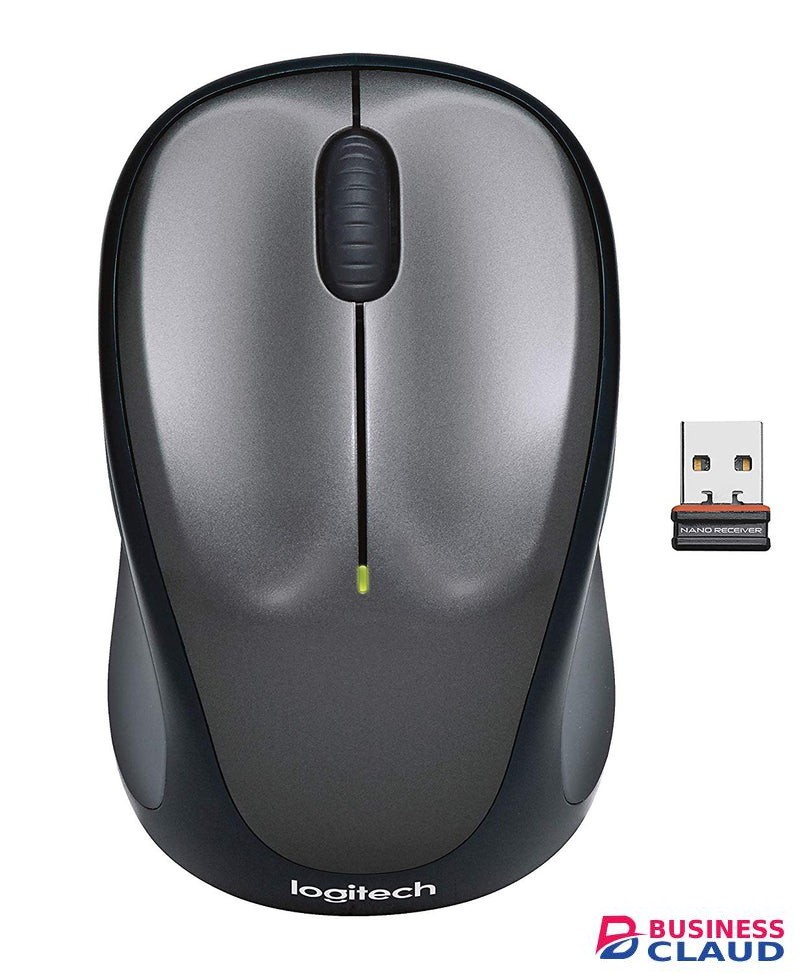
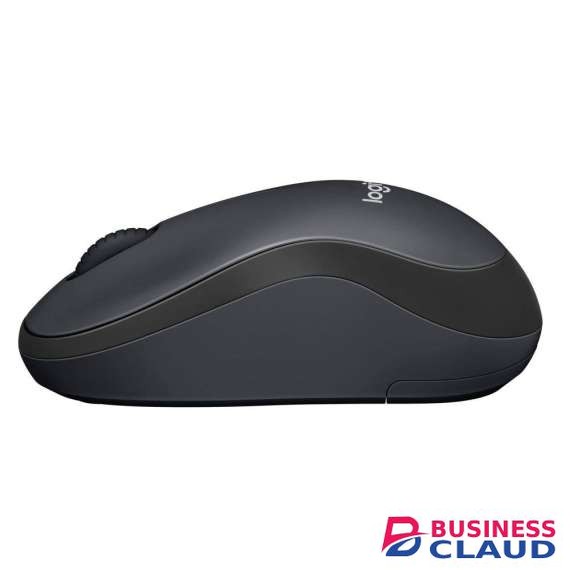
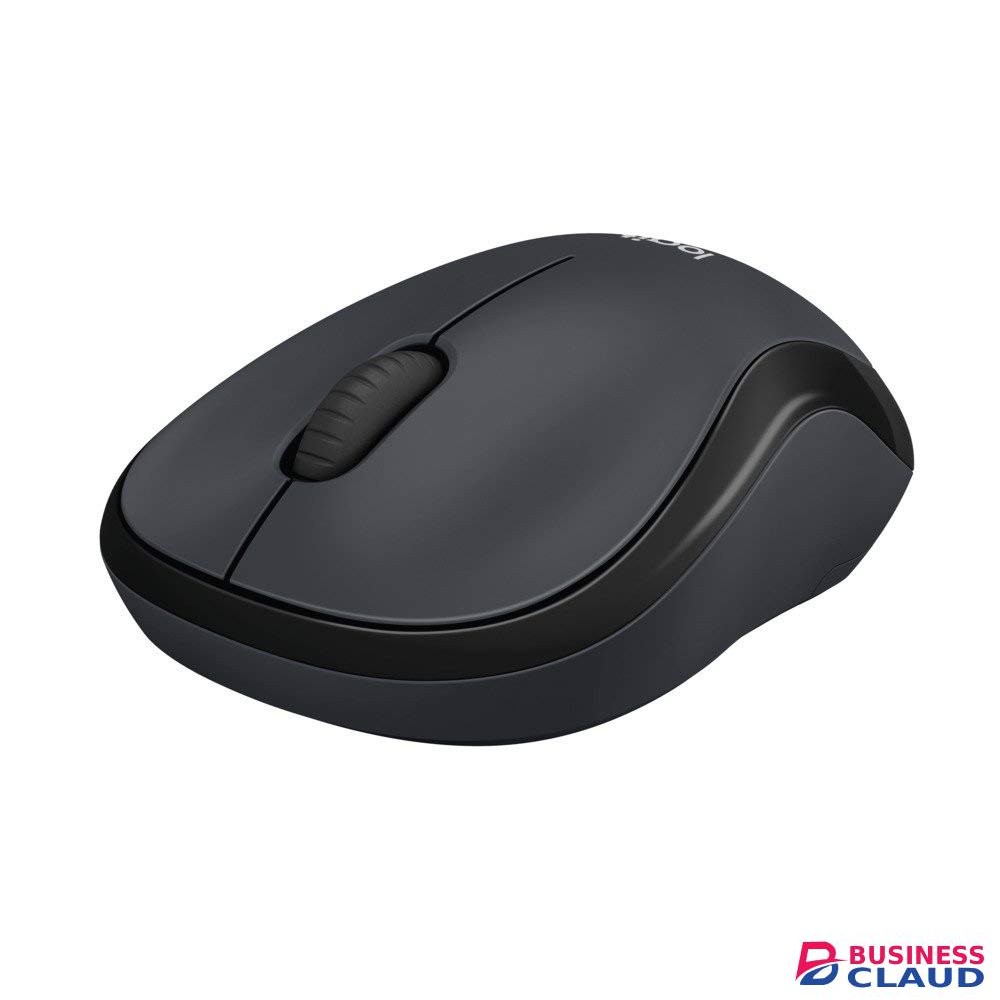
Logitech M221 Wireless Silent Mouse

Logitech M221 Wireless Silent Mouse

Decades of Design Excellence We bring over 25 years of expertise and innovation creating mice of various sizes and shapes that provide an extra degree of comfort. Our solutions are meticulously crafted to fit right- or left-handed users, making it easier to find the product that’s right for you. Less Noise, More Focus Stay focused on your work without noise distractions. Logitech’s own SilentTouch Technology reduces over 90% (Sound level comparison between Logitech M221 and Logitech M170. Left click dBA measured by an independent lab at 1m.) of clicking sounds, all while ensuring the mouse performs its best. That means you can feel every single click but hear virtually nothing. Comfortable Shape, Compact Design Stay productive longer with the comfortable, contoured shape that follows the natural curve of your hand. Compact and wireless, the mouse fits easily with your laptop in a bag—so you can take it anywhere you work. M221 is designed to be equally comfortable for both left- and right-handed users. Easy Navigation, Precise Control Navigate easier with a controlled line-by-line scrolling experience for easier navigation. No more annoying missed clicks—the optical sensor allows you to track with smooth and accurate cursor control on almost any surface. Quality You Can Rely On The mouse is built with the same high quality standards that have made Logitech the global leader for mice and keyboards. Durable and reliable, M221 also works up to 18 months without changing batteries thanks to the on/off switch button and auto-sleep power-saving mode. Plug & Play Simplicity M221 is compatible with Windows®, macOS, Chrome OS™ and Linux® and works instantly when you plug the USB receiver into your computer or laptop. The receiver also provides a strong, reliable connection within up to 10 meters. Increased Productivity Get more done by adding M221 to your laptop. According to a recent study, laptop users who chose this mouse over a touchpad were 50% more productive and worked 30% faster SilentTouch Technology: 90% noise reduced Left/Right-click, Middle click Sensor Technology: Smooth optical tracking DPI (Min/Max): 1000± Number of Buttons: 3 (Left/Right-click, Middle click) Customization app: Supported by Logi Options+ on Windows and macOS Scrolling: Line-by-line scrolling Scroll Wheel: Yes, 2D, optical Battery: 18 months Battery Details: 1 x AA (included) Connection Type: 2.4 GHz wireless connection Wireless range: 33 ft (10 m) Connect / Power: Yes, on/off switch Color: Charcoal Compatibility Windows® 10,11 or later macOS 10.8 or later ChromeOS Linux® kernel 2.6+ In The Box Mouse Nano Receiver User documentation
from 1 USh 127,440.00 Incl. 0.16% VAT
New Sale
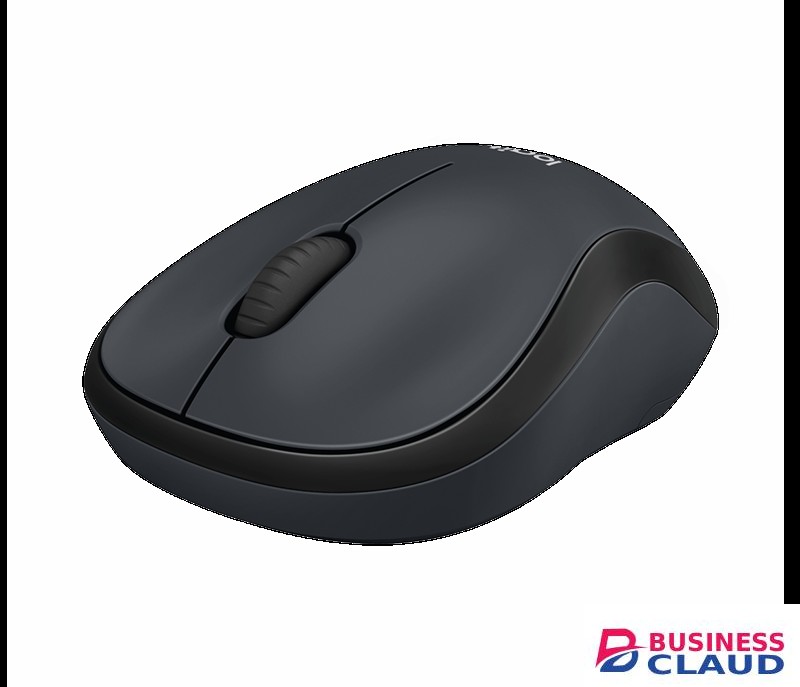
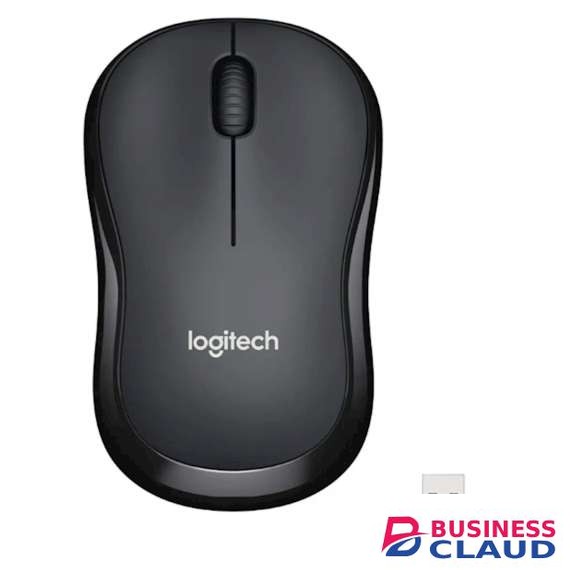
Logitech M220 Silent Wireless Mouse

Logitech M220 Silent Wireless Mouse

Decades of Design Excellence We bring over 25 years of expertise and innovation creating mice of various sizes and shapes that provide an extra degree of comfort. Our solutions are meticulously crafted to fit right- or left-handed users, making it easier to find the product that’s right for you. Less Noise, More Focus Stay focused on your work without noise distractions. Logitech’s own SilentTouch Technology reduces over 90% 5Sound level comparison between Logitech M220 and Logitech M170. Left click dBA measured by an independent lab at 1m. of clicking sounds, all while ensuring the mouse performs its best. That means you can feel every single click but hear virtually nothing. Comfortable Shape, Compact Design Stay productive longer with the comfortable, contoured shape that follows the natural curve of your hand. Compact and wireless, the mouse fits easily with your laptop in a bag—so you can take it anywhere you work. M220 is designed to be equally comfortable for both left- and right-handed users. Easy Navigation, Precise Control Navigate easier with a controlled line-by-line scrolling experience for easier navigation. No more annoying missed clicks—the optical sensor allows you to track with smooth and accurate cursor control on almost any surface. Quality You Can Rely On The mouse is built with the same high quality standards that have made Logitech the global leader for mice and keyboards. Durable and reliable, M220 also works up to 18 months without changing batteries thanks to the on/off switch button and auto-sleep power-saving mode. Plug & Play Simplicity M220 is compatible with Windows®, macOS, Chrome OS™ and Linux® and works instantly when you plug the USB receiver into your computer or laptop. The receiver also provides a strong, reliable connection within up to 10 meters. Increased Productivity Get more done by adding M220 to your laptop. According to a recent study, laptop users who chose this mouse over a touchpad were 50% more productive and worked 30% faster SilentTouch Technology: 90% noise reduced Left/Right-click, Middle click Sensor Technology: Smooth optical tracking DPI (Min/Max): 1000± Number of Buttons: 3 (Left/Right-click, Middle click) Customization app: Supported by Logi Options+ on Windows and macOS Scrolling: Line-by-line scrolling Scroll Wheel: Yes, 2D, optical Battery: 18 months Battery Details: 1 x AA (included) Connection Type: 2.4 GHz wireless connection Wireless range: 33 ft (10 m) Connect / Power: Yes, on/off switch Compatibility Windows® 10,11 or later macOS 10.8 or later ChromeOS Linux® kernel 2.6+ Internet access required to download optional customization app Logi Options+ In The Box Mouse Nano Receiver User documentation
from 1 USh 138,060.00 Incl. 0.16% VAT
New Sale
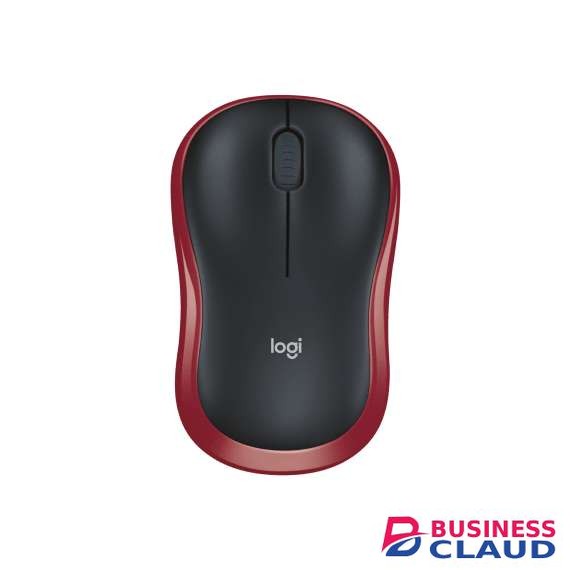
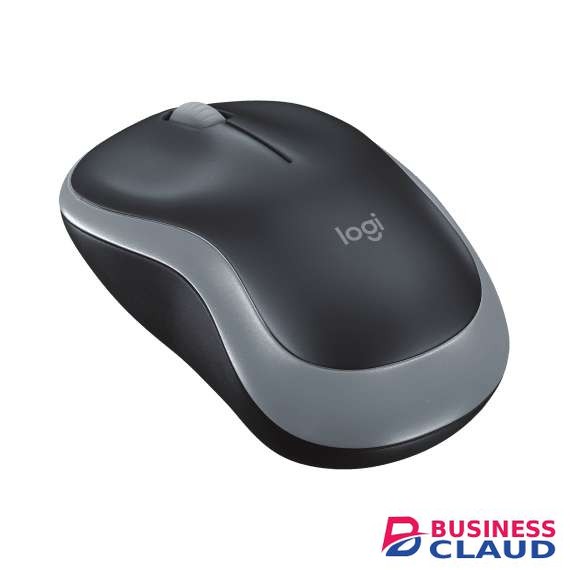
Logitech M185 Wireless Mouse

Logitech M185 Wireless Mouse

Decades of Design Excellence We bring over 25 years of expertise and innovation creating mice of various sizes and shapes that provide an extra degree of comfort. Our solutions are meticulously crafted to fit right- or left-handed users, making it easier to find the product that’s right for you. Comfortable Shape, Compact Design Stay productive longer with the comfortable, contoured shape that follows the natural curve of your hand. Compact and wireless, the mouse fits easily with your laptop in a bag—so you can take it anywhere you work. M185 is designed to be equally comfortable for both left- and right-handed users. Easy Navigation, Precise Control M185 provides a controlled line-by-line scrolling experience for easier navigation. No more annoying missed clicks—the optical sensor allows you to track with smooth and accurate cursor control on almost any surface. Quality You Can Rely On The mouse is built with the same high quality standards that have made Logitech the global leader for mice and keyboards. Durable and reliable, M185 also works up to 12 months without changing batteries thanks to the on/off switch button and auto-sleep power-saving mode. Plug & Play Simplicity M185 is compatible with Windows®, macOS, Chrome OS™ and Linux® and works instantly when you plug the USB receiver into your computer or laptop. The receiver also provides a strong, reliable connection within up to 10 meters.9Wireless range may vary based on user, environmental and computing conditions. Complete Tasks Faster Get more done by adding M185 to your laptop. According to a recent study, laptop users who chose this mouse over a touchpad were 50% more productive. Logitech Ergonomic Lab study on 23 participants in (Oct / 2019) with two Logitech standard mice and two standard, embedded trackpads and worked 30% faster Sensor Technology: Smooth optical tracking DPI (Min/Max): 1000± Number of Buttons: 3 (Left/Right-click, Middle click) Customization app: Supported by Logi Options+ on Windows and macOS Scrolling: Line-by-line scrolling Scroll Wheel: Yes, 2D, optical Battery: 12 months Battery Details: 1 x AA (included) Connection Type: 2.4 GHz wireless connection Wireless range: 33 ft (10 m) Connect / Power: Yes, on/off switch Colors: Grey, Blue, Red Compatibility Windows® 10,11 or later macOS 10.8 or later ChromeOS Linux® kernel 2.6+ Internet access required to download optional customization app Logi Options+ In The Box Mouse Nano Receiver User documentation
from 1 USh 95,580.00 Incl. 0.16% VAT
New Sale
Logitech M171 Wireless Mouse

Logitech M171 Wireless Mouse

DECADES OF DESIGN EXCELLENCE We bring over 25 years of expertise and innovation creating mice of various sizes and shapes that provide an extra degree of comfort. Our solutions are meticulously crafted to fit right- or left-handed users, making it easier to find the product that’s right for you. ANY HAND, ANYWHERE The compact, wireless M171 has a fully ambidextrous design that easily fits within your laptop bag, so you can get to work anywhere—whether you’re left- or right-handed. PLUG & PLAY WIRELESS Connect in 3 seconds and get up to 10 meters of wireless freedom with a strong, reliable USB receiver. That means no delays, no dropouts. M171 is compatible with Windows, macOS, Chrome OS and Linux and works instantly when you plug the USB receiver into your computer or laptop. EASY NAVIGATION, SMOOTH CONTROL Easy navigation thanks to a controlled line-by-line scrolling and optical tracking. The optical sensor gives you smooth and accurate cursor control on almost any surface. That means accurate mouse movements with no more annoying missed clicks. QUALITY YOU CAN RELY ON The mouse is built with the same high quality standards that have made Logitech the global leader for mice and keyboards. Durable and reliable, M171 also works up to 12 months without changing batteries thanks to the on/off switch button and auto-sleep power-saving mode. BETTER THAN A TOUCHPAD Using a mouse is more ergonomic than a touchpad. The compact shape and wireless capability lets you work comfortably —at home, the office, or anywhere in between. Sensor Technology: Smooth optical tracking DPI (Min/Max): 1000± Number of Buttons: 3 (Left/Right-click, Middle click) Customization app: Supported by Logi Options+ on Windows and macOS Scrolling: Line-by-line scrolling Scroll Wheel: Yes, 2D, optical Battery: 12 months Battery Details: 1 x AA (included) Connection Type: 2.4 GHz wireless connection Wireless range: 33 ft (10 m) Connect / Power: Yes, on/off switch Colors: Black, Blue, Red, Blue Gray Compatibility Windows® 10,11 or later macOS 10.8 or later ChromeOS Linux® kernel 2.6+ Internet access required to download optional customization app Logi Options+ In The Box Mouse USB Receiver User documentation
from 1 USh 95,580.00 Incl. 0.16% VAT
New Sale
Logitech M170 Wireless Mouse

Logitech M170 Wireless Mouse

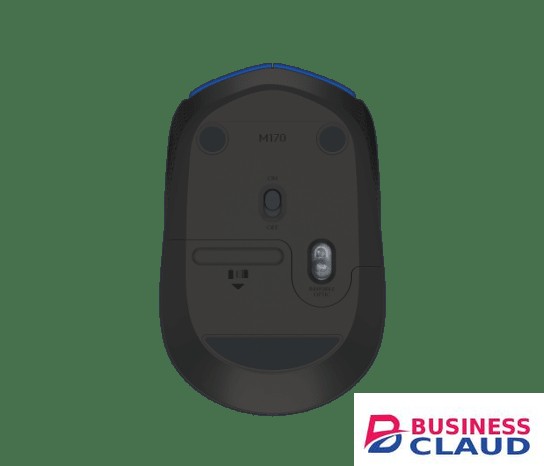
WIRELESS SIMPLICITY M170 is ready when you are. Simply plug the receiver into a USB port on your device to start working in seconds. The small size and smooth cursor control make it great for tight workspaces and busy desks. Enjoy the world of wireless. ANY HAND, ANYWHERE The compact, wireless M170 has a fully ambidextrous design that easily fits within your laptop bag, so you can get to work anywhere—whether you’re left- or right-handed. PLUG & PLAY WIRELESS Connect in 3 seconds and get up to 10 meters of wireless freedom with a strong, reliable USB receiver. That means no delays, no dropouts. M170 is compatible with Windows, macOS, Chrome OS and Linux and works instantly when you plug the USB receiver into your computer or laptop. EASY NAVIGATION, SMOOTH CONTROL Easy navigation thanks to a controlled line-by-line scrolling and optical tracking. The optical sensor gives you smooth and accurate cursor control on almost any surface. That means accurate mouse movements with no more annoying missed clicks. QUALITY YOU CAN RELY ON The mouse is built with the same high quality standards that have made Logitech the global leader for mice and keyboards. Durable and reliable, M170 also works up to 12 months without changing batteries thanks to the on/off switch button and auto-sleep power-saving mode. BETTER THAN A TOUCHPAD Using a mouse is more ergonomic than a touchpad. The compact shape and wireless capability lets you work comfortably —at home, the office, or anywhere in between. Sensor Technology: Smooth optical tracking DPI (Min/Max): 1000± Number of Buttons: 3 (Left/Right-click, Middle click) Customization app: Supported by Logi Options+ on Windows and macOS Scrolling: Line-by-line scrolling Scroll Wheel: Yes, 2D, optical Battery: 12 months Battery Details: 1 x AA (included) Connection Type: 2.4 GHz wireless connection Wireless range: 33 ft (10 m) Connect / Power: Yes, on/off switch Compatibility Windows® 10,11 or later macOS 10.8 or later ChromeOS Linux® kernel 2.6+ Internet access required to download optional customization app Logi Options+ In The Box Mouse Receiver User documentation
from 1 USh 95,580.00 Incl. 0.16% VAT
New Sale
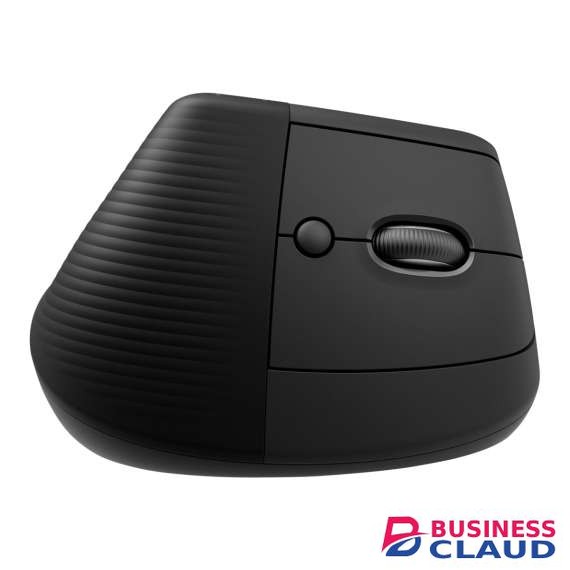
Logitech Lift Bluetooth Vertical Ergonomic Mouse

Logitech Lift Bluetooth Vertical Ergonomic Mouse

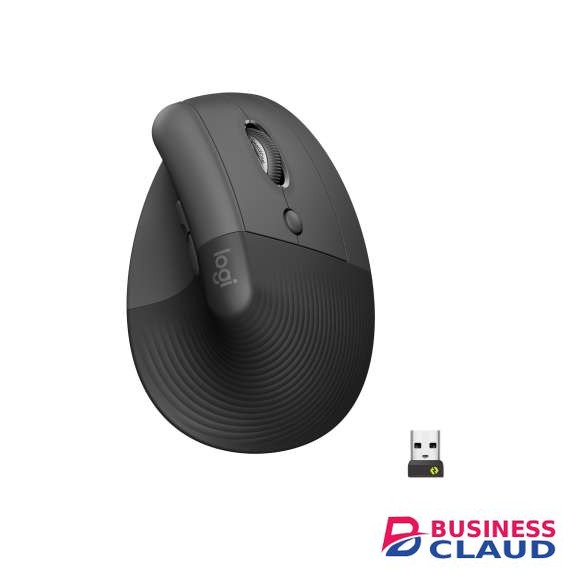
Bluetooth Low Energy Windows 10 11 or later macOS 10.15 or later iPadOS 14 or later 6Device basic functions will be supported without additional drivers zor operating systems other than Windows® and macOS ChromeOS 7Device basic functions will be supported without additional drivers for operating systems other than Windows® and macOS Linux 8Device basic functions will be supported without additional drivers for operating systems other than Windows® and macOS Android 8 or later 9Device basic functions will be supported without additional drivers for operating systems other than Windows and macOSLogi Bolt USB Receiver Required: Available USB Port Windows 10, 11 or later macOS 10.15 or later ChromeOS 10Device basic functions will be supported without software for systems other than Windows and macOS Linux 11Device basic functions will be supported without software for systems other than Windows and macOS ChromeOS users should connect over Bluetooth for the best experience. Internet access required to download optional customization app Logi Options+Technical Specifications Sensor Technology Sensor Type: Logitech Advanced Optical Tracking DPI range: 400-4000 dpi (Fully adjustable with 100DPI increments) Nominal value: 1000 DPI Buttons Number of Buttons: 6 (Left/Right-click, Back/Forward, Middle button, Scroll-wheel with middle click) Customization app Supported by Logi Options+ on Windows and macOS 1Available on Windows and macOS at Businessclaud.com Battery Battery type: 1x AA battery (included) Battery life: up to 24-months 2Battery life may vary based on user and computing conditions. Connection type support Logi Bolt USB receiver (included) Bluetooth® Low Energy Technology Wireless range 10-m wireless range 3Wireless range may vary depending on the operating environment and computer setup. Sustainability Graphite plastics: 70% post-consumer recycled material 4Excludes plastic in receiver, battery, printed wiring assembly (PWA), and FFC cable Off-white and Rose plastics: 54% post-consumer recycled material 5Excludes plastic in receiver, battery, printed wiring assembly (PWA), and FFC cable Paper Packaging: FSC™-certified Certified carbon neutral
from 1 USh 477,900.00 Incl. 0.16% VAT
New Sale
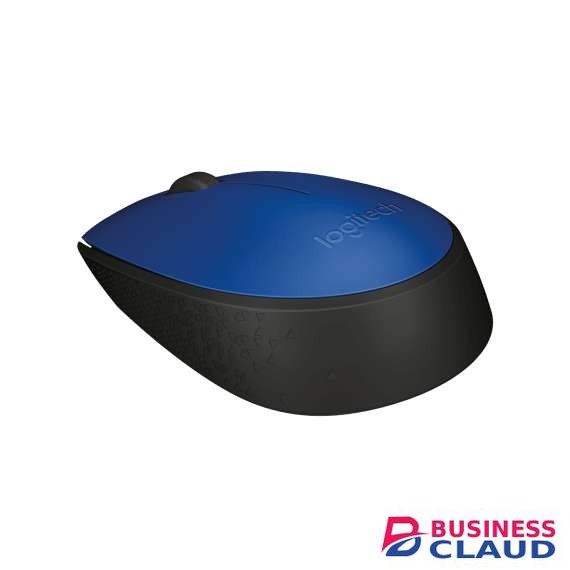
Logitech GROUP Video Conferencing System

Logitech GROUP Video Conferencing System

Logitech GROUP Video Conferencing System Specification CAMERA Smooth motorized pan, tilt and zoom, controlled from remote or console 260°pan, 130° tilt 10x lossless HD zoom 90° Field of View Full HD 1080p 30fps H.264 UVC 1.5 with Scalable Video Coding (SVC) Autofocus 5 camera presets Far-end control (PTZ) of ConferenceCam products ZEISS lens certifcation Kensington security slot LED to confrm video streaming Standard tripod thread REMOTE CONTROL Dockable 8.5m/28-foot range SPEAKERPHONE Full-duplex performance Acoustic echo cancellation Noise reduction technology Ultra-wideband audio Bluetooth and NFC wireless technology LCD for caller ID, call duration and other functional response LEDs for speakerphone streaming, mute, hold, and Bluetooth wireless paring Touch controls for call answer/end, volume and mute, Bluetooth – plus camera PTZ, “home” preset and farend control Microphones (Tx) Four omni-directional microphones supporting 20-foot diameter range Frequency response: 100Hz – 11KHz Sensitivity: -28dB +/-3dB Distortion: 1% @ 1KHz at 106dB Speakers (Rx) Frequency response: 120Hz – 14KHz Sensitivity: 83dBSPL +/-3dB at 1W/1M Max output: 91dBSPL Distortion: 5% from 200Hz Kensington security slot HUB / CABLE Central mountable hub for connection of all components Included adhesive solution for under-table mounting Two cables for connection between hub and camera/ speakerphone (Length: 5m/16’) One USB cable for connection to PC/Mac (Length: 3m/6.6’) AC Power adapter (Length: 3m/9.8’) MOUNT Dual purpose mount for wall placement or for elevating the camera on a table COMPLIANCE AND TOOLS USB 2.0 compliant UVC-compliant video and audio for broad application compatibility Optimized for Microsoft® Lync®, Certifed for Skype for Business, Cisco Jabber® and WebEx® compatible. Enhanced integration with Logitech Collaboration Program (LCP) members. Downloadable diagnostic tool Field upgradeable frmware tool Downloadable app plug-ins for advanced feature support PACKAGE CONTENTS Camera Speakerphone Remote control Two 5m cables for connection between speakerphone and hub and camera and hub One 2m meter cable between hub and PC Velcro for cable management Velcro for hub to table securing Powered hub Power adapter with regional plugs and 3m Mount Documentation Warranty card Logitech Group Cam Datasheet
from 1 USh 3,982,500.00 Incl. 0.16% VAT
New Sale
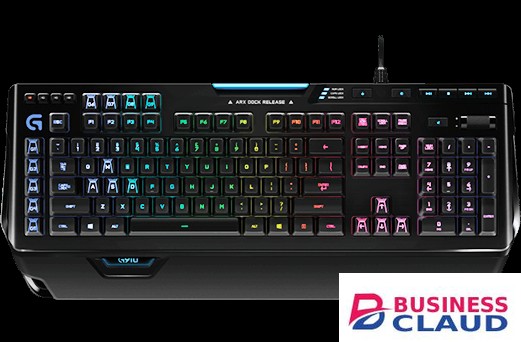
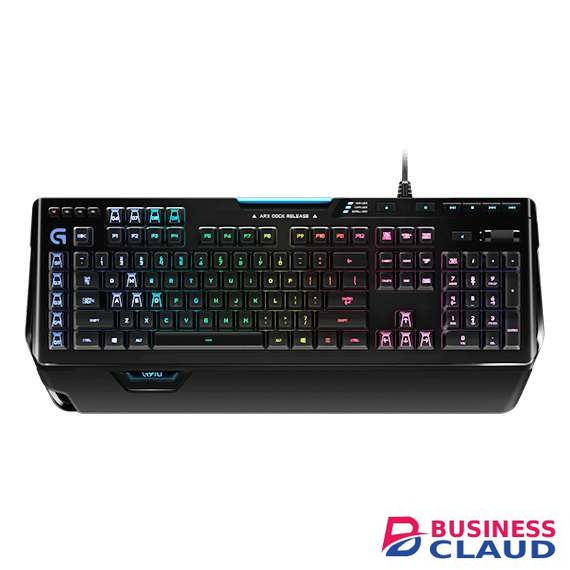
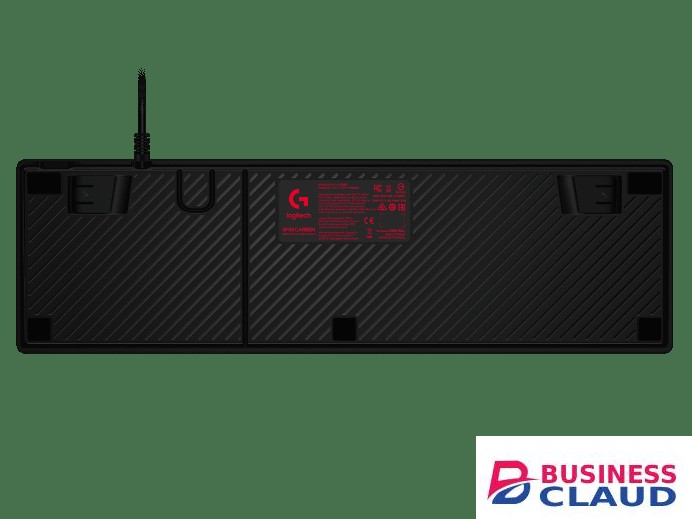
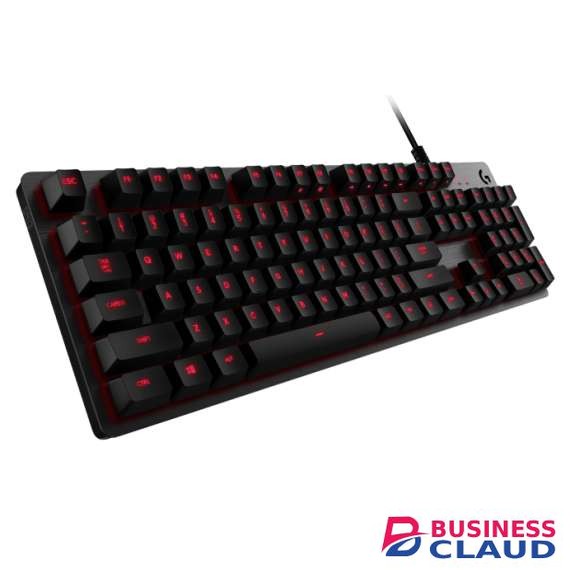
Logitech G910 Orion Spectrum RGB Mechanical Gaming Keyboard

Logitech G910 Orion Spectrum RGB Mechanical Gaming Keyboard

EXCLUSIVE ROMER-G MECHANICAL SWITCHES Fast, Durable Gaming Technology Logitech exclusive Romer-G™ mechanical switches give you incredible responsiveness, with a key actuation point up to 25 percent shorter. It’s faster than standard mechanical switches. Faster actuation means faster response for the edge in battles where every millisecond matters. INTELLIGENT RGB ILLUMINATION Approximately 16.8 million Customizable colors Use Logitech Gaming software to your keyboard lighting effects. Mark keys by color to keep track of spells and game commands. Each key’s backlight can be customized from a palette of approximately 16.8 million colors. The key letters are entirely illuminated for a beautiful, evenly-lit glow. INTEGRATED ARX CONTROL In-Game Stats on a Mobile Screen Arx Control app introduces second-screen capability. Use your smart phone or tablet to display in-game info, vital system statistics, and in-game control in supported games like Tom Clancy’s The Division, and more. The keyboard’s adjustable smart dock supports iOS® and Android™ devices DEDICATED MEDIA CONTROLS Play, Pause, Mute, Adjust Take control of your music and videos, using the dedicated media controls to play, pause, and mute. Use the on-board roller bar to adjust the volume. Or, skip to the best scenes at the touch of a button. 9 Customizable G-keys Custom macros and commands Orion Spectrum’s 9 fully-customizable G-keys can be assigned commands per profile, and have been positioned for optimal speed and accessibility. Up to 27 commands can be stored over the three modes for maximum customizability and convenience. Use Logitech Gaming Software to easily set up and manage profiles and commands.
from 1 USh 1,274,400.00 Incl. 0.16% VAT
New Sale
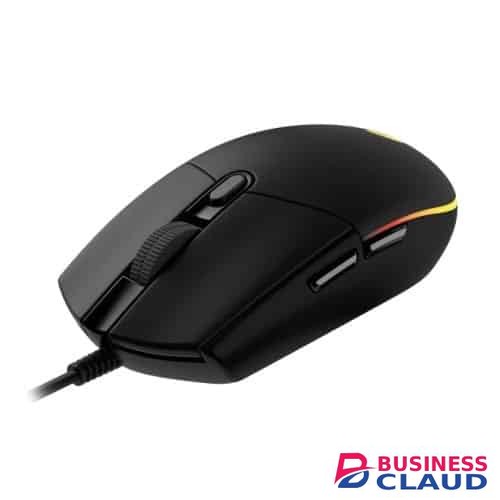
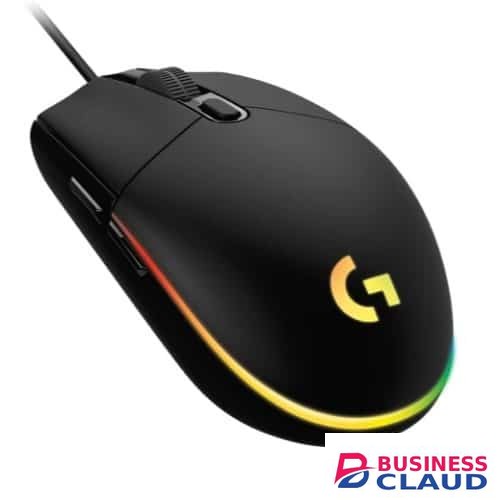
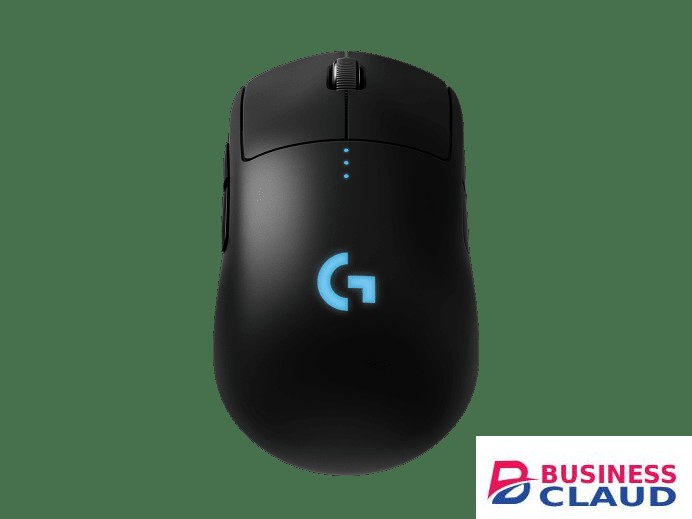
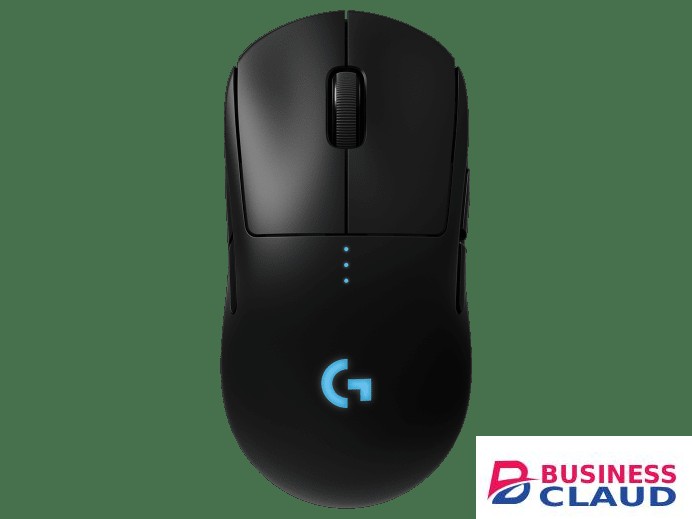
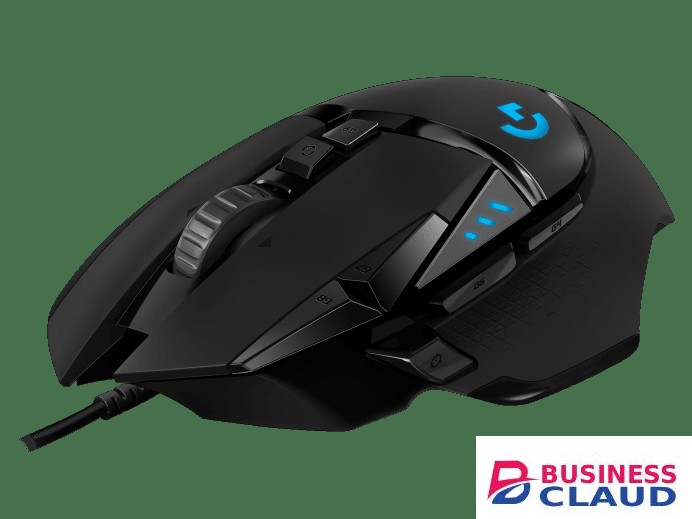
Logitech G102 LIGHTSYNC RGB 6 Button USB Gaming Mouse

Logitech G102 LIGHTSYNC RGB 6 Button USB Gaming Mouse

Ready To Play Make the most of your game time with G102 gaming mouse, featuring LIGHTSYNC technology, a gaming-grade sensor and a classic 6-button design. Light up your game … and your desk. LIGHTSYNC RGB Color Wave Choose from vibrant animations, game- and media-driven settings, or program your own from approximately 16.8 million colors. Gaming-Grade Sensor Get accurate cursor tracking and responsive performance thanks to a gaming-grade sensor. With adjustable sensitivity from 200-price shown DPI, pick the right level that fits your play preference. Use Logitech G HUB software to program up to 5 presets. Tried and True Design The classic six-button design provides both comfort and confidence so you can explore, cast spells, and play just like you want. Use Logitech G HUB software to assign in-game commands, system controls, or key binds to buttons and simplify your gameplay. Optimized Button Tensioning Primary left and right buttons have a Logitech G exclusive metal spring button tensioning system which delivers precise button actuation and consistent experience—click after click. Logitech G Hub Gaming Software G102 is designed to work seamlessly in any system, but if you’re looking to fine-tune controls, free-to-download customization software is easy to use and set up. Logitech G HUB software is a complete customization suite that, lets you personalize lighting, sensitivity, and button commands on your G102 mouse. Download G HUB Software Here Button Assignments Assign system commandsprice shownortcut keys, and keyboard commands to the 6 buttons. You can also create powerful macros, which let you input sequences of commands in a row that execute every time you click the assigned button. Set Your Sensitivity G102 sensor is capable of sensitivity up to price shown DPI (dots per inch). G102 lets you choose sensitivity settings as easy as sliding a scroll bar. Set up to 5 levels and cycle through them with the press of a button. It’s great for games that have different modes or levels that might require more control, like a sniper scope or a speed clicking level. Onboard Memory When you take your G102 with you, your custom settings can come along. By saving your preferences to the onboard memory using Logitech G HUB device settings you can use it on other computers with no need to install software or reconfigure your settings. Plug and play your way. Weight: 85 g, (mouse only) Cable length: 2.1 m Resolution: 200 – price shown dpi USB data format: 16 bits/axis USB report rate: 1000Hz (1ms) Microprocessor: 32-bit ARM Color: Black Compatibility Windows® 7 or later macOS 10.13 or later ChromeOS USB port In The Box G102 LIGHTSYNC User documentation
from 1 USh 169,920.00 Incl. 0.16% VAT
New Sale
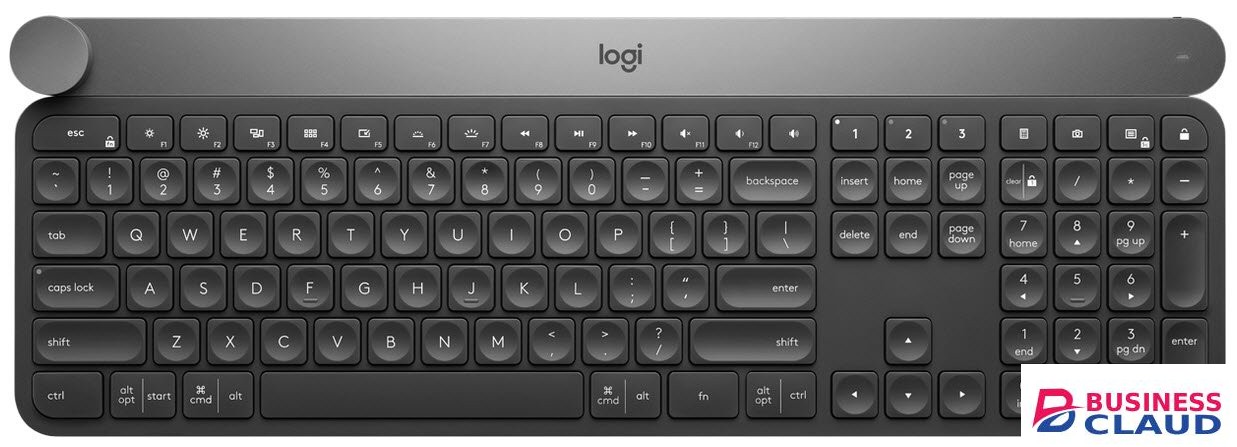
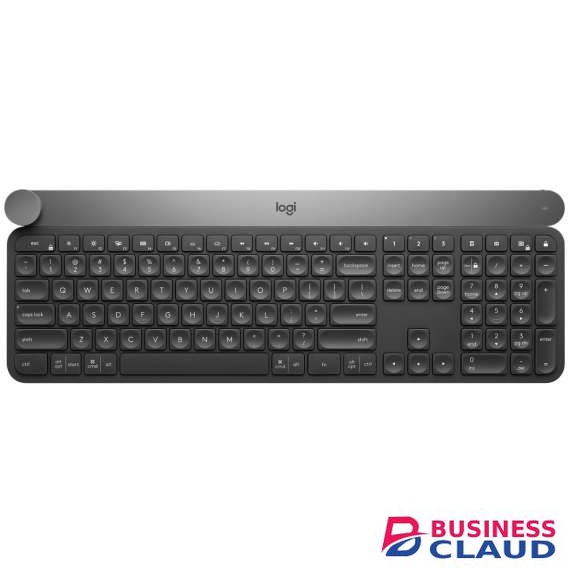
Logitech Craft Advanced Keyboard with Creative Input Dial

Logitech Craft Advanced Keyboard with Creative Input Dial

Logitech Craft Advanced Keyboard with Creative Input Dial – 920-008504 Complete Creative Control Craft is a wireless keyboard with a premium typing experience and a versatile input dial that adapts to what you’re making — keeping you focused and in your creative flow. Control You Need, The Moment You Need It The creative input dial adapts to the app you’re using — giving you instant access to specific functions for the task at hand. The touch-sensitive control lets you feel your way through your creation — for a more efficient and immersive workflow. Touch, Tap, And Turn In Your Favorite Apps In Windows® or macOS, adjust brightness in Adobe Photoshop® CC, change stroke weight in Adobe Illustrator® CC, edit images in Adobe Lightroom® Classic CC,and more with a turn of the dial. Windows users can also enlarge text in Microsoft PowerPoint®, instantly create charts in Microsoft Excel®, and more. Smart Illumination Craft breathes to life with a backlighting flourish when it turns on — and the keys light up the moment your hands approach. The backlit keys automatically adjust the brightness to suit changing lighting conditions. Type With Effortless Precision Confidently type on a keyboard crafted for efficiency, stability, and precision. Increased key stability reduces noise and optimizes responsiveness so you feel, but don’t hear, every keystroke. The spherical key dishing is crafted for accuracy, and blind navigation details make it easy to orient your fingers so you never miss a key — or a beat.
from 1 USh 1,354,050.00 Incl. 0.16% VAT