Promotional Banner - Delivery in 2-3 hours, Quality & Original, Delivered

Computers

New Sale
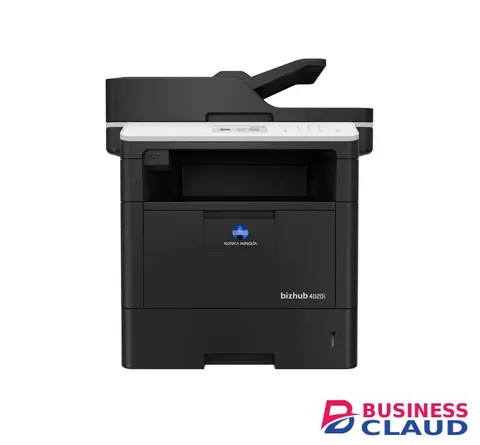
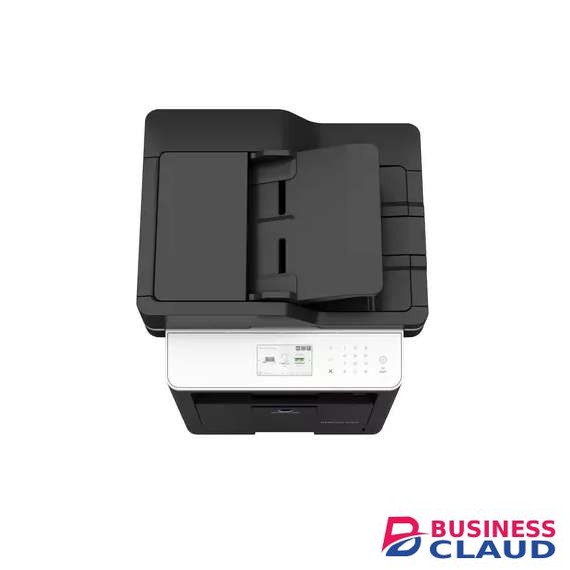
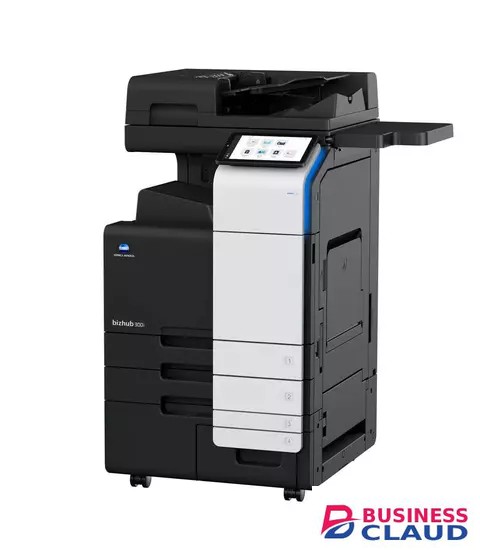
Konica Minolta Bizhub 4020i A4 Mono Multifunctional Printer

Konica Minolta Bizhub 4020i A4 Mono Multifunctional Printer

Overview Versatile, reliable and high-quality performance 40 ppm in black & white Paper formats: A6-A4 Easy operation and maintenance Compact and solid design Print documents directly from mobile devices Specification Copy Card shot Prints copies of the front and back of the original on the same page, e.g. for passport and other ID Copy features 2in1 and 4in1 copying can be selected Quality adjustments Improves the document quality by editing the density, brightness, etc. Fax Convenient fax distribution Fax destinations can be preconfigured in an addressbook Fax forwarding Forwarding of incoming fax documents by email or to SMB folder instead of printing IP-Fax Sending of fax messages via network between Konica Minolta MFPs; supports colour as well as black & white PC-Fax Direct fax transmission from the PC Print High print resolution For best output quality Mobile Printing Possibility to directly print documents from a mobile device MyTab Print driver customisation Quiet mode Prevents noise disturbance due to reduced noise while printing Scan Scan-to-FTP Sends converted files to an FTP server Scan-to-Me/Home Direct scan to own email address (Me) or SMB folder (Home) based on Active Directory information Support of various scan formats Including TIFF, PDF, Compact PDF, JPEG, etc. TWAIN scan for clever digitisation of documents Security Network security Support for SSL/TLS, HTTPS, 802.1x and IPsec. Secure print Password entering is required at the printer before prints are released
from 1 USh 5,469,300.00 Incl. 0.16% VAT
New Sale
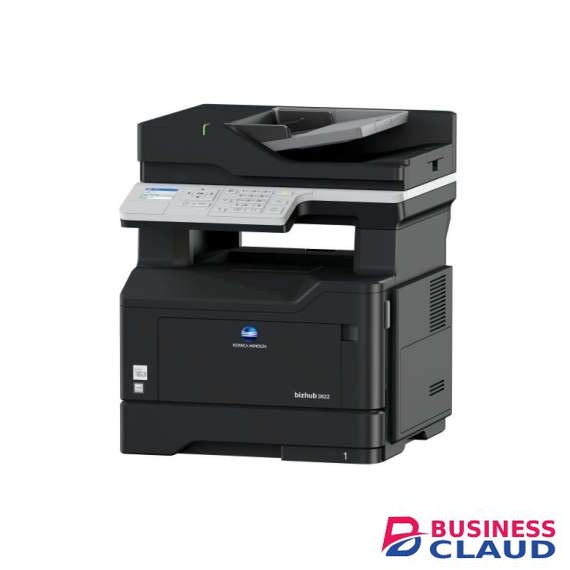
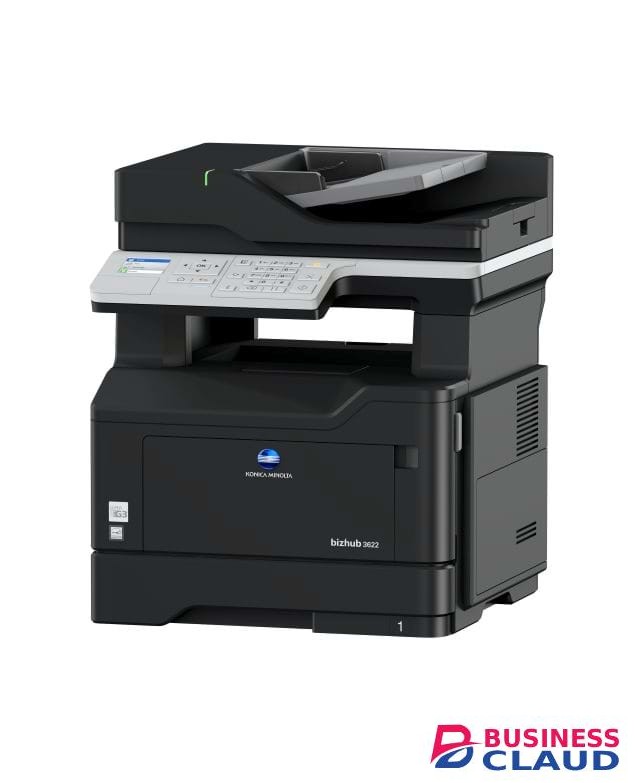
Konica Minolta Bizhub 3622 A4 Mono Laser Printer

Konica Minolta Bizhub 3622 A4 Mono Laser Printer

Overview Speed A4: 36 ppm in black & white Paper formats: A6-A4 and custom sizes Better efficieny for everyday tasks thanks to high job processing performance More enjoyable to work with thanks to intuitive device operation Reduced costs with duplex print and lower energy consumption Conforms to international environmental standards Like Energy Star or Blue Angel Mark Eco mode Optimises the printer settings for lower energy, paper and toner consumption Full duplex functionality Saves resources Hibernate mode Manual or scheduled hibernate settings ensure low energy consumption with less than 1 watt during off hours Specification Copy Copy features Duplex, 2in1 and 4in1 copying can be selected Copy protection Prints a concealed security watermark in the background that appears when copied Quality adjustments Improves the document quality by editing the density, brightness, etc. Quality adjustments Improves the document quality by editing the density, brightness, etc. Fax Convenient fax distribution Fax destinations can be preconfigured in an addressbook Fax forwarding Forwarding of incoming fax documents by email or to SMB folder instead of printing PC-Fax Direct fax transmission from the PC Print Direct print Driverless printing of PDF, XPS, DOCX, XLSX, PPTX, JPEG, TIFF, PS and PCL High print resolution For best output quality Mobile Printing Possibility to directly print documents from a mobile device MyTab Print driver customisation Quiet mode Prevents noise disturbance due to reduced noise while printing Scan Scan-to-FTP Sends converted files to an FTP server Scan-to-FTP Sends converted files to an FTP server Scan-to-Me/Home Direct scan to own email address (Me) or SMB folder (Home) based on Active Directory information Support of various scan formats Including TIFF, PDF, Compact PDF, JPEG, etc. Support of various scan formats Including TIFF, PDF, Compact PDF, JPEG, etc. TWAIN scan for clever digitisation of documents Security Network security Support for SSL/TLS, HTTPS, 802.1x and IPsec Secure print Password entering is required at the printer before prints are released
from 1 USh 3,292,200.00 Incl. 0.16% VAT
New Sale
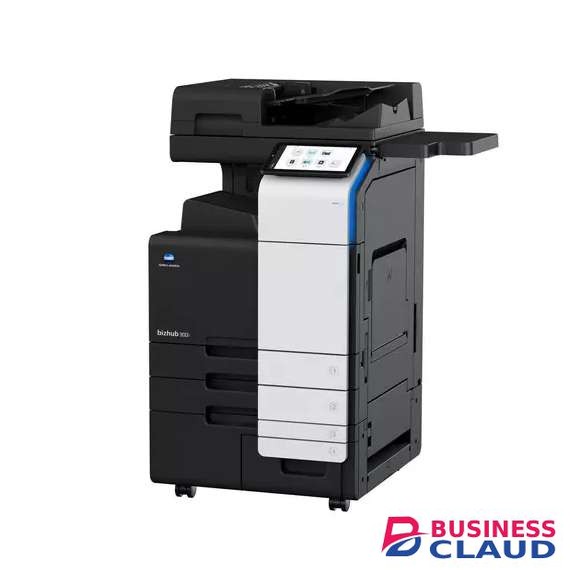
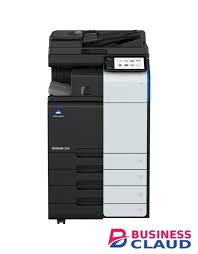
Konica Minolta bizhub 360i Printer

Konica Minolta bizhub 360i Printer

Overview Simple, Connected and Safe. Discover the bizhub i-Series! Black & white speed A4/A3: 36/18 ppm Paper formats: A6-SRA3, custom formats and banner format up to 1.2 metres length 10.1" -inch colour touch panel with multi-touch support and dedicated mobile touch area provides more convenience and flexibility for today's work style Reduced environmental impact thanks to state-of-the-art technology that ensures competitively low energy consumption – which saves both energy and money Highest data security with various security functionalities including state of the art anti virus technology that reduces the risk of data loss and keep confidential data safe Specification Print Carbon Copy print Single page printing from multiple trays Direct print Driverless printing of PDF, XPS, DOCX, XLSX, PPTX, JPEG, TIFF, PS and PCL MyTab Print driver customisation Smart job queue Unprintable jobs e.g. because of unavailable paper size (copy, print and fax) are bypassed by consecutive jobs Toner save mode Helps save toner by reducing toner consumption e.g. for draft prints Copy Blank page removal Automatic deletion of blank pages e.g. when copying mixed simplex and duplex documents Card shot Prints copies of the front and back of the original on the same page, e.g. for passport and other ID Copy protection Prints a concealed security watermark in the background that appears when copied New User Interface Light, simple and modern UI is easy to use Scan Mixed original scanning Automatic scanning of originals with different formats Scan preview Provides a real-time preview of scanned originals for checking before sending Scan programs Pre-setting of original, scan file and destination for regular scan jobs Scan-to-Me/Home Direct scan to own email address (Me) or SMB folder (Home) based on Active Directory information Security Authentication User access by password, user name + password, ID card or finger vein scanner bizhub SECURE Konica Minolta Security consultancy and MFP setup. Enjoy the piece of mind knowing the device is secure. Data encryption Encryption of data stored on hard disk and password protection for hard disk access Network security Support for SSL/TLS, HTTPS, 802.1x and IPsec Fax Fax forwarding Forwarding of incoming fax documents by email or to SMB folder instead of printing IP-Fax Sending of fax messages via network between Konica Minolta MFPs; supports colour as well as black & white PC-Fax Direct fax transmission from the PC Shared address book The MFP-internal address book can be shared with the PC fax client Tray selection Choice of input tray / print media and output tray for easy visibility of incoming faxes Box Auto deletion Automatic deletion of files stored in a user box after a predefined period Box function Storing of print, copy, scan and fax jobs for recall to send and print - for frequently printed documents like brochures, forms, pricelists etc. Online access User box file access via web browser or box operator utility Personal, Group and Public User access definition for different boxes Sharing Copying of documents from user box to user box Green Dynamic eco timer Automatic analysis of working hours and adjustment of sleep mode timing ECO meter Counter for ECO related items e.g. power consumption ECO print Touch screen panel does not light up for printing out of sleep mode ECO scan Scanning of documents without warm-up of the print engine
from 1 USh 37,170,000.00 Incl. 0.16% VAT
New Sale
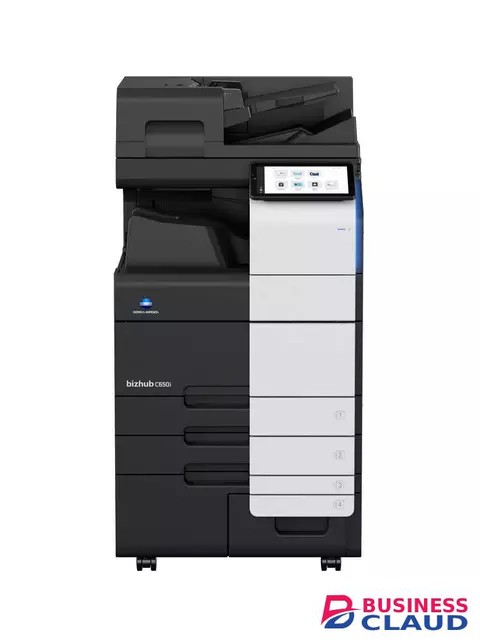
Konica bizhub C650i Multifunctional Printer

Konica bizhub C650i Multifunctional Printer

Overview Simple, Connected and Safe. Discover the bizhub i-Series! 65/65 ppm in colour and black&white Paper formats: A6-SRA3, custom formats and banner printing up to 1.2 m Automatic media type detection for improved User Experience 10.1-inch colour tablet-like touch panel with easy customisable modern UI Highest data security thanks to various security functionalities include Bitdefender anti-virus engine to reduce the risk of data loss and keep confidential data safe Enjoy the bizhub i-Series with the 10.1 inch tablet-like panel, user friendly UI, automatic paper detection, outstanding Security features with the embedded Bitdefender® antivirus scan engine, Remote Services, Konica Minolta IT Services and much more... Finishing Versatile finishing options include online- and offline-stapling, punching, letterfolding of up to price showneets per letter and booklets of up to price showneets (80 pages) for improved office productivity and professional documents. Media support Embedded media sensor can detect paper weight and type to ensure right settings are applied Security A full set of security features provided by bizhub SECURE services, including Bitdefender® anti-virus engine to protect your organization from malware infection. Sustainability Reduce environmental impact and save costs at the same time thanks to Konica Minolta's integrated state-of-the art technology for competitively low power consumption. User Experience The 10.1-inch colour touch screen provides an easy operation, juste like your smartphone or tablets. All main settings available at a glance to make the copying easier. Specification Box Auto deletion Automatic deletion of files stored in a user box after a predefined period Box function Storing of print, copy, scan and fax jobs for recall to send and print - for frequently printed documents like brochures, forms, pricelists etc. Online access User box file access via web browser or box operator utility Personal, Group and Public User access definition for different boxes Sharing Copying of documents from user box to user box Copy Blank page removal Automatic deletion of blank pages e.g. when copying mixed simplex and duplex documents New User Interface Light, simple and modern UI is easy to use Quick access to settings With most used settings visible at first sight, select them with one click, drop down or pop up menu Fax Fax forwarding Forwarding of incoming fax documents by email or to SMB folder instead of printing IP-Fax Sending of fax messages via network between Konica Minolta MFPs; supports colour as well as black & white PC-Fax Direct fax transmission from the PC Shared address book The MFP-internal address book can be shared with the PC fax client Tray selection Choice of input tray / print media and output tray for easy visibility of incoming faxes Green Dynamic eco timer Automatic analysis of working hours and adjustment of sleep mode timing ECO meter Counter for ECO related items e.g. power consumption ECO print Touch screen panel does not light up for printing out of sleep mode ECO scan Scanning of documents without warm-up of the print engine Weekly timer Sleep mode timer setting on day and date basis Print Direct print Driverless printing of PDF, XPS, DOCX, XLSX, PPTX, JPEG, TIFF, PS and PCL Mobile Printing Possibility to directly print documents from a mobile device MyTab Print driver customisation Smart job queue Unprintable jobs e.g. because of unavailable paper size (copy, print and fax) are bypassed by consecutive jobs Universal Printer Driver One driver to install, manage and maintain Scan Blank page removal Automatic deletion of blank pages e.g. when scanning mixed simplex and duplex documents Dual scan document feeder DSDF with standard double feed detection helps ro perfom scan jobs quicker Scan annotation Stamping of e.g. date/time, filing number or custom text on scans for archiving purposes Scan preview Provides a real-time preview of scanned originals for checking before sending Scan to url Reduce the load on the company network by sending a simple url to the recipient instead of a big file Scan-to-Me/Home Direct scan to own email address (Me) or SMB folder (Home) based on Active Directory information Security Access rights Function access rights can be granted on user level (up to price shown accounts on MFP) Authentication User access by password, user name + password, ID card or finger vein scanner bizhub SECURE services Activate adequate security features on the MFP to make sure corporate data is safe Data encryption Encryption of data stored on hard disk and password protection for hard disk access Embedded Antivirus Bitdefender® anti-virus engine protects against viruses spreading inside and outside of an organisation (optional)
from 1 USh 80,181,000.00 Incl. 0.16% VAT
New Sale
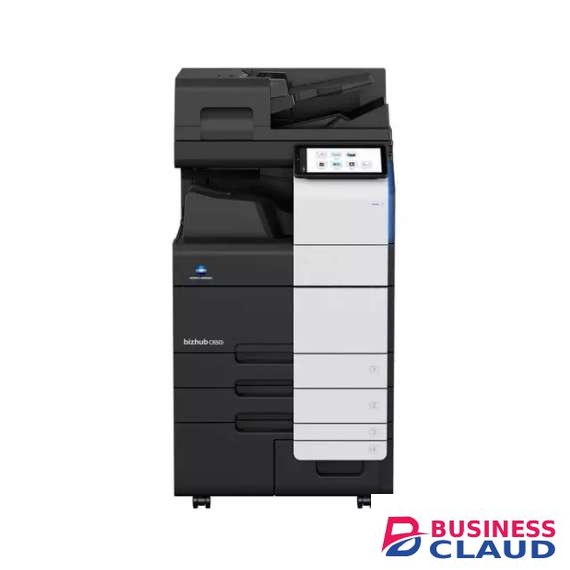
Konica bizhub C250i Printer

Konica bizhub C250i Printer

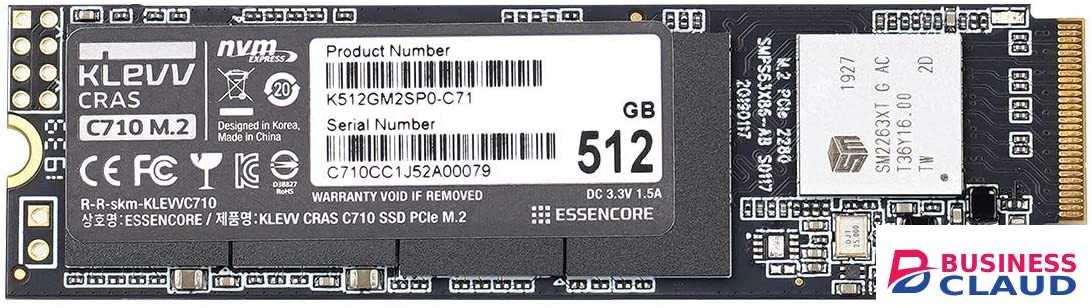
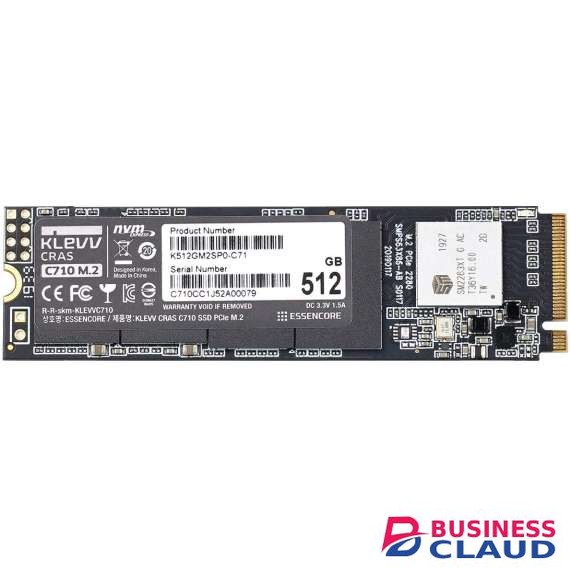
Panel size/resolution 10.1” / 1024 x 600 System memory (standard/max) 8 GB System storage 256 GB SSD (standard)/1TB SSD (optional) Interface 10/100/price shown-Base-T Ethernet; USB 2.0; Wi-Fi 802.11 b/g/n (optional) Network protocols TCP/IP (IPv4/IPv6); SMB; LPD; IPP; SNMP; HTTP(S); AppleTalk; Bonjour Automatic document feeder Up to 100 originals; A6–A3; 35–163 g/m2; RADF or Dualscan ADF available Paper input capacity (standard/max) price showneets / price showneets Paper tray input (standard) 1x price showneets; A6–A3; custom sizes; 52–256 g/m2 1x price showneets; A5–SRA3; custom sizes; 52–256 g/m2 Paper tray input (optional) 2x price showneets; A5–A3; 52–256 g/m2 1x price showneets; A4; custom sizes; 52–256 g/m2 1x price shown + 1x price showneets; A5–A4; 52–256 g/m2 Large capacity tray (optional) 1x price showneets; A4; custom sizes; 52–256 g/m2 Manual bypass price showneets; A6–SRA3; Custom sizes; Banner; 60–300 g/m2 Automatic duplexing A5–SRA3; 52–256 g/m2 Finishing modes (optional) Oset; Group; Sort; Staple; Punch; Half-fold; Letter-fold; Booklet Output capacity (standard) Max. price showneets Output Capacity (optional) Max. price showneets Stapling Max. price showneets or price showneets + 2 cover sheets (up to 209 g/m2) Letter fold capacity Max. price showneets; unlimited (without tray) Booklet Max. price showneets or price showneets + 1 cover sheet (up to 209 g/m2) Booklet output capacity Max. 100 booklets; unlimited (without tray) Power consumption 220–240 V / 50/60 Hz; Less than 1.58 kW System dimension (W x D x H) 615 x 688 x 918 mm (with DF-714) System weight Approx. 96.0 kg (with DF-714)
from 1 USh 31,329,000.00 Incl. 0.16% VAT