Promotional Banner - Delivery in 2-3 hours, Quality & Original, Delivered

Computers

New Sale
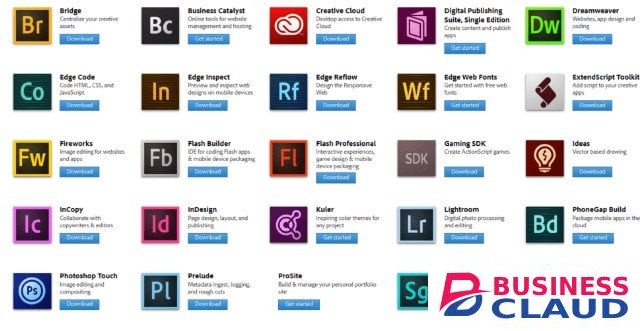
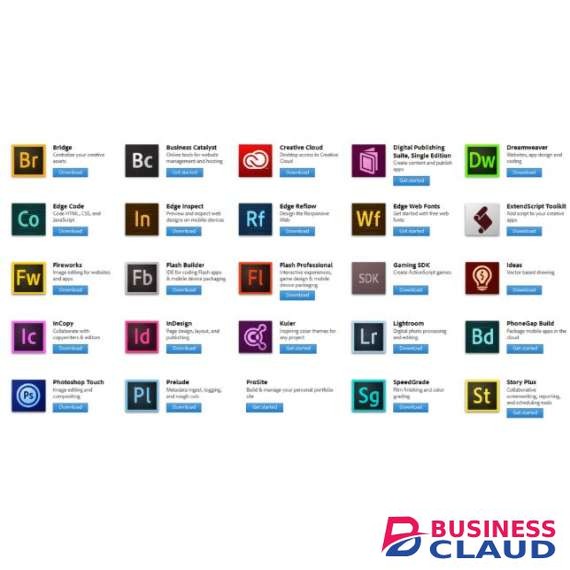
Adobe Creative Cloud for teams All APPS

Adobe Creative Cloud for teams All APPS

Price is per user per year Design apps Photoshop: Design images and comps with world-class tools. Illustrator: Create vector-based graphics and illustrations for print, web, video and mobile. InDesign: Design professional layouts for print and digital publishing. Acrobat Pro: Create, protect, sign, collaborate on and print PDF documents and forms. Dimension: Easily create high-quality, photorealistic 3D images. InCopy: Enable writers and designers to work simultaneously on the same document. Spark: Easily create stunning social graphics, web pages and short videos. Bridge: Browse, organise and search your photos and design files in one central place. Spark Post: Create stunning social graphics — in seconds. Sketch: Create layouts and draw expressively on your mobile devices. Illustrator Draw: Create freeform vector designs on your mobile device. Capture: Capture inspiration around you and transform it into production-ready assets. Comp: Create design comps using your real assets and fonts. Web & UX apps XD: Design, prototype and share engaging user experiences for web, mobile and more. Dreamweaver: Visually design and develop modern, responsive websites. Animate: Design interactive animations with cutting-edge drawing tools for multiple platforms. Spark Page: Quickly turn words and images into beautiful web pages. Photography apps Photoshop: Edit and composite images with world-class tools. Lightroom: Edit, organise, store and share photos from anywhere. Lightroom Classic: Organise, edit and batch process all your digital photos with a desktop-focused app. Photoshop Mix: Creative mobile image editing. Photoshop Fix: Retouch, restore and share your photos on-the-go. Lightroom for mobile: Edit, organise and share photos anywhere. Video & audio apps Premiere Pro: Edit video with high-performance, industry-leading editing tools. After Effects: Create cinematic motion graphics and visual effects. Audition: Record, mix and restore audio for broadcast, video and film. Character Animator: Turn 2D artwork into live, animated characters. SpeedGrade: Manipulate light and colour in video footage. Media Encoder: Quickly output video files for virtually any screen. Prelude: Streamline the import and logging of video from any video format. Story Plus: Collaborative screenwriting, reporting and scheduling tools. Spark Video: Create compelling video stories in minutes. Premiere Rush: Create and share online videos anywhere. Prelude Live Logger: Work faster with smarter video logging.
from 1 USh 9,398,700.00 Incl. 0.16% VAT
New Sale
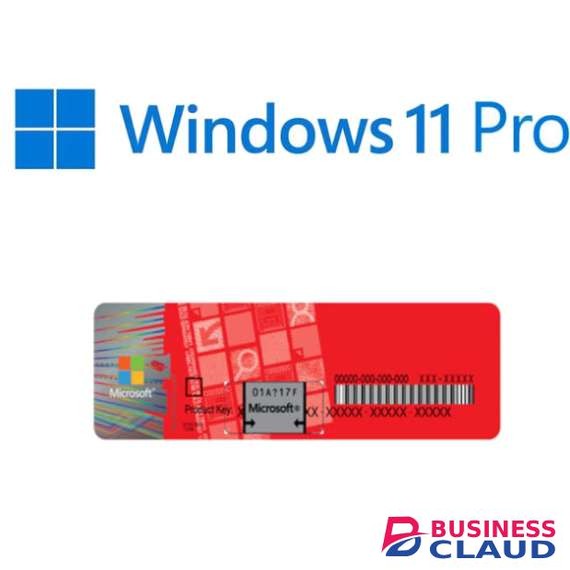
Microsoft Windows 11 Professional

Microsoft Windows 11 Professional

The Pros of Windows 11 Windows 11 isn't just Windows 10 with a new collection of wallpapers. Thankfully, many other tweaks and improvements make an upgrade to the latest OS seem enticing. That said, the new OS's wallpapers are, indeed, beautiful! 1. Beautiful Glass Windows 11's new desktop aesthetics try to mimic the look of glass. As a result, there's a lot of transparency on many desktop elements, from windows to menus. This transparency goes hand-in-hand with related effects like a background blur, drop shadows, and rounded corners. All GPU-accelerated for a buttery-smooth user experience. It should both be more elegant and snappier than Windows 10. 2. Bar to Dock Like Mac OS and many Linux Desktop Environments, Windows 11's taskbar can turn into a dock. The icons on it can be centered, which helps when using Windows 11 on a touch-enabled device. Fans of the classic taskbar will still be able to align the Start button and app icons to the left. 3. Return of the Widgets Did you prefer widgets, the little floating informational windows in Windows Vista and 7, to the Live Tiles of Windows 10? The new widgets in Windows 11 appear in a dedicated pane, which slides in from the left of the screen. They also seem to be more geared towards presenting information instead of working as mini-apps. 4. Easily-Accessible Snap Layouts and Groups Windows already supported snapping windows to the sides or corners of the screen in rudimentary arrangements. Now, a new and improved version in Windows 11 brings the feature to everyone, placing it in a quick menu hovering over the maximize button. 5. Android Apps on Windows 11 Up to Windows 10, if you wanted to run an Android app or game, you could either remote control your smartphone or run an emulator. Windows 11 will come with support for Android apps baked-in. Theoretically, you'll be able to install almost any Android app or game, click on it, and it will pop up on the screen, almost like native Windows software. 6. Next-Gen Gaming One of the most touted features of the new Xbox and PlayStation is how their CPU, GPU, and storage subsystems are interconnected. DirectStorage is the equivalent for PCs. DirectStorage is expected to eventually lead to massive boosts in performance for applications that juggle vast amounts of data. Auto HDR is also making the jump from the latest Xbox consoles to PCs. It can upgrade the looks of older games by expanding their brightness levels automatically, taking advantage of the entire brightness range of modern monitors. 7. Teams for Everyone A single click on Windows 11's taskbar is all it takes to chat with text, voice, or video with friends and contacts. That's thanks to Microsoft Teams, which Microsoft placed front and center as Windows 11's primary solution for communicating with family, friends, and colleagues. Having a default videoconferencing solution baked into the OS will feel like an excellent addition to many users. Even if, as some may note, there are better alternatives available. Computer Requirement TPM Trusted Platform Module (TPM) version 2.0. Check here for instructions on how your PC might be enabled to meet this requirement.
from 1 USh 371,700.00 Incl. 0.16% VAT
New Sale
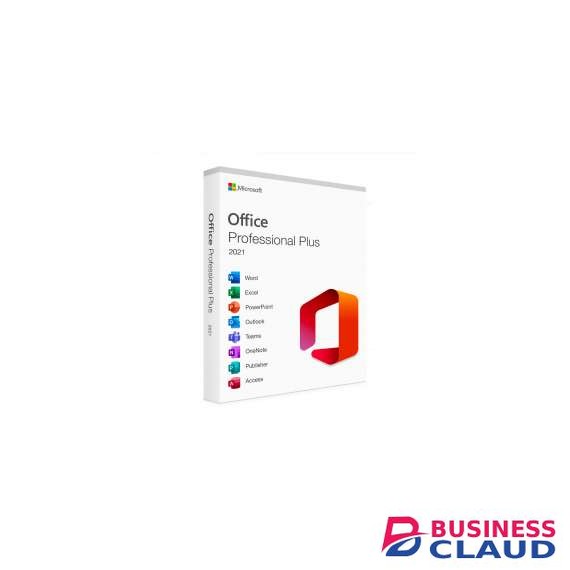
Microsoft Office 2021 Professional Plus

Microsoft Office 2021 Professional Plus

What's new with Microsoft Office 2021? Compared to Microsoft Office 2019, Microsoft Office 2021 boasts several new improvements and enhancements. Here's a breakdown of the additions you can expect from the full Microsoft Office 2021 app suite: General Visual refresh designed with clean monoline iconography in mind New stock media content Microsoft Search bar in all apps for general search queries Performance improvements Updated Draw Tab with new Point Eraser, Ruler, and Lasso additions Support for OpenDocument format 1.3 Sketched style outline option for shapes Addition of a Hex color value box when picking colors Microsoft Excel XLOOKUP search for finding information in tables and ranges Dynamic array functions, including FILTER, SORT, SORTBY, UNIQUE, SEQUENCE, and RANDARRAY LET function that assigns names to calculation results XMATCH function that searches for a specified item and then provides the item's relative position Microsoft PowerPoint Record Slide Show now features options for presenter video recording, ink recording and laser pointer recording You can replay ink strokes to illustrate things step by step or visualize a thought process You can see slide elements in screen-reading order and rearrange them as necessary Microsoft Outlook Email translation for over 70 different languages will be supported Annotate email images with your finger, pen, or mouse Instant Search feature allows you to quickly find specific emails Microsoft Access Updated Linked Table Manager with refreprice shown relink, or remove options Addition of SQL DateTime2 data type Tab manager that allows you to see active tabs, rearrange tabs, or close database objects Microsoft Visio New Azure stencils and shapes New AWS stencils and shapes Workplace Social Distancing template and stencil
from 1 USh 637,200.00 Incl. 0.16% VAT
New Sale
HP Color LaserJet Pro MFP M283fdw Printer

HP Color LaserJet Pro MFP M283fdw Printer

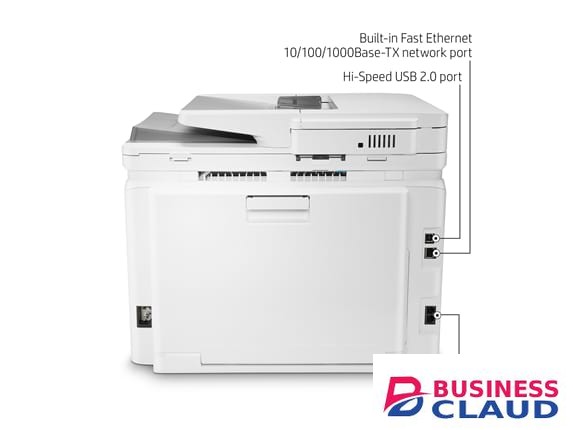
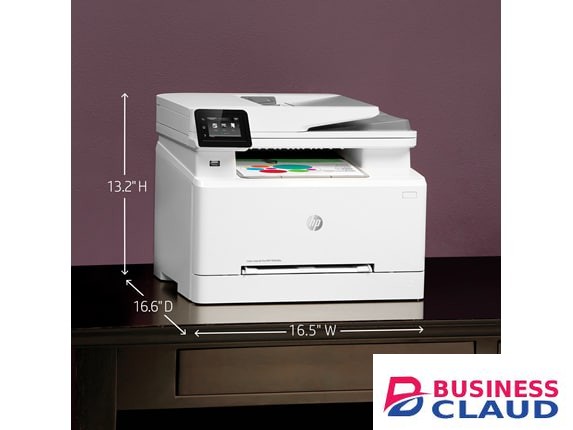
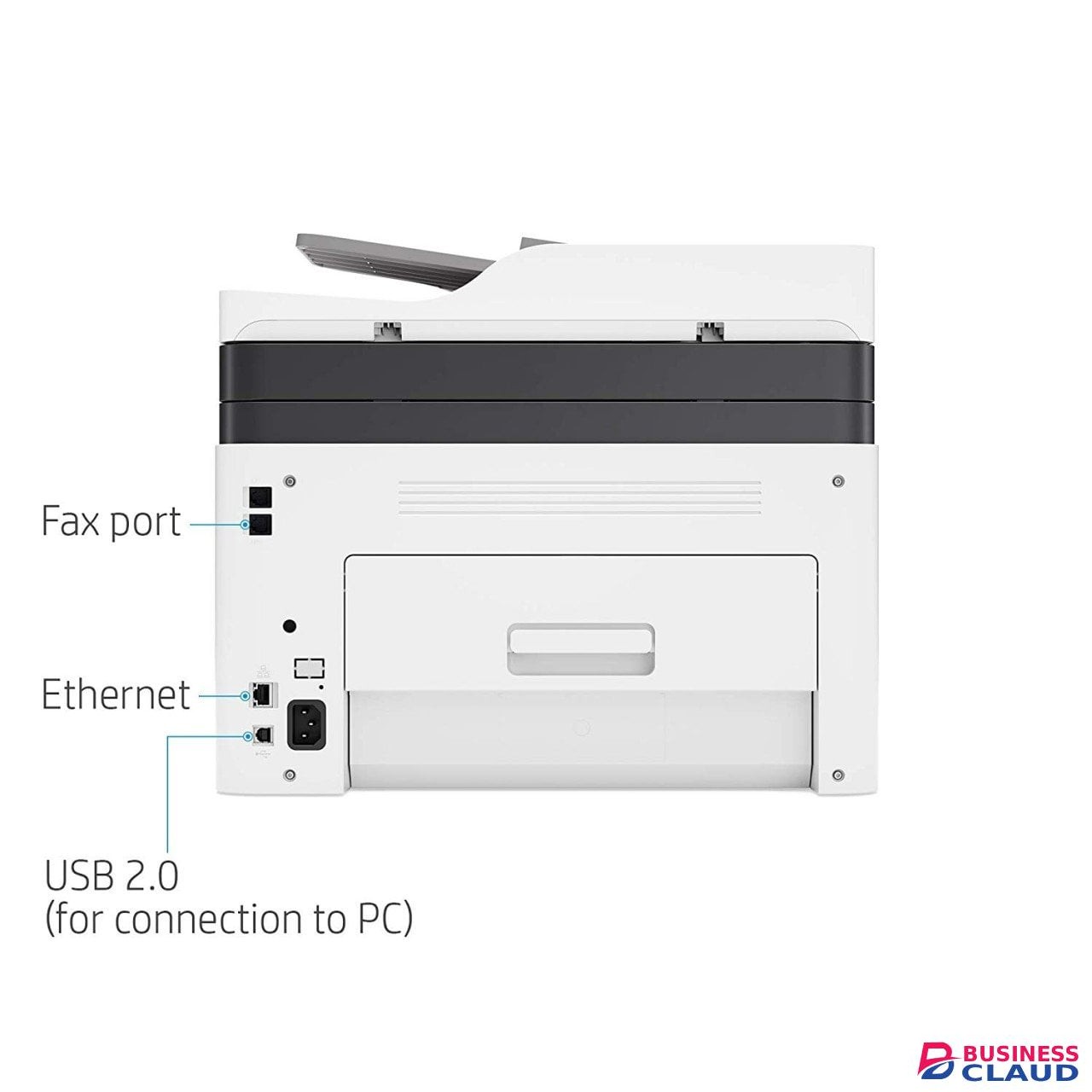
Model Description Functions : Print, Copy, Scan, Fax. Print Speed - Black (normal): Up to 22 ppm Measured using ISO/IEC 24734, excludes first set of test documents. For more information see Businessclaud.com Exact speed varies depending on the system configuration, software application, driver, and document complexity. Print speed - Color (normal): Up to 22 ppm First page out (ready) black : As fast as 10.6 sec First page out (ready) color : As fast as 12.1 sec Resolution (black) : Up to 600 x 600 dpi Resolution (color) : Up to 600 x 600 dpi Resolution technology : HP ImageREt 3600 Monthly duty cycle: Up to price shown pages Recommended monthly page volume : 150 to 2500 Print Technology : Laser Display : 2.7'' color graphic touch screen Number of print cartridges : 4 (1 each black, cyan, magenta, yellow) Print languages : HP PCL6; HP PCL5c; HP postscript level 3 emulation; PWG raster; PDF; PCLm; PCLm-S; NativeOffice; URF Automatic paper sensor : No Paper trays, standard : 2 Paper trays, maximum : 2 Mobile Printing Capability : HP Smart App; HP ePrint; Apple AirPrint™; Mobile Apps; Mopria™ Certified; Wi-Fi® Direct Printing Connectivity, standard: Hi-Speed USB 2.0 port; built-in Fast Ethernet 10/100/1000 Base-TX network port, 802.11n 2.4/5GHz wireless, Fax port, Front Host USB Security management : Embedded Web Server: password-protection, secure browsing via SSL/TLS; Network: enable/disable network ports and features, SNMPv1 community password change; HP ePrint: HTTPS with certificate validation, HTTP Basic Access Authentication; Firewall and ACL; SNMPv3 Memory, standard :256 MB DDR, 256 MB Flash Supported network protocols : TCP/IP, IPv4, IPv6; Print: TCP-IP port 9100 Direct Mode, LPD (raw queue support only), Web Services Printing; Discovery: SLP, Bonjour, Web Services Discovery; IP Config: IPv4 (BootP, DHCP, AutoIP, Manual), IPv6 Paper handling input, standard : 250-sheet input tray Paper handling output, standard : 100-sheet output bin Duplex printing : Automatic (standard) Envelope input capacity : Up to 15 mm (Recommended only 5 envelopes or less at a time) Media sizes, custom : 3 x 5 to 8.5 x 14 in Media types : Paper (bond, brochure, colored, glossy, heavy, letterhead, light, photo, plain, preprinted, prepunched, recycled, rough), transparencies, labels, envelopes, cardstock Dimensions (W X D X H) :16.5 x 16.6 x 13.2 in Cable included : Yes, 1 USB, 1 phone cord Print quality black (best) : Up to 600 x 600 dpi Print Resolution Technologies : HP ImageREt 3600 Print languages : HP PCL6; HP PCL5c; HP postscript level 3 emulation; PWG raster; PDF; PCLm; PCLm-S; NativeOffice; URF Display : 6.8 cm (2.7 in) color graphic screen Processor speed : 800 MHz Replacement cartridges HP 207A Black LaserJet Toner Cartridge (price shown yield) W2210A HP 207A Cyan LaserJet Toner Cartridge (price shown yield) W2211A HP 207A Yellow LaserJet Toner Cartridge (price shown yield) W2212A HP 207A Magenta LaserJet Toner Cartridge (price shown yield) W2213A Connectivity • Mobile printing capability HP ePrint Apple AirPrint™ Mobile Apps Mopria™ Certified Wi-Fi® Direct Printing Wireless capability Built-in 802.11 b/g/n Authentication via WEP, WPA/WPA2, or 802.1X Encryption via AES or TKIP WPS Wi-Fi Direct Connectivity, standard Hi-Speed USB 2.0 port Built-in Fast Ethernet 10/100/1000 Base-TX network port 802.11n 2.4/5GHz wireless Fax port Front Host USB 1 YEAR WARRANTY click here to view more information
from 1 USh 4,035,600.00 Incl. 0.16% VAT
New Sale
HP Color Laser MFP 179fnw Printer

HP Color Laser MFP 179fnw Printer

Overview Get productive MFP performance – world's smallest in-class. Print, scan, copy, and fax, produce high-quality colour results, and print and scan from your phone. Functions: Print, copy, scan, fax Print speed: Print speed up to 19 ppm (black) and 4 ppm (colour) Print quality black (best): Up to 600 x 600 dpi 4 bits Automatic document feeder capacity: Standard, price showneets Legendary quality at an affordable price Get the quality you trust – sharp, black text and crisp colour graphics – with this affordable MFP. Designed to fit your space Quickly and easily print with an MFP that's designed to fit into your workspace like a glove. Easy mobile printing and scanning with HP Smart app Print, scan, and copy from virtually anywhere, and get simple setup on your phone. Uncompromising laser quality This surprisingly small laser delivers exceptional quality, page after page. Sharp black text, high-quality colour Produce sharp text, bold blacks, and crisp colour graphics. The right price Rely on a high-performance laser printer at an affordable price. The power of your printer in the palm of your hand Get simple setup, and print and scan from your phone, with the HP Smart app. Specification Functions Print, copy, scan, fax Print speed black (ISO, A4) Up to 18 ppm 1 Print Speed Color (ISO) Up to 4 ppm 1 First page out black (letter, ready) 2 (Measured using ISO/IEC 17629. For more information see Businessclaud.com Exact speed varies depending on the system configuration, software application, driver, and document complexity.) First page out black (A4, ready) As fast as 12.4 sec 2 (Measured using ISO/IEC 17629. For more information see Businessclaud.com Exact speed varies depending on the system configuration, software application, driver, and document complexity.) First page out color (letter, ready) 2 (Measured using ISO/IEC 17629. For more information see Businessclaud.com Exact speed varies depending on the system configuration, software application, driver, and document complexity.) First page out color (A4, ready) As fast as 25.3 sec 2 (Measured using ISO/IEC 17629. For more information see Businessclaud.com Exact speed varies depending on the system configuration, software application, driver, and document complexity.) Duplex printing Manual (driver support provided) Duty cycle (monthly, letter) Up to price shown pages (Duty cycle is defined as the maximum number of pages per month of imaged output.) Duty cycle (monthly, A4) Up to price shown pages (Duty cycle is defined as the maximum number of pages per month of imaged output.) Recommended monthly page volume 100 to 500 3 (HP recommends that the number of pages per month of imaged output be within the stated range for optimum device performance, based on factors including supplies replacement intervals and device life over an extended warranty period.) Print quality black (best) Up to 600 x 600 dpi 4 bits Print quality color (best) Up to 600 x 600 dpi 4 bits Print languages SPL Print technology Laser Connectivity, standard Hi-speed USB 2.0 port; Fast Ethernet 10/100Base-Tx network port; Wireless 802.11 b/g/n Mobile printing capability HP Smart App; Apple AirPrint™; Mobile Apps; Mopria™ Certified; Wi-Fi® Direct Printing; Google Cloud Print™ 4 May require a firmware upgrade to be compatible, download at Businessclaud.com Network capabilities Via built-in 10/100 Base-TX networking Wireless capability Yes, built-in Wi-Fi 802.11 b/g/n Minimum System Requirements for Macintosh Apple®OS X El Capitan (v10.11), macOS Sierra (v10.12), macOS High Sierra (v10.13), 1.5 GB available hard disk space, Internet required, USB Minimum System Requirements Windows® 10, 8.1, 8, 7: 32/64-bit, 2 GB available hard disk space, CD-ROM/DVD drive or Internet connection, USB port, Internet Explorer Digital sending standard features Scan to WSD; PC Scan Display 2-Line LCD Processor speed 800 MHz Maximum Memory 128 MB Memory 128 MB Compatible Operating Systems Windows 11; Windows 8; Windows 7; macOS 10.11 El Capitan; macOS 10.12 Sierra; macOS 10.13 High Sierra; macOS 10.14 Mojave 4 (Windows 7 or higher) Paper handling input, standard price showneet input tray Paper handling output, standard price showneet output bin Finished output handling Sheetfed Media types Plain, Light, Heavy, Extra Heavy, Coloured, Preprinted, Recycle, Labels, Bond, Glossy Media sizes supported Tray1: A4; A5; A6; B5 (JIS); Oficio 216 x 340. Tray2: Not supported; Optional Automatic duplexer: Not supported Media sizes, custom 76 x 148.5 to 216 x 356 mm Scanner type Flatbed, ADF Scan file format PDF, JPG, TIFF Enhanced scanning resolution Up to price shown dpi Scan resolution, optical Up to 600 × 600 dpi (300 dpi for Mac OS) Scan resolution, hardware Up to price shown x price shown dpi Scan size (ADF), maximum 216 x 356 mm Scan size (ADF), minimum 145 x 145 mm Scan size, maximum 216 x 297 mm Scan speed (normal, A4) Up to 15 ipm (black and white), up to 6 ipm (colour) Automatic document feeder capacity Standard, price showneets Scan technology Contact Image Sensor (CIS) Copy speed (black, normal quality, A4) Up to 14 cpm 5 Copy speed (color, normal quality, A4) Up to 4 cpm 5 Copy resolution (black text) Up to 600 x 600 dpi (flatbed); Up to 600 x 600 dpi Copy resolution (color text and graphics) Up to 600 x 600 dpi (flatbed); Up to 600 x 600 dpi Copies, maximum Up to 999 copies Copy reduce / enlarge settings 25 to 400% Copier settings Copies; Original Size; Reduce/Enlarge; Darkness; Original Type; Collation; 2-Up; 4-Up; ID Copy; Adjust Background; Auto Fit Copy; Colour Mode Faxing Yes Fax Transmission Speed 33.6 kbps Fax Resolution Black (best) Up to 300 x 300 dpi Fax Broadcast Locations 210 Fax memory Up to 400 pages Fax Speed Dials, Maximum Number Up to 200 numbers Power consumption 300 watts (active printing), 38 watts (ready), 1.9 watts (sleep), 0.2 watts (manual off) 6 Power 220-volt input voltage: 220 to 240 VAC, 50/60 Hz Operating humidity range 10 to 80% RH (non-condensing) Recommended operating humidity range 20 to 70% RH (non-condensing) Operating temperature range 10 to 30°C Typical electricity consumption (TEC) number 0.876 kWh/Week (Blue Angel); 1.093 kWh/Week (Energy Star) 7 (Power requirements are based on the country/region where the printer is sold. Do not convert operating voltages. This will damage the printer and void the product warranty. Energy Star value typically based on measurement of 115V device and 230V for Blue Angel.) Energy savings feature technology HP Auto-Off Technology Ecolabels CECP 8 Energy star certified No Safety IEC 60950-1:2005+A1:2009+A2 2013 (International); EN 60950-1:2006+A11:2009+A1:2010+A12:2011+A2:2013 (EU); IEC/EN 60825-1:2014 (Class 1 Laser Product); EN 62479:2010 /IEC 62749:2010; Low Voltage Directive 2006/95/EC with CE Mark (Europe); GS Certificate (Germanyprice shownope); Compliance with Laser safety standards 21 CFR 1002.10 and 1002.11 except for deviations pursuant to Laser notice No. 50, dated June 24, 2007; Other safety approvals as required by individual countries Security management Password-protected network embedded Web server; Enable/disable Network ports; SNMPv1 community password change; SNMPV2&V3; IPSec; Filtering : MAC, IPv4, IPv6 Minimum dimensions (W x D x H) 406 x 363 x 344.1 mm 9 (Dimensions vary as per configuration) Maximum dimensions (W x D x H) 421.9 x 422.9 x 344.1 mm 9 (Dimensions vary as per configuration) Weight 14.08 kg 10 (Weight varies as per configuration) 4 (1 each black, cyan, magenta, yellow) Replacement cartridges HP 117A Black Original Laser Toner Cartridge (price shown pages) W2070A; HP 117A Cyan Original Laser Toner Cartridge (700 pages) W2071A; HP 117A Yellow Original Laser Toner Cartridge (700 pages) W2072A; HP 117A Magenta Original Laser Toner Cartridge (700 pages) W2073A (Average colour composite (C/M/Y) and black declared yields based on ISO/IEC 19798 and continuous printing. Actual yields vary considerably based on images printed and other factors. For details see Businessclaud.com Manufacturer Warranty One-year limited warranty;
from 1 USh 3,026,700.00 Incl. 0.16% VAT
New Sale
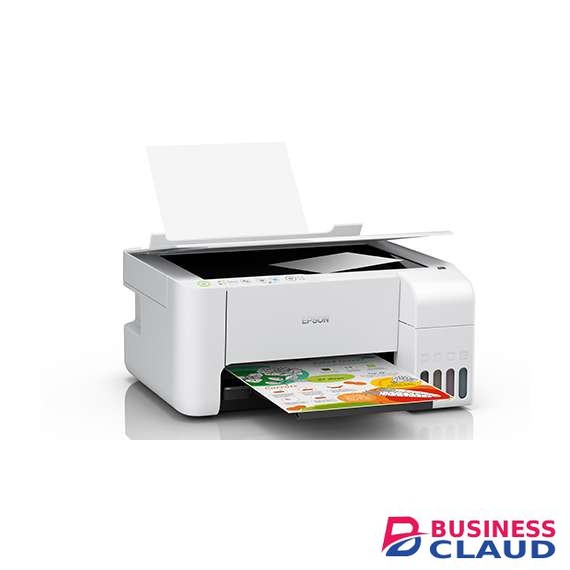
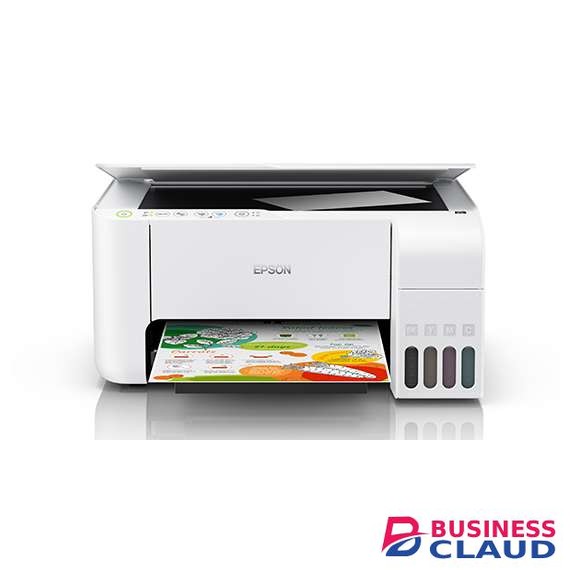
Epson EcoTank L3156 Wi-Fi All-in-One Ink Tank Printer

Epson EcoTank L3156 Wi-Fi All-in-One Ink Tank Printer

Printer Type: Printer Type: Print, Scan, Copy Print Speed: Photo Default - 10 x 15 cm / 4 x 6 " *2 : Approx. 69 sec per photo (Border) / 90 sec per photo (Borderless) *1 Draft, A4 (Black / Colour): Up to 33 ppm / 15 ppm *1 ISO 24734, A4 Simplex (Black / Colour): Up to 10 ipm / 5.0 ipm *1 First Page Out Time from Ready Mode (Black / Colour): Approx. 10 sec / 16 sec *1 Copying: Maximum Copies from Standalone: 20 copies Maximum Copy Size: A4, Letter Copy Quality: Colour / Black-and-White; Draft / Standard ISO 29183, A4 Simplex Flatbed (Black / Colour): Up to 7.7 ipm / 3.8 ipm Max Copy Resolution: 600 x 600 dpi Scanning: Scanner Type: Flatbed colour image scanner Sensor Type: CIS Optical Resolution: 1200 x 2400 dpi Maximum Scan Area: 216 x 297 mm (8.5 x 11.7") Scanner Bit Depth (Colour): 48-bit input, 24-bit output Scanner Bit Depth (Grayscale): 16-bit input, 8-bit output Scanner Bit Depth (Black & White): 16-bit input, 1-bit output Scan Speed: Flatbed (Black / Colour): 200 dpi: 11 sec / 200 dpi: 28 sec Paper Handling: Number of Paper Trays: 1 Maximum Paper Input Capacity: Up to price showneets-A4 / Letter Plain paper (80 g/m 2 ) Up to price showneets-Premium Glossy Photo Paper price showneets-Envelope, price showneets-Postcard Output Capacity: Up to price showneets, A4 plain paper price showneets, Premium Glossy Photo Paper Maximum Paper Size: 215.9 x 1200 mm (8.5 x 47.24") Paper Feed Method: Friction feed Paper Size: Legal, Indian-Legal (215 x 345 mm), 8.5 x 13", Letter, A4, 16K (195 x 270 mm), B5, A5, B6, A6, Hagaki (100 x 148 mm), 5 x 7", 4 x 6", Envelopes: #10, DL, C6 Print Margin: 0 mm top, left, right, bottom via custom settings in printer driver *3 Mobile and Cloud Solutions: Epson Connect Features: Epson iPrint, Epson Email Print, Remote Print Driver Other Mobile Solutions: Google Cloud Print Noise Level: PC Printing / Plain Paper Default: 6.5 B(A), 52 dB (A) *4 PC Printing/ Premium Glossy Photo Paper Best Photo: 5.2 B(A), 38 dB (A) Dimensions and Weight: Dimensions (W x D x H): 375 x 347 x 179 mm Weight: 3.9 kg Consumables: Black Ink Bottle: price shown pages *5 - 003 Cyan Ink Bottle: price shown (Composite Yield) *5 - 003 Magenta Ink Bottle: price shown (Composite Yield) *5 - 003 Yellow Ink Bottle: price shown (Composite Yield) *5 - 003 Interface: USB: USB 2.0 Network: Wi-Fi IEEE 802.11b/g/n, Wi-Fi Direct Network Protocol: TCP/IPv4, TCP/IPv6 Network Management Protocols: SNMP, HTTP, DHCP, APIPA, PING, DDNS, mDNS, SLP, WSD, LLTD Printing: Printing Technology: On-demand inkjet (Piezoelectric) Nozzle Configuration: 180 x 1 nozzles Black, 59 x 1 nozzles per colour (Cyan, Magenta, Yellow) Print Direction: Bi-directional printing Maximum Print Resolution: 5760 x 1440 dpi (with Variable-Sized Droplet Technology) Minimum Ink Droplet Size: 3 pl Printer Language: ESC / P-R Automatic 2-sided Printing: No
from 1 USh 1,460,250.00 Incl. 0.16% VAT
New Sale
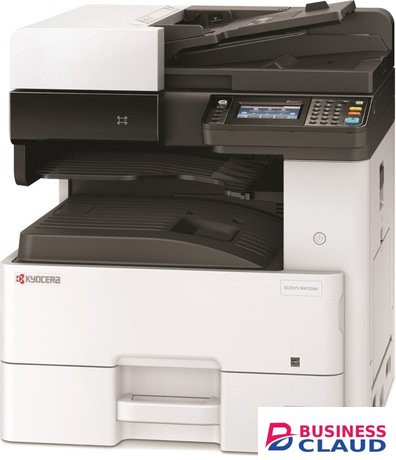
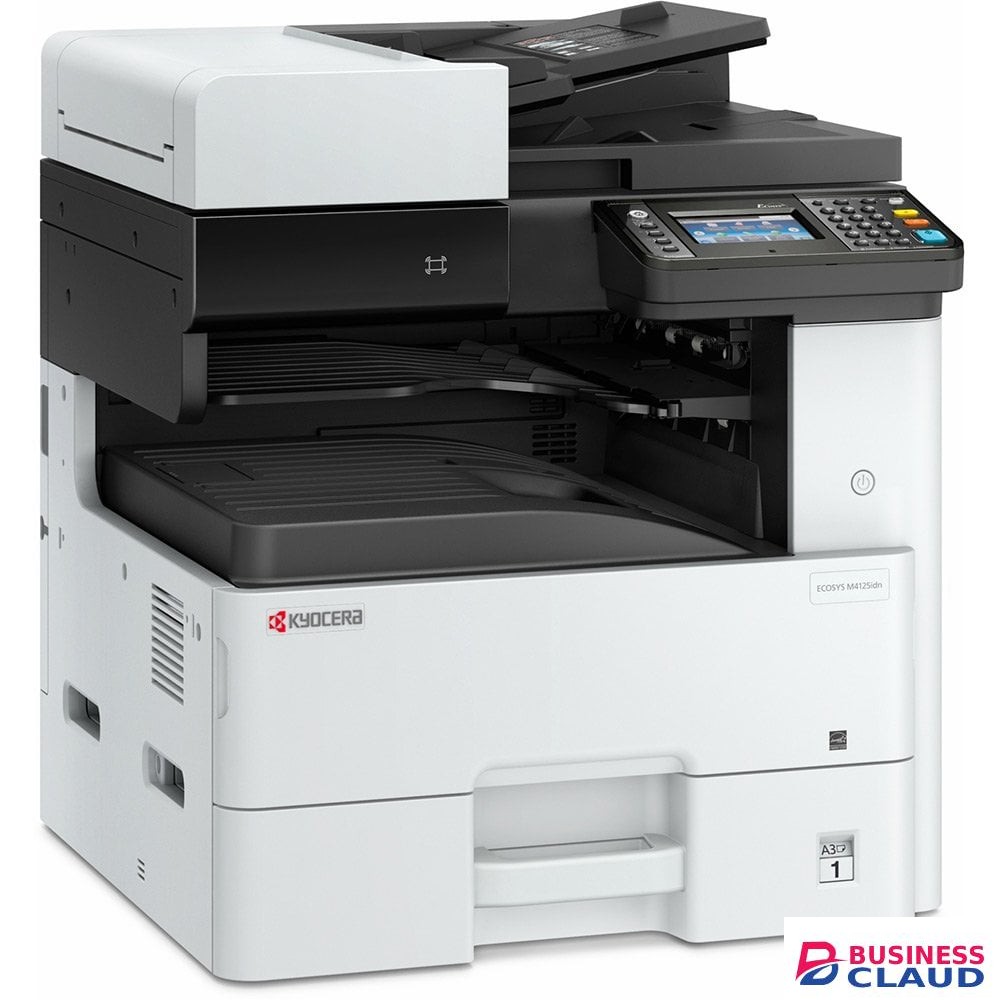
Kyocera ECOSYS M4125idn Printer

Kyocera ECOSYS M4125idn Printer

Overview A4/A3 monochrome Multi-Functional Product with 25 page per minute efficiency (A4) for small teams looking for functionality, usability and compact size. Minimum installation and operation requirements. Easy to use full colour touch panel with wizard-style navigation. Long-life components provide exceptional reliability. HyPAS solution platform enables powerful customisations. ECOSYS makes your office more sustainable and efficient Kyocera solutions always work with the environment in mind, but the ECOSYS range do this more than any other product on the market. Multi-Functional Products for day-to-day tasks Kyocera provides the industry’s most comprehensive line of award-winning low to high volume devices. ECOSYS: The sustainable solution Unique to Kyocera, ECOSYS provides long-last and environmentally friendly printers at an economical cost. A3 and A4 printers for all needs High quality, high reliability and high efficiency are essential. Specification General type Monochrome multifunctional for A3 format Engine speed Up to 25/12 pages A4/A3 per minute Warm-up time 20 seconds or less Power consumption Sleep-mode: 0.5 W, Ready mode: 65 W, Copying/Printing: 410 W Warranty 1-year warranty as standard Paper Handling Input capacity 100-sheet multi-purpose tray, 45–256 g/m²: A3, A4, A5, A6, B5, Ledger, Letter, Legal, Folio, Custom (98 x 148 to 297 x 432 mm); 500-sheet standard universal paper cassette, 60–163 g/m²: A3, A4, A5,´B5, Ledger, Letter, Legal, Folio Max. input capacity with options price showneets Duplex unit Printing: 773 W Copying: 798 W Low power mode: 23 W Ready mode: 24 W Sleep-mode: 0.5 W Max. output capacity Max. price showneets: price showneets face-down (main tray), plus price showneets (standard job separator tray) Document processor Standard reversing document processor: 50-sheet, Simplex scan 45–160 g/m², Duplex scan 50–120 g/m², A3, A4, A5, B5, Letter, Legal, Custom (140x182 to 297x432mm) Print Processor ARM Cortex-A9 Dual core1.2 GHz Fonts 101 outline fonts (PCL 6, KPDL 3, Windows Vista), 1 Bitmap font, 45 types of one-dimensional barcodes, 1 type of two-dimensional barcode PDF-417 under PRESCRIBE (PCL - and other barcodes available as options) Features Encrypted PDF Direct Print, IPP printing, e-mail printing, WSD print, secure printing via SSL, IPsec, SNMPv3, Private Print quick copy, proof and hold, job storage and job management functionality Applicable OS All current Windows operating systems, MAC OS X Version 10.5 or higher, Unix, Linux as well as other operating systems on request Copy Max. original size A3/Ledger Continuous copy 1 - 999 Zoom range 25 - 400 % in 1% steps Preset magnification ratios 5 Reductions/5 Enlargements Image adjustments Text, Photo, Text + Photo, Map, Copy/Printout Digital copy features Scan-once-copy-many, electronic sort, 2in1, 4in1, job reserve, priority print, program, auto duplex copy, split copy, continuous scan, auto cassette change (PF-470 or PF-471 is required), copy density control, Prevent Bleed-Through, ID card copy, Skip Blank Page Scan Scan functionalities Scan-to-email, Scan-to-FTP, Scan-to-SMB, Scan to USB Host, Network TWAIN, WIA, WSD scan Scan speed 50 ipm (300 dpi, A4, b/w), 50 ipm (300 dpi, A4, colour) Scan features Colour Scan integrated address book, Active Directory support, encrypted data transfer, multi send (e-mail, fax, SMB/FTP folder, print) at once, Blank page skip Scan resolution 200 dpi, 300 dpi, 400 dpi, 600 dpi (256 greyscales per colour) Max. scan size A3/Ledger File type PDF, PDF/A, JPG, Encrypted PDF, High Compression PDF, TIFF, Open XPS, PDF/A-1a/b, PDF/A-2a/b/u Original recognition Text, photo, text + photo, light text, optimized for OCR Fax Compatibility ITU-T Super G3 Modem speed Max. 33.6 kbps Scanning speed 2.0 seconds or less Transmission speed Max. 33.6 kbps Scanning density Normal: 8 dot/mm x 3.85 line/mm (200x100 dpi), Fine: 8 dot/mm x 7.7 line/mm (200x200 dpi), Superfine: 8 dot/mm x 15.4 line/mm (200x400dpi), Ultrafine: 16 dot/mm x 15.4 line/mm (400x400 dpi), Halftone: 256 gray scales Max. original size A3/Ledger Fax features Network fax, duplex transmission and reception, encrypted transmission and reception, polling transmission and reception, broadcast
from 1 USh 14,337,000.00 Incl. 0.16% VAT
New Sale
Epson L3250 A4 AIO Color Ink Tank Printer

Epson L3250 A4 AIO Color Ink Tank Printer

Overview The EcoTank L3250 multi-function printer is designed for printing with true convenience at home. A cost-per-print of just 7 Paise (black)* and 18 Paise (colour)* brings savings in every print. One can expect a high print yield of up to price shown pages for black, and price shown pages for colour - for non-stop printing. It can even print borderless photos - up to 4R in size. The integrated ink tanks and designated nozzles ensure spill-free and error-free refilling. Wireless connectivity enables printing from smart devices. Epson’s Heat-Free Technology helps keep power consumption to a minimum, giving it the capability to print even on a UPS. The Epson Smart Panel app can be downloaded on mobile to manage the printer’s functions and setup with ease. Epson Heat-Free Technology: Achieve high speed printing at lower power consumption with Epson Heat-Free Technology as no heat is required during the ink ejection process. Space-saving Design, Spill-free Refilling: tCompact and sleek, the ink tank design is integrated into the printer to allow the printer to have a small footprint. Additionally, the unique bottle nozzle enables spill-free and error-free refilling. Wi-Fi and Wi-Fi Direct Connectivity: Experience a world of wireless convenience with access to easy and flexible shared printing and mobile printing. The added advantage of Wi-Fi Direct allows you to connect up to 8 devices to the printer without a router. Epson Connect Enabled: Wirelessly print your documents from anywhere in the world with Epson Connect's wide range of features: Epson iPrint: Print from and scan directly to your smart device or online cloud storage services. Epson Email Print: Print to any Email Print-enabled Epson printer from any device or PC with email access. Remote Print Driver: Print to a compatible Epson printer anywhere in the world via the Internet using a PC with Remote Print driver. Epson Smart Panel: Turn your mobile device into a high-performance command center. Epson Smart Panel enables you to control your printer from smart phones and tablets so you can print, copy, scan, connect to Wi-Fi and troubleshoot directly through the app. Remarkable Quality and Speed: The L3250 prints at a high printing resolution of 5760 dpi, delivering exceptionally high quality prints for all your needs. You will appreciate the fast print speeds of up to 10ipm for black and 5.0ipm for colour. In addition, the L3250 is capable of printing borderless photos up to 4R. Specification Printer Type: Print, Scan, Copy Print Method: On-demand inkjet (Piezoelectric) Printer Language: ESC/P-R, ESC/P Raster Nozzle Configuration: 180 x 1 nozzles Black, 59 x 1 nozzles per Colour (Cyan, Magenta, Yellow) Maximum Resolution: 5760 x 1440 dpi Automatic 2-sided Printing: No Photo Default - 10 x 15 cm / 4 x 6 " *1: Approx. 69 sec per photo (Border) / 90 sec per photo (Borderless)*2 Draft, A4 (Black / Colour): Up to 33.0 ppm / 15.0 ppm*2 ISO 24734, A4 Simplex (Black / Colour): Up to 10.0 ipm / 5.0 ipm*2 First Page Out Time from Ready Mode (Black / Colour): Approx. 10 sec / 16 sec*2 Maximum Copies from Standalone: 20 copies Maximum Copy Resolution: 600 x 600 dpi Maximum Copy Size: A4, Letter ISO 29183, A4 Simplex (Black / Colour): Up to 7.7 ipm / 3.8 ipm Scanner Type: Flatbed colour image scanner Sensor Type: CIS Optical Resolution: 1200 x 2400 dpi Maximum Scan Area: 216 x 297 mm Scanner Bit Depth (Colour): 48-bit input, 24-bit output Scanner Bit Depth (Grayscale): 16-bit input, 8-bit output Scanner Bit Depth (Black & White): 16-bit input, 1-bit output Flatbed (Black / Colour): Up to 11 sec / 28 sec Number of Paper Trays: 1 Standard Paper Input Capacity: Up to price showneets of Plain Paper (80 g/m2) Up to price showneets of Premium Glossy Photo Paper Output Capacity: Up to price showneets of Plain Paper (80 g/m2) Up to price showneets of Premium Glossy Photo Paper Maximum Paper Size: 215.9 x 1200 mm Paper Sizes: Legal (8.5 x 14"), Indian-Legal (215 x 345 mm), 8.5 x 13", Letter, A4, 16K (195 x 270 mm), B5, A5, B6, A6, Hagaki (100 x 148 mm), 5 x 7", 5 x 8", 4 x 6", Envelopes: #10, DL, C6 Print Margin: 0 mm top, left, right, bottom via custom settings in printer driver*3 Epson Connect Features: Epson iPrint, Epson Email Print, Remote Print Driver Other Mobile Solutions: Epson Smart Panel Operating System Compatibility: Windows XP / XP Professional / Vista / 7 / 8 / 8.1 / 10 Windows Server 2003 / 2008 / 2012 / 2016 / 2019 Only printing functions are supported for Windows Server OS Mac OS X 10.6.8 or later PC Printing/ Premium Glossy Photo Paper Best Photo: Sound Power (Black / Colour) 5.1 / 5.2 B(A), Sound Pressure (Black / Colour) 38 / 39 dB(A) PC Printing / Plain Paper Default*4: Sound Power (Black / Colour) 6.4 / 6.2 B(A), Sound Pressure (Black / Colour) 50 / 48 dB(A) Dimensions (W x D x H): 375 x 347 x 179mm Weight: 3.9 kg Black Ink Bottle: Page Yield*5: price shown Pages Order Code: 003 (C13T00V100 / C13T00V199 (Indonesia)) Cyan Ink Bottle: Page Yield*5: price shown Pages (Composite Yield) Order Code: 003 (C13T00V200 / C13T00V299 (Indonesia)) Magenta Ink Bottle: Page Yield*5: price shown Pages (Composite Yield) Order Code: 003 (C13T00V300 / C13T00V399 (Indonesia)) Yellow Ink Bottle: Page Yield*5: price shown Pages (Composite Yield) Order Code: 003 (C13T00V400 / C13T00V499 (Indonesia)) Rated Voltage: AC 220-240 V Rated Frequency: 50-60 Hz Operating: 12.0 W Sleep: 0.7 W Power Off: 0.2 W Standby: 4.5 W USB: USB 2.0 Network: Wi-Fi, Wi-Fi Direct Network Protocol: TCP/IPv4, TCP/IPv6 Network Management Protocols: SNMP, HTTP, DHCP, APIPA, PING, DDNS, mDNS, SLP, WSD, LLTD Printer Software: Epson ScanSmart
from 1 USh 1,115,100.00 Incl. 0.16% VAT
New Sale
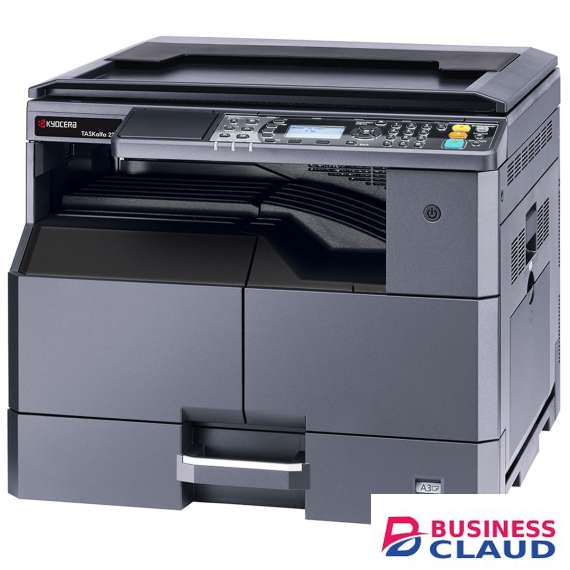
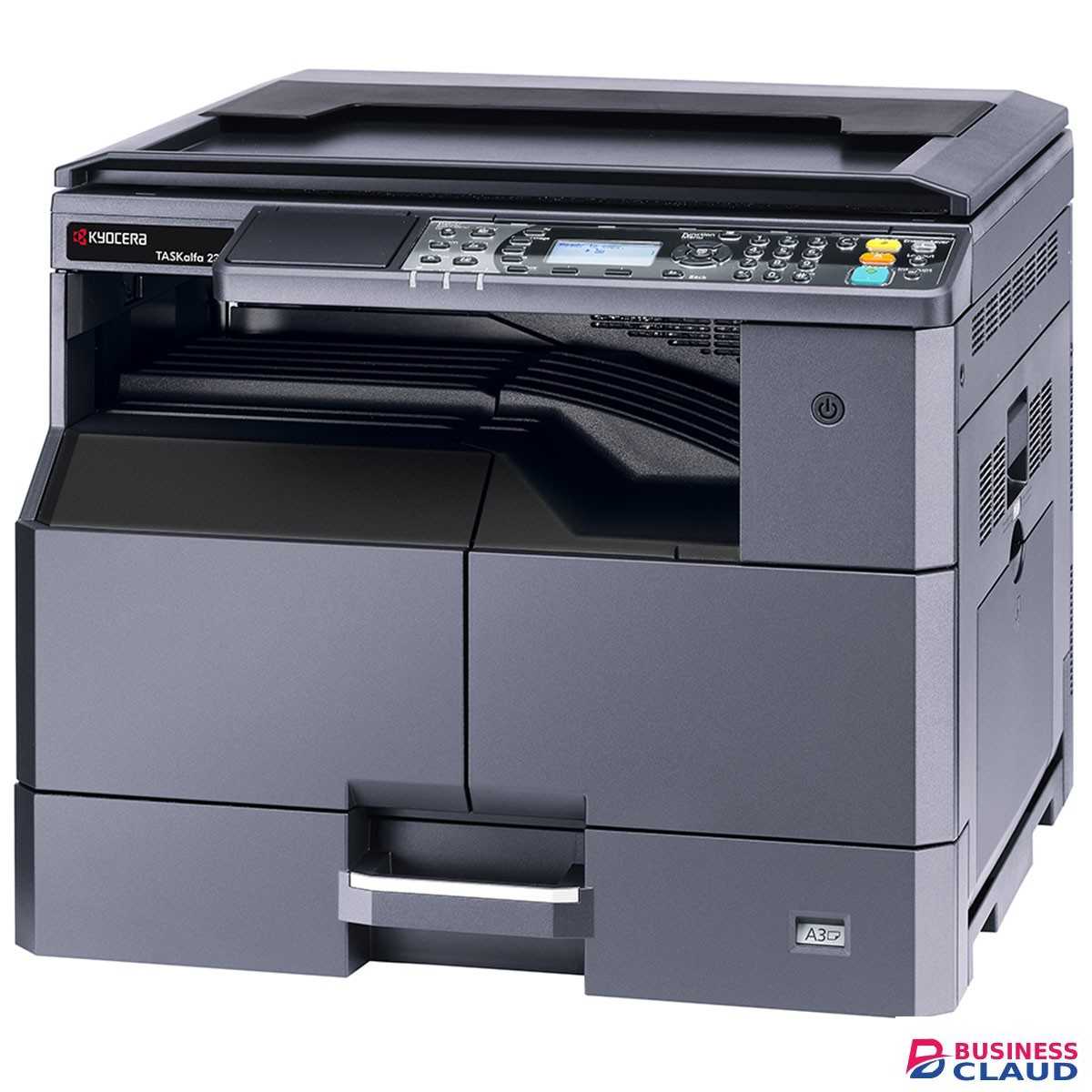
Kyocera Taskalfa 2321 A3 Mono Laser Printer

Kyocera Taskalfa 2321 A3 Mono Laser Printer

Overview The TASKalfa 2021 and 2321 are the perfect compact B/W multifunctional printers for your growing business. The B/W prints and copies they produce are of excellent image quality. Operating these devices is straightforward via their easy-to-use control panel. In addition, their standard colour scanning with optional network capabilities will make these devices ideal for demanding offices with little space for their office equipment. Standard print and colour scan functionality. Standard paper capacity of price showneets, expandable to price showneets. Optional 50-sheet reversing document processor and fax. Efficient and userfriendly ID card copy functionality Long-life components for exceptional efficiency and reliability. Increased print speeds for new levels of productivity Designed with a key focus on reliability, durability and increased productivity, the new TASKalfa range include durable long-life components, providing exceptional efficiency and reliability. TASKalfa Upgrade Series Press Release Kyocera Document Solutions Europe is delighted to announce the launch of a new range of device upgrades, four A3 Mono MFPs. Driving efficiency, proving reliability With increased print speeds, the new series enable users to significantly boost productivity by using a device that lasts the test of time. Usability made easy An intuitive control panel and simplified ID card copy function allows you to print two sides of an ID on one sheet of paper for quicker. Specification General type Monochrome multifunctional for A3 format Engine speed Up to 23/10 pages per minute A4/A3 Warm-up time Approx. 18.8 seconds or less Power consumption Printing: 450 W Ready mode: 74 W Sleep-mode: 1.1 W Paper Handling Input capacity Multi-purpose tray: price showneets, 45 – 160 g/m2, A3, A4, A5, A6, Ledger, Letter, Legal 300-sheet universal paper cassette, 64 – 105 g/m2, A3, A4, A5, Ledger, Letter, Legal Max. input capacity with options price showneets A4 Duplex unit Optional Duplex Unit supports 64 – 105 g/m2, A3 to A5R Max. output capacity Max. price showneets face-down Document processor Optional DP-480 Document processor: (Reversing) price showneets Print Processor ARM v5 base core equivalent, 500 MHz Fonts 1 Bitmap font Features EcoPrint, Print Box with PIN Code protection, Poster Print, Multiple pages per sheet Applicable OS Windows 8.1, Windows 10, Windows Server 2012/R2, Windows Server 2016, Windows Server 2019, Mac OS 10.5 or later, Linux Copy Max. original size A3, Ledger Continuous copy 1 - 999 Zoom range 25 - 400 % in 1% steps Preset magnification ratios 5 Reductions/5 Enlargements Image adjustments Text + Photo, Photo, Text, Diagram/Map Digital copy features scan-once-print-many, electronic sort copy, rotate sort copy*, duplex copying**, automatic paper selection***, layout mode (2-in-1, 4-in-1), border erase, binding margin, program key mode, ID card copy, interrupt copy (* Paper feeder PF-480 is required) (** Duplex unit DU-480 is required) (*** Document processor DP-480 is required) Scan Scan functionalities Scan-to-PC, scan-to-email, WIA scan, images network TWAIN Scan speed Up to 23 images per minute (600 dpi, A4) Scan resolution 600 dpi, 400 dpi, 300 dpi, 200 dpi (256 grayscales) Max. scan size A3, Ledger File type TIFF (MMR/JPEG Compression), PDF (MMR/JPEG Compression), High-compression PDF (CCITT Group 4/JBIG 2), JPEG, BMP, PNG Original recognition Text, photo, text + photo Fax Compatibility ITU-T Super G3 Modem speed Max. 33.6 kbps Scanning speed 3 seconds or less Transmission speed 4 seconds or less (MMR) Scanning density normal: 200 x 100 dpi, fine: 200 x 200 dpi, superfine: 200 x 400 dpi, halftone Max. original size A3, Ledger Fax features network faxing*, rotate transmission, duplex** fax reception, confidential, relay and bulletin board, transmission and reception, password checking transmission and reception, autoreduction reception (*Network card IB-33 required) (**Duplex unit DU-480 is required)
from 1 USh 6,903,000.00 Incl. 0.16% VAT
New Sale
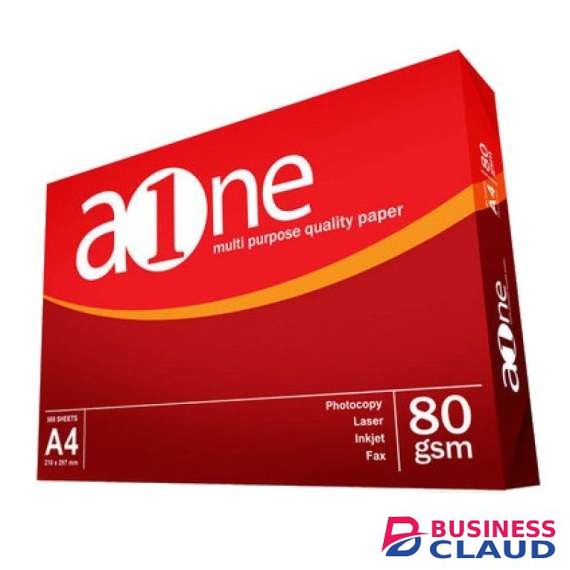
A4 Printing Paper
A4 Printing Paper
New Sale
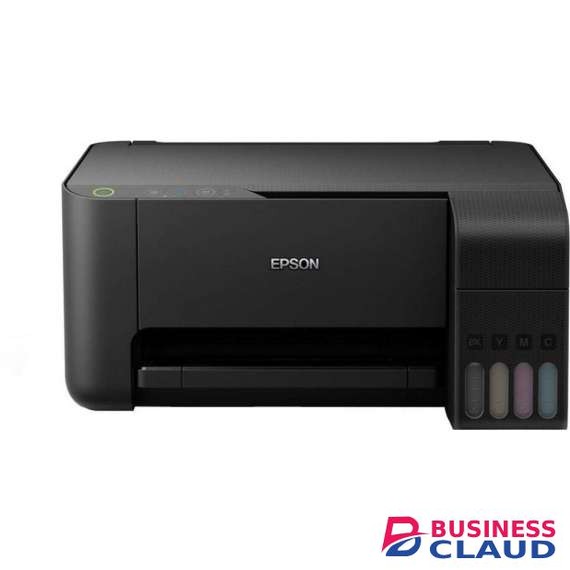
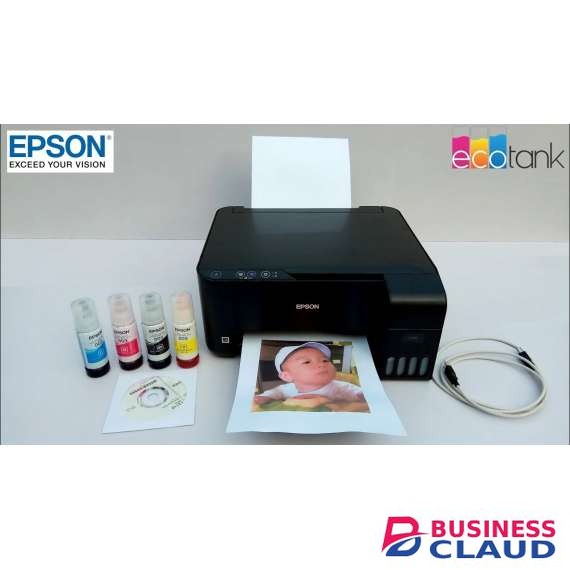
Epson EcoTank L3110 All in One Ink Tank Printer

Epson EcoTank L3110 All in One Ink Tank Printer

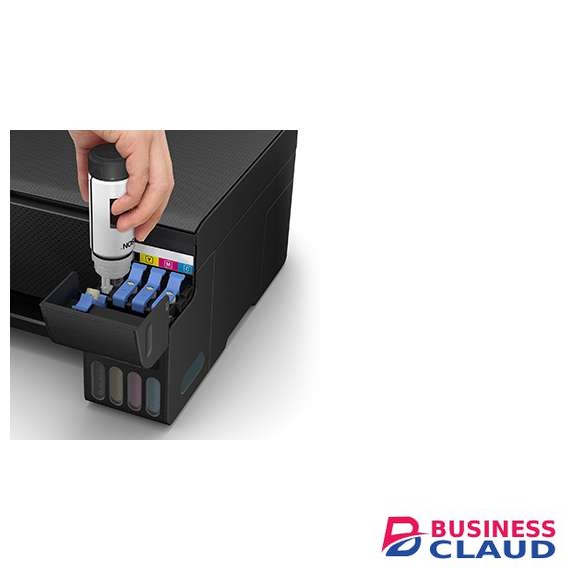
Overview Ultra-low cost Three whole years – that’s how long you could go without buying more ink for the L3110. This means it can save you up to 90% on the cost of ink. Giving you an extremely low cost per page, it produces up to price shown pages in black and price shown in colour with the included ink. Cartridge-free printing With the equivalent of up to 82 cartridges' worth of ink, you can go longer between refills with this EcoTank printer. It uses an ultra-high-capacity ink tank to completely remove the need for cartridges. In addition, with this 3-in-1 you can take advantage of print, scan and copy features. Discover the next generation Thanks to the ink tank being positioned at the front of the printer, this new design is compact, provides easy access for refilling, and a clear view of the ink levels. It features an enhanced ink filling system engineered to minimise the risk of spills and mess. The new bottles incorporate a mechanism that ensures only the right tanks are filled with the corresponding colour. Quality results With a Micro Piezo printhead, EcoTank provides a reliable printing solution. A one year warranty is provided as standard, while promotional warranties may offer more. Check the technical specification for the latest offer. Specification Printer Type: Printer Type:Print, Scan, Copy Print Speed: Photo Default - 10 x 15 cm / 4 x 6 ":Approx. 69 sec per photo (Border) / 90 sec per photo (Borderless) *1Draft, A4 (Black / Colour):Up to 33 ppm / 15 ppm *1ISO 24734, A4 Simplex (Black / Colour):Up to 10 ipm / 5.0 ipm *1First Page Out Time from Ready Mode (Black / Colour):Approx. 10 sec / 16 sec *1 Copy Speed: Copy Quality:Colour / Black-and-White; Draft / StandardMaximum Copies from Standalone:20 copiesMaximum Copy Size:A4, LetterISO 29183, A4 Simplex Flatbed (Black / Colour):Up to 7.0 ipm / 1.7 ipmMax Copy Resolution:300 x 300 dpi Scan Function: Scanner Type:Flatbed colour image scannerSensor Type:CISOptical Resolution:600 x 1200 dpiMaximum Scan Area:216 x 297 mm (8.5 x 11.7")Scanner Bit Depth (Colour):48-bit input, 24-bit outputScanner Bit Depth (Grayscale):16-bit input, 8-bit outputScanner Bit Depth (Black & White):16-bit input, 1-bit output Scan Speed: Flatbed (Black / Colour):200 dpi: 11 sec / 200 dpi: 32 sec Paper Handling: Number of Paper Trays:1
from 1 USh 1,380,600.00 Incl. 0.16% VAT
New Sale
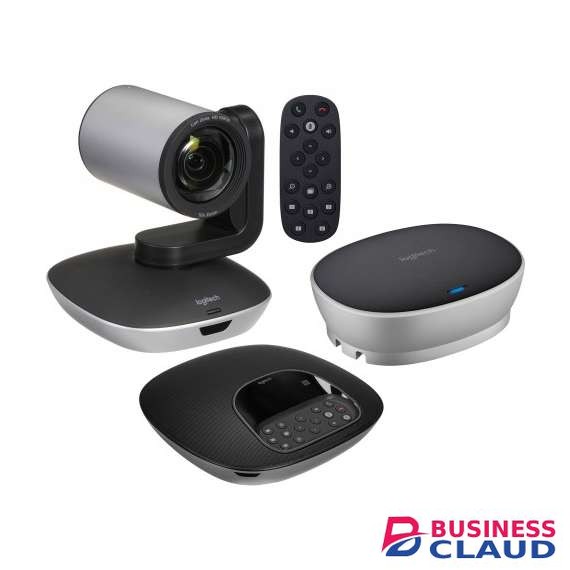
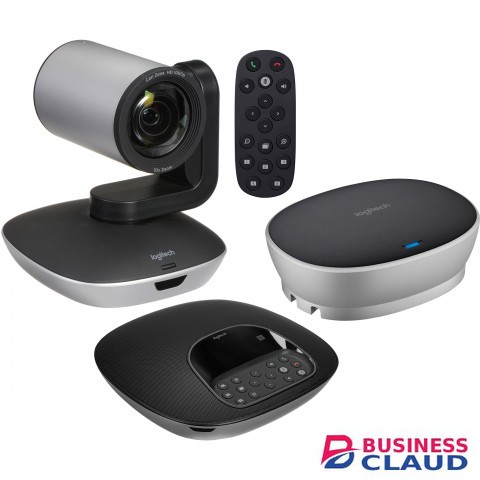
Logitech GROUP Video Conferencing System

Logitech GROUP Video Conferencing System

Logitech GROUP Video Conferencing System Specification CAMERA Smooth motorized pan, tilt and zoom, controlled from remote or console 260°pan, 130° tilt 10x lossless HD zoom 90° Field of View Full HD 1080p 30fps H.264 UVC 1.5 with Scalable Video Coding (SVC) Autofocus 5 camera presets Far-end control (PTZ) of ConferenceCam products ZEISS lens certifcation Kensington security slot LED to confrm video streaming Standard tripod thread REMOTE CONTROL Dockable 8.5m/28-foot range SPEAKERPHONE Full-duplex performance Acoustic echo cancellation Noise reduction technology Ultra-wideband audio Bluetooth and NFC wireless technology LCD for caller ID, call duration and other functional response LEDs for speakerphone streaming, mute, hold, and Bluetooth wireless paring Touch controls for call answer/end, volume and mute, Bluetooth – plus camera PTZ, “home” preset and farend control Microphones (Tx) Four omni-directional microphones supporting 20-foot diameter range Frequency response: 100Hz – 11KHz Sensitivity: -28dB +/-3dB Distortion: 1% @ 1KHz at 106dB Speakers (Rx) Frequency response: 120Hz – 14KHz Sensitivity: 83dBSPL +/-3dB at 1W/1M Max output: 91dBSPL Distortion: 5% from 200Hz Kensington security slot HUB / CABLE Central mountable hub for connection of all components Included adhesive solution for under-table mounting Two cables for connection between hub and camera/ speakerphone (Length: 5m/16’) One USB cable for connection to PC/Mac (Length: 3m/6.6’) AC Power adapter (Length: 3m/9.8’) MOUNT Dual purpose mount for wall placement or for elevating the camera on a table COMPLIANCE AND TOOLS USB 2.0 compliant UVC-compliant video and audio for broad application compatibility Optimized for Microsoft® Lync®, Certifed for Skype for Business, Cisco Jabber® and WebEx® compatible. Enhanced integration with Logitech Collaboration Program (LCP) members. Downloadable diagnostic tool Field upgradeable frmware tool Downloadable app plug-ins for advanced feature support PACKAGE CONTENTS Camera Speakerphone Remote control Two 5m cables for connection between speakerphone and hub and camera and hub One 2m meter cable between hub and PC Velcro for cable management Velcro for hub to table securing Powered hub Power adapter with regional plugs and 3m Mount Documentation Warranty card Logitech Group Cam Datasheet
from 1 USh 3,982,500.00 Incl. 0.16% VAT
New Sale
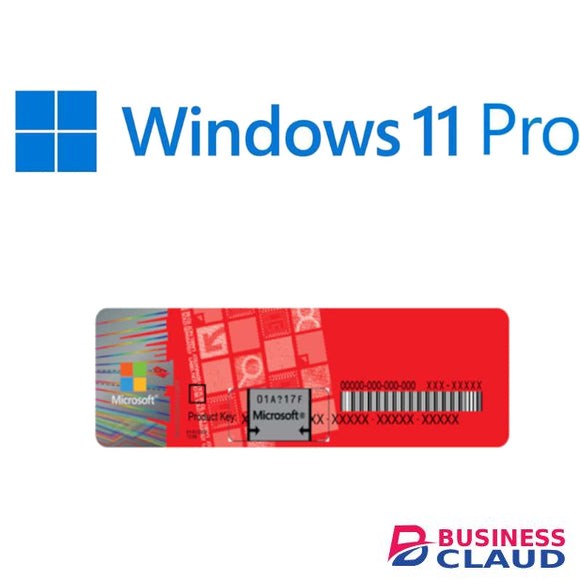
Microsoft Windows 11 Professional- key only

Microsoft Windows 11 Professional- key only

The Pros of Windows 11 Windows 11 isn't just Windows 10 with a new collection of wallpapers. Thankfully, many other tweaks and improvements make an upgrade to the latest OS seem enticing. That said, the new OS's wallpapers are, indeed, beautiful! 1. Beautiful Glass Windows 11's new desktop aesthetics try to mimic the look of glass. As a result, there's a lot of transparency on many desktop elements, from windows to menus. This transparency goes hand-in-hand with related effects like a background blur, drop shadows, and rounded corners. All GPU-accelerated for a buttery-smooth user experience. It should both be more elegant and snappier than Windows 10. 2. Bar to Dock Like Mac OS and many Linux Desktop Environments, Windows 11's taskbar can turn into a dock. The icons on it can be centered, which helps when using Windows 11 on a touch-enabled device. Fans of the classic taskbar will still be able to align the Start button and app icons to the left. 3. Return of the Widgets Did you prefer widgets, the little floating informational windows in Windows Vista and 7, to the Live Tiles of Windows 10? The new widgets in Windows 11 appear in a dedicated pane, which slides in from the left of the screen. They also seem to be more geared towards presenting information instead of working as mini-apps. 4. Easily-Accessible Snap Layouts and Groups Windows already supported snapping windows to the sides or corners of the screen in rudimentary arrangements. Now, a new and improved version in Windows 11 brings the feature to everyone, placing it in a quick menu hovering over the maximize button. 5. Android Apps on Windows 11 Up to Windows 10, if you wanted to run an Android app or game, you could either remote control your smartphone or run an emulator. Windows 11 will come with support for Android apps baked-in. Theoretically, you'll be able to install almost any Android app or game, click on it, and it will pop up on the screen, almost like native Windows software. 6. Next-Gen Gaming One of the most touted features of the new Xbox and PlayStation is how their CPU, GPU, and storage subsystems are interconnected. DirectStorage is the equivalent for PCs. DirectStorage is expected to eventually lead to massive boosts in performance for applications that juggle vast amounts of data. Auto HDR is also making the jump from the latest Xbox consoles to PCs. It can upgrade the looks of older games by expanding their brightness levels automatically, taking advantage of the entire brightness range of modern monitors. 7. Teams for Everyone A single click on Windows 11's taskbar is all it takes to chat with text, voice, or video with friends and contacts. That's thanks to Microsoft Teams, which Microsoft placed front and center as Windows 11's primary solution for communicating with family, friends, and colleagues. Having a default videoconferencing solution baked into the OS will feel like an excellent addition to many users. Even if, as some may note, there are better alternatives available. Computer Requirement TPM Trusted Platform Module (TPM) version 2.0. Check here for instructions on how your PC might be enabled to meet this requirement.
from 1 USh 185,850.00 Incl. 0.16% VAT
New Sale
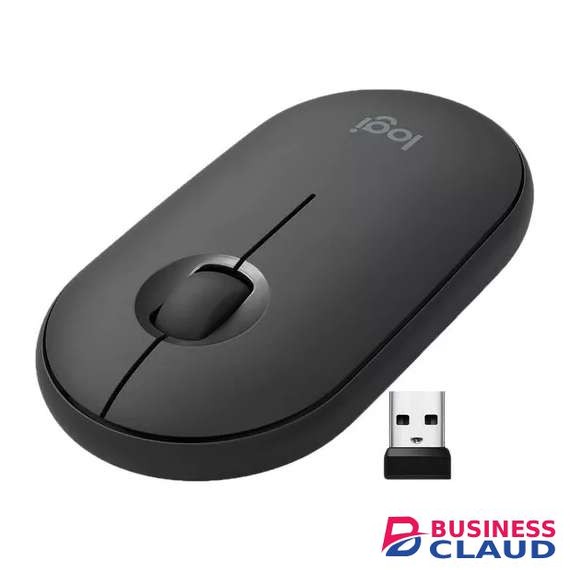
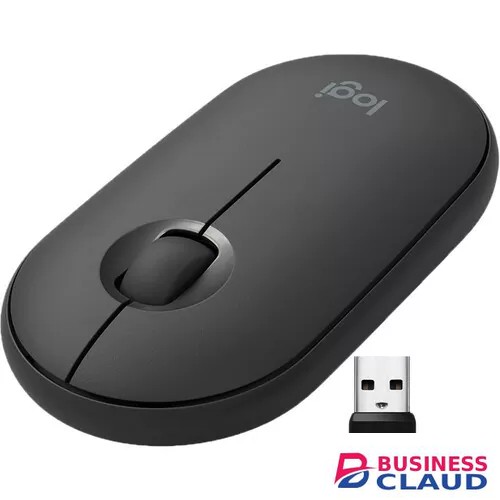
Logitech Pebble M350 Mouse

Logitech Pebble M350 Mouse

Modern, Slim, And Beautiful Pebble M350 modern design fits your curated lifestyle, accents your desk setup, and is slim enough to toss in your bag and bring to the coffee shop. Click And Scroll In Silence Work at home, in a cafe, or library without disturbing anyone around you. You’ll get the same click feel you love, but make about 90% less noise. (Sound level comparison between Pebble M350 and Logitech M170. Left click dBA measured by an independent lab at 1m). Even the wide rubber scroll wheel glides in silence. Connect The Way You Like Connect to your computer, laptop or tablet via Bluetooth or the tiny USB receiver -stored in the magnetic cover of the mouse- and never worry about annoying drop-offs or lag up to a 33 ft (10 m) range. Organic Shape, Natural Fit Pebble M350 has been designed to be extra slim, while still fitting naturally in the palm of your hand. The soft rounded sides are so comfortable, you’ll never want to let it go. The Right Color For You Choose Pebble M350 in off-white, graphite, rose pink, blueberry, sand or lavender lemonade to perfectly match the rest of your accessories. Work Wherever Life Takes You Pebble M350 tracks fast and accurately whether you use it on a table at your favorite coffee shop or directly on your bed covers. Go Longer Between Batteries 18-month battery (Battery life may vary based on user and computing conditions. Battery included.) life means you don’t have to worry about losing power. Pebble M350 automatically goes into battery-saving sleep mode when you’re taking a break. Sensor Technology: High-precision Optical tracking Sensor resolution: 1000 DPI Number of Buttons: 3 Scroll Wheel: Yes- Mechanical Scroll Buttons: Middle Button Unifying ready mouse: Yes Unifying ready receiver: No Battery: 18 months Battery type: 1 AA pre-installed battery Wireless technology: Bluetooth Low Energy Technology Wireless operating distance: 10 meters Compatibility Windows® 8, 10, 11 or later macOS 10.15 or later iPadOS 14 or later Android™ 8.0 or later ChromeOS™ Linux® Works With Chromebook™ In The Box Wireless Mouse Nano Receiver 1 AA battery (pre-installed) User documentation
from 1 USh 201,780.00 Incl. 0.16% VAT
New Sale
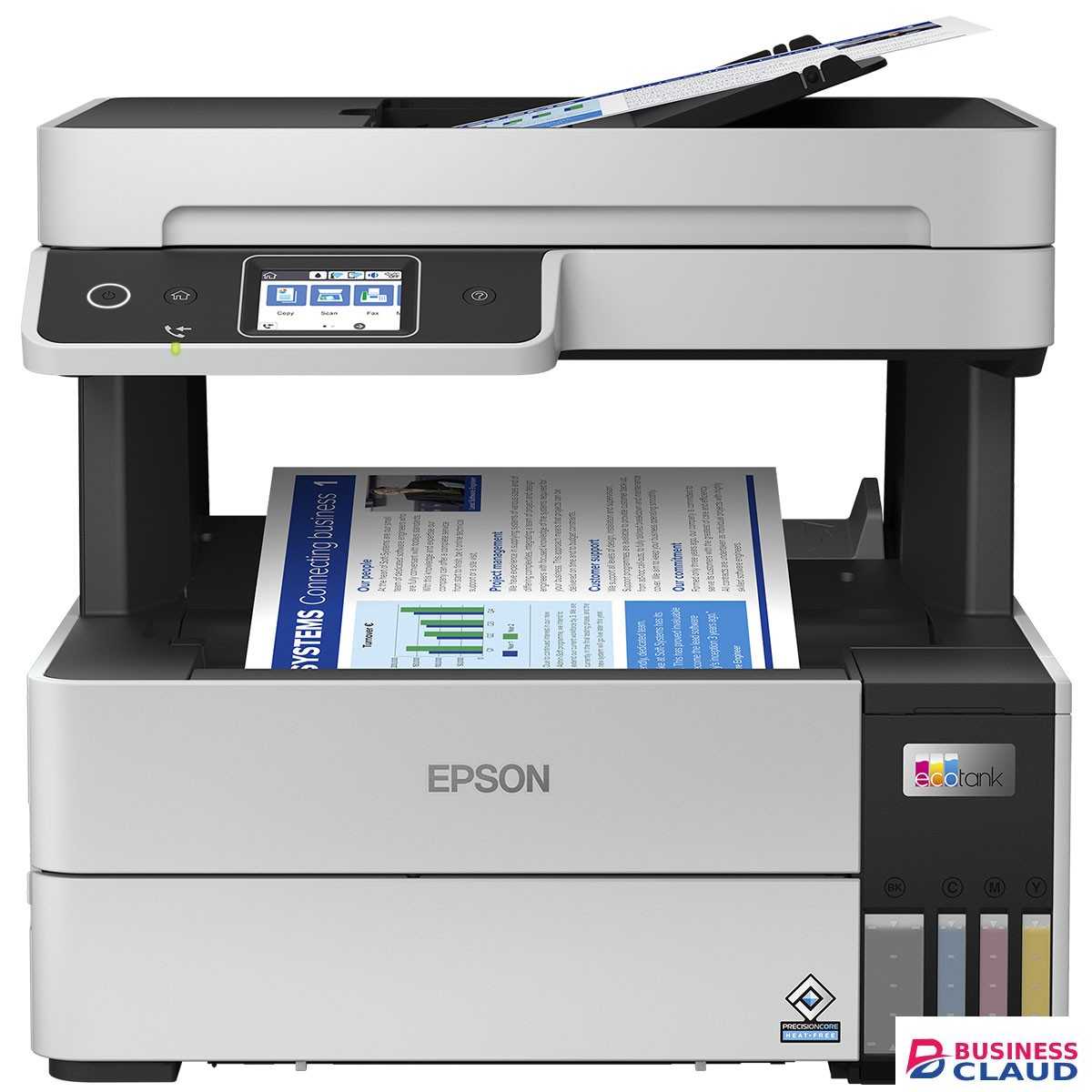
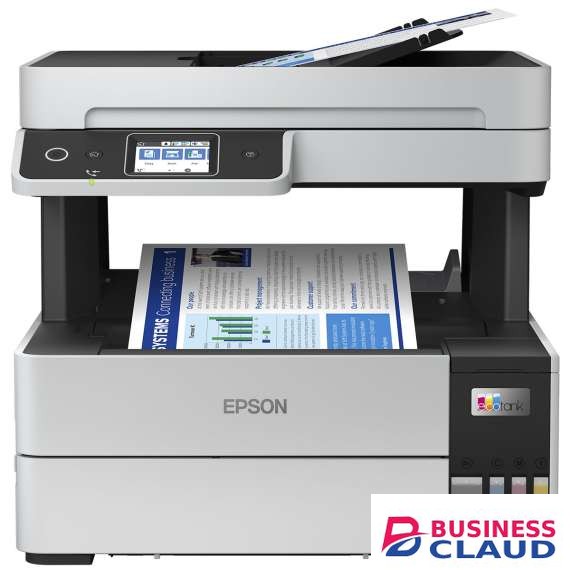
Epson EcoTank L6490 A4 Ink Tank Printer

Epson EcoTank L6490 A4 Ink Tank Printer

Overview Epson Heat-Free Technology Increase productivity and reduce environmental impact without compromise with Epson Heat-Free Technology. Built for Business Achieve fast print speed of up to 17.0 ipm (black) and 9.5 ipm (colour) with clean and easy ink refilling process. Superb Savings & High Page Yield Don’t compromise on cost as you print. With EcoTank L6490, you’ll be able to save costs as each set of bottle inks has an ultra-high yield of up to price shown for black and up to price shown pages for colour. Space-saving Design, Spill-free Refilling Compact and sleek, the ink tank design is integrated into the printer to allow the printer to have a small footprint. Additionally, the unique bottle nozzle enables spill-free and error-free refilling. Superb Quality and Cost-savings Be impressed by reliable quality afforded by a 4800 dpi high resolution output. The L6490 prints black and white documents with razor sharp text that are water and smudge-resistant. Wi-Fi and Wi-Fi Direct Connectivity Integrated Wi-Fi and Wi-Fi Direct function allows for wireless printing over networks and easy connection to other smart devices. The added advantage of Wi-Fi Direct allows you to connect up to 8 devices to the printer without a router. Epson Connect Enabled Wirelessly print your documents from anywhere in the world with Epson Connect's wide range of features: Epson iPrint Print from and scan directly to your smart device or online cloud storage services. Epson Email Print Print to any Email Print-enabled Epson printer from any device or PC with email access. Remote Print Driver Print to a compatible Epson printer anywhere in the world via the Internet using a PC with Remote Print driver or from mobile devices via the Epson iPrint app. Scan to Cloud Share your scans through email or store them online in cloud storage services. Epson Smart Panel Turn your mobile device into a high-performance command center. Epson Smart Panel enables you to control your printer from smart phones and tablets so you can print, copy, scan, connect to Wi-Fi and troubleshoot directly through the app. Automatic Document Feeder The L6490 is equipped with a 35-sheets ADF unit for convenient scanning and copying of multipage documents. 100-Page Fax Storage Memory The L6490 Broadcast Fax and PC-fax functions allow you to send a fax digitally with your computer, complete with a 180-page storage memory that ensures your incoming faxes will be received if the printer is out of paper or ink LCD Screen Experience easy setup and PC-less operation with a 2.4” Colour LCD Touch screen Quality That Shines. Value That Lasts. Epson genuine ink bottles are formulated to deliver outstanding high-volume print quality with EcoTank printers. Every bottle is individually sealed to ensure the purity of ink and comes with a smart tip designed for mess-free refills. Choose Epson genuine ink bottles to enjoy lasting quality with your printer and low printing costs. Specification Printer Type: Print, Scan, Copy, Fax with ADF Print Method: PrecisionCore Printhead Printer Language: ESC/P-R, ESC/P Raster Nozzle Configuration: 400 x 1 nozzles (Black), 128 x 1 nozzles per Colour (Cyan, Magenta, Yellow) Maximum Resolution: 4800 x 1200 dpi Automatic 2-sided Printing: Yes Draft, A4 (Black / Colour): Up to 37.0 ppm / 23.0 ppm*2 ISO 24734, A4 Simplex (Black / Colour): Up to 17.0 ipm / 9.5 ipm*2 ISO 24734, A4 Duplex (Black / Colour): Up to 7.5 ipm / 5.0 ipm*2 First Page Out Time from Ready Mode (Black / Colour): Simplex: Up to 7.0 sec / 11.0 sec*2 Copy Function: Reduction / Enlargement: 25 - 400% Maximum Copy Size: Legal Copy Resolution: 600 x 600 dpi Max Copies: 99 copies Copying: ISO 29183, A4 Simplex Flatbed (Black / Colour): Up to 12.0 ipm / 6.0 ipm ISO 24735, A4 Simplex ADF (Black / Colour): Up to 10.0 ipm / 4.5 ipm Scanning: Scanner Type: Flatbed colour image scanner Sensor Type: CIS Optical Resolution: 1200 x 2400 dpi Maximum Scan Area: 216 x 297 mm Scanner Bit Depth (Colour): 48-bit input, 24-bit output Scanner Bit Depth (Grayscale): 16-bit input, 8-bit output Scanner Bit Depth (Black & White): 16-bit input, 1-bit output Dimensions and Weight: Dimensions (W x D x H): 375 x 347 x 346 mm Weight: 7.3 kg Consumables: Black Ink Bottle: Page Yield*3: price shown Pages Order Code: 008 (C13T06G100 / C13T06G199 (EIN)) Cyan Ink Bottle: Page Yield*3: price shown Pages (Composite Yield) Order Code: 008 (C13T06G200 /C13T06G299 (EIN)) Magenta Ink Bottle: Page Yield*3: price shown Pages (Composite Yield) Order Code: 008 (C13T06G300 /C13T06G399 (EIN)) Yellow Ink Bottle: Page Yield*3: price shown Pages (Composite Yield) Order Code: 008 (C13T06G400 /C13T06G499 (EIN)) Maintenance Box: C13T04D100 Electrical Specifications: Rated Voltage: AC 220-240 V Rated Frequency: 50 - 60 Hz Operating: 12.0 W Sleep: 0.9 W Power Off: 0.2 W Standby: 5.5 W Interface: USB: USB 2.0 Network: Wireless IEEE 802.11b/g/n, Wi-Fi Direct, Ethernet Network Protocol: TCP/IPv4, TCP/IPv6 Network Management Protocols: SNMP, HTTP, DHCP, BOOTP, APIPA, PING, DDNS, mDNS, SNTP, SLP, WSD, LLTD Software Support: Epson ScanSmart LCD Screen: 2.4" Colour LCD Touch Screen
from 1 USh 3,610,800.00 Incl. 0.16% VAT
New Sale
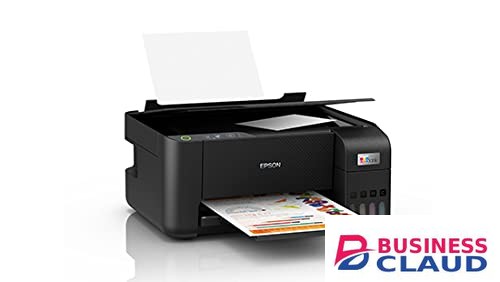
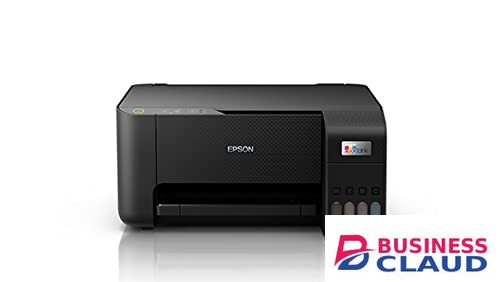
Epson EcoTank L3210 A4 All in One Ink Tank Printer

Epson EcoTank L3210 A4 All in One Ink Tank Printer

Overview The multifunctional printing solutions - EcoTank L3210 is designed to improve business cost savings and print productivity. Expect a high print yield of up to price shown pages for black-and-white, and price shown pages for colour. You can even print borderless photos up to 4R size. The integrated ink tanks and designated nozzles ensure spill-free and error-free refilling. Epson Heat-Free Technology: Achieve high speed printing at lower power consumption with Epson Heat-Free Technology as no heat is required during the ink ejection process. Space-saving Design, Spill-free Refilling: Compact and sleek, the ink tank design is integrated into the printer to allow the printer to have a small footprint. Additionally, the unique bottle nozzle enables spill-free and error-free refilling. Remarkable Quality and Speed: Constantly improving to meet the printing needs of small business owners, EcoTank L3210 features printing speeds of up to 10.0 ipm for black-and-white, and 5.0 ipm for colour to deliver better work productivity. In addition, the L3210 is capable of printing borderless photos up to 4R. Superb Savings & High Page Yield: Don’t compromise on cost as you print. With EcoTank L3210, you’ll be able to save costs as each set of bottle inks has an ultra-high yield of price shown for black and price shown pages for colour. Specification Printer Type: Print, Scan, Copy Print Method: Printer Language: ESC/P-R, ESC/P Raster Nozzle Configuration: 180 x 1 nozzles Black, 59 x 1 nozzles per Colour (Cyan, Magenta, Yellow) Maximum Resolution: 5760 x 1440 dpi Automatic 2-sided Printing: No Photo Default - 10 x 15 cm / 4 x 6 " *1: Approx. 69 sec per photo (Border) / 90 sec per photo (Borderless)*2 Draft, A4 (Black / Colour): Up to 33.0 ppm / 15.0 ppm*2 ISO 24734, A4 Simplex (Black / Colour): Up to 10.0 ipm / 5.0 ipm*2 First Page Out Time from Ready Mode (Black / Colour): Approx. 10 sec / 16 sec*2 Scanner Type: Flatbed colour image scanner Sensor Type: CIS Optical Resolution: 600 x 1200 dpi Maximum Scan Area: 216 x 297 mm Scanner Bit Depth (Colour): 48-bit input, 24-bit output Scanner Bit Depth (Grayscale): 16-bit input, 8-bit output Scanner Bit Depth (Black & White): 16-bit input, 1-bit output Flatbed (Black / Colour): 200dpi: Up to 11 sec / Up to 32 sec Number of Paper Trays: 1 Standard Paper Input Capacity: Up to price showneets of Plain Paper (80 g/m2) Up to price showneets of Premium Glossy Photo Paper Output Capacity: Up to price showneets of Plain Paper (80 g/m2) Up to price showneets of Premium Glossy Photo Paper Maximum Paper Size: 215.9 x 1200 mm Paper Sizes: Legal (8.5 x 14"), Indian-Legal (215 x 345 mm), 8.5 x 13", Letter, A4, 16K (195 x 270 mm), B5, A5, B6, A6, Hagaki (100 x 148 mm), 5 x 7", 5 x 8", 4 x 6", Envelopes: #10, DL, C6 Print Margin: 0 mm top, left, right, bottom via custom settings in printer driver*3 Operating System Compatibility: Windows XP / XP Professional / Vista / 7 / 8 / 8.1 / 10 Windows Server 2003 / 2008 / 2012 / 2016 / 2019 Mac OS X 10.6.8 or later PC Printing/ Premium Glossy Photo Paper Best Photo: Sound Power (Black / Colour) 5.1 / 5.2 B(A), Sound Pressure (Black / Colour) 38 / 39 dB(A) PC Printing / Plain Paper Default*4: Sound Power (Black / Colour) 6.4 / 6.2 B(A), Sound Pressure (Black / Colour) 50 / 48 dB(A) Dimensions (W x D x H): 375 x 347 x 179mm Weight: 3.9 kg Black Ink Bottle: Page Yield*5: price shown Pages Order Code: 003 (C13T00V100 / C13T00V199 (Indonesia)) Cyan Ink Bottle: Page Yield*5: price shown Pages (Composite Yield) Order Code: 003 (C13T00V200 / C13T00V299 (Indonesia)) Magenta Ink Bottle: Page Yield*5: price shown Pages (Composite Yield) Order Code: 003 (C13T00V300 / C13T00V399 (Indonesia)) Yellow Ink Bottle: Page Yield*5: price shown Pages (Composite Yield) Order Code: 003 (C13T00V400 / C13T00V499 (Indonesia)) USB: USB 2.0 Rated Voltage: AC 220-240 V Rated Frequency: 50-60 Hz Operating: 14.0 W Sleep: 0.4 W Power Off: 0.2 W Standby: 4.0 W Printer Software: Epson ScanSmart
from 1 USh 1,062,000.00 Incl. 0.16% VAT