


Promotional Banner - Delivery in 2-3 hours, Quality & Original, Delivered

Electronics

New Sale
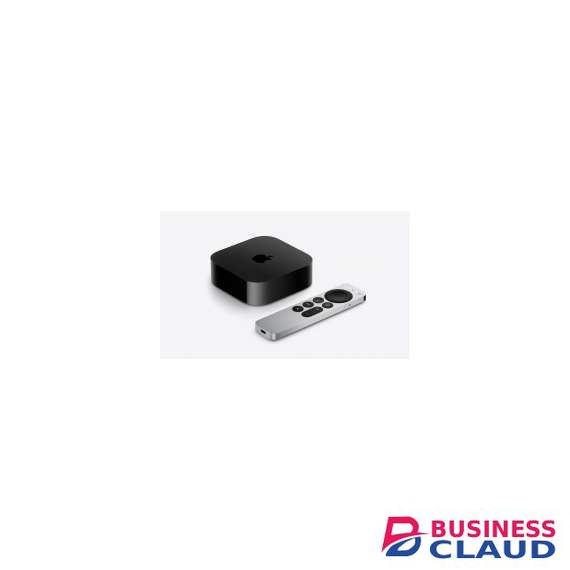
Apple TV 4K 64GB Set-top Box

Apple TV 4K 64GB Set-top Box

Apple TV 3rd Generation (Wi-Fi only) Storage Capacity: 64GB Connectivity HDMI 2.1 Wi‑Fi 6 (802.11ax) with 2x2 MIMO Bluetooth 5.0 wireless technology IR receiver Built-in power supply Siri Remote Bluetooth 5.0 wireless technology IR transmitter USB-C connector for charging Rechargeable battery providing months of battery life on a single charge (with typical daily usage) Charging via USB-C cable to computer system or power adapter (each sold separately) Control your TV or receiver via IR or CEC Processor A15 Bionic Chip System Requirements Purchases, rentals, and Home Sharing require an Apple ID that you use for the App Store and other Apple services Requires 4K and HDR TV for 4K and HDR streaming Requires acceptance of the software license terms at Businessclaud.com Requires HDMI cable (sold separately) Requires 802.11 wireless or broadband internet access Video Formats SDR video with AVC/HEVC (Main/Main 10 profile) up to 2160p, 60 fps Dolby Vision (Profile 5) up to 2160p, 60 fps HDR10+/HDR10/HLG with HEVC (Main 10 Profile) up to 2160p, 60 fps H.264 Baseline Profile level 3.0 or lower with AAC-LC audio up to 160 Kbps per channel, 48kHz, stereo audio in .m4v, .mp4, and .mov file formats MPEG-4 video up to 2.5 Mbps, 640 by 480 pixels, 30 fps, Simple profile with AAC-LC audio up to 160 Kbps, 48kHz, stereo audio in .m4v, .mp4, and .mov file formats Audio Formats HE-AAC (V1), AAC (up to 320 Kbps), protected AAC (from iTunes Store), MP3 (up to 320 Kbps), MP3 VBR, Apple Lossless, FLAC, AIFF, and WAV; AC-3 (Dolby Digital 5.1), E-AC-3 (Dolby Digital Plus 7.1 surround sound), and Dolby Atmos Photo Formats HEIF, JPEG, GIF, TIFF Compatibility Compatible with HD and UHD TVs with HDMI Compatible with Magic Keyboard and Apple Wireless Keyboard Package Contents: Apple TV 4K, Siri Remote, Power cord, Documentation
from 1 USh 1,539,900.00 Incl. 0.16% VAT
New Sale
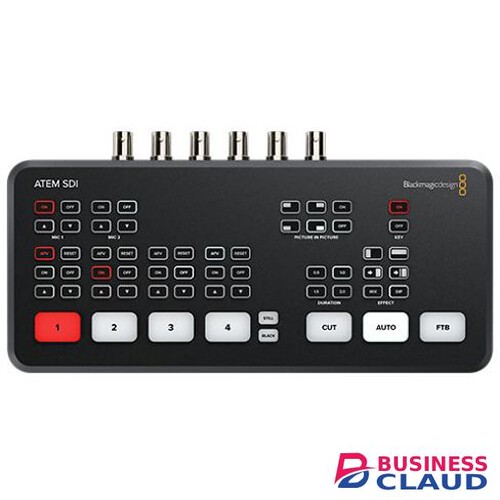
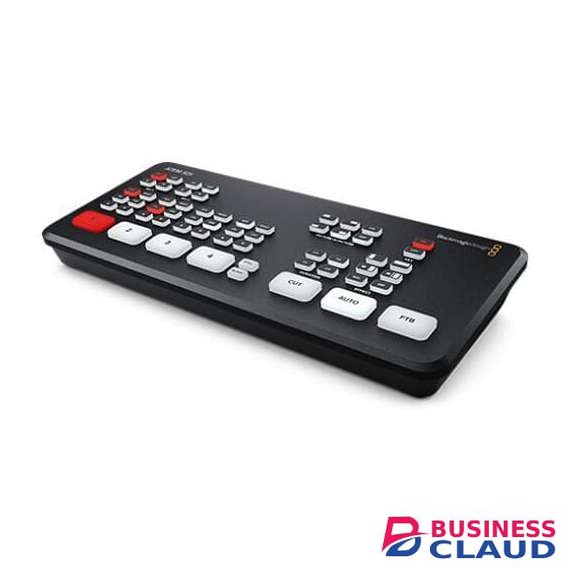
Blackmagic Design ATEM SDI Pro ISO Switcher

Blackmagic Design ATEM SDI Pro ISO Switcher

4-Channel Live Stream 3G-SDI Switcher Program and 4 x Input ISO Recording Generates DaVinci Resolve Project Live Tally, Stream, and Record Status Record Button, Channel Preview Multiview 2-Channel Digital Audio Mixer per Source 3G-SDI Output, Ethernet ATEM Control Media Player, Computer Input Support Upstream and Downstream Keyers DVE Transition, Chroma/Luma Keyers The ATEM ATEM SDI Pro ISO Switcher from Blackmagic Design is a four-input live-production switcher with an integrated control panel designed for multi-camera live streaming up to HD video to the internet via Ethernet output. It features a USB output that allows you to record the program output as well as record the individual 3G-SDI inputs to an external USB drive (not included). In addition to recording the program stream and individual inputs, the ATEM Mini Pro ISO also records the embedded audio and analog audio inputs, generating a DaVinci Resolve project file of your live stream. This allows you to take your live production into DaVinci Resolve to make tweaks or adjustments using the source material that is already on your USB drive. The ATEM Mini Pro ISO retains the same size, button layout, and rear-panel interface connections as the ATEM Mini Pro, with new electronics that allow for the ISO recording and generation of the DaVinci project file. The ATEM Mini Pro ISO supports all the same features as the ATEM Mini Pro, including upstream and downstream keyers, an advanced chroma keyer, two linear/luma keyers, a DVE transition keyer, a pattern generator, and color generators. There is also media player support for fill and key images, which supports up to 20 stills in PNG, TGA, BMP, JPEG, and TIFF formats. The ATEM Software Control Panel is used for control and configuration, and it allows you to monitor the data rate, audio meters, configuration, and status of your live feed. And you can use the panel to set up streaming to an optional Blackmagic Design Streaming Bridge anywhere in the world, as long as it is connected to the internet. Transitions Available transitions include: Cut: When you press the cut button, ATEM instantly changes from your current program source to the preview source. Cuts can be performed by directly selecting sources or by pressing the cut button to switch to the next source. Mix: The mix, or dissolve, gradually transitions from one source to the next by creating a smooth blend. You can set custom timings to manually blend the transition. Dip: Just like mix transitions, a dip transition is a gradual blend that includes either a solid color, graphic, or another clip between the two video sources. Dips to black or white between sources are the most popular, or you can use logos or sponsor graphics. Wipe: Built-in wipe patterns include circles, diamonds, squares, and more. Shapes and patterns can be inverted or softened, and can even have customized colored borders. DVE: With the powerful built-in Digital Video Effects processor, or DVE, you can puprice shown spin, squeeze, or swoosh your live video from one camera to the next with incredible built-in transitions. DVE transitions can be flip-flopped and reversed, giving you even more transition options. Upstream Keyer Layer live video over other video sources or graphics with the Upstream Keyer. You can use luma key, linear key, pattern key, or shoot against a green screen and use chroma key to instantly composite the video over virtual sets. Luma key: Luma keys work best with high-contrast images, like white elements on a black background, so you can use the contrast to cut the black background and replace it with live video or graphics. Linear key: Get clean, high-quality results with linear keying by using two separate sources for the fill and the key to create one video image. The fill signal contains the video to be stacked over the background, while the key signal contains a gray scale mask to cut out, or mask, the area to be filled. Chroma key: Used every day for TV weather forecasts, chroma keys are a powerful way of combining live images in real time. The presenter typically stands in front of a green or blue background and the chroma keyer will remove only that color and combine it with another image, such as a video or graphic. Pattern key: Combine live images with any of the built-in wipe patterns to combine live images or graphics with geometric shapes. You get full control over softness, symmetry, size, and position to create unique picture-in-picture effects that can be transitioned to as easily as any live source. Downstream Keyers The ATEM SDI switcher includes one downstream keyer, so you can add high-quality graphics like logos, bugs, and titles from the built-in media player over the live stream program output. Downstream keyers are the last layers of keying, so they overlay all video switched to the main program output. Audio Mixer The built-in audio mixer lets you control both camera and external audio with precision level and balance adjustments on all six available audio inputs and two channels. The mixer features selectable On/Off/Audio-Follow-Video per channel, plus it has separate gain control per channel, level and peak metering, and new Fairlight audio enhancements such as compressor, gate, limiter, six bands of parametric EQ, and master gain control. Media Player Eliminate external character generators by storing up to 20 broadcast-quality RGBA graphic files in the media pool. The one media player appears as input sources to your switcher. You can transition to graphics as full-frame video, or feed them to the keyers for overlaying video. Popular image formats such as PNG, TGA, BMP, GIF, JPEG, and TIFF are supported.
from 1 USh 8,442,900.00 Incl. 0.16% VAT
New Sale
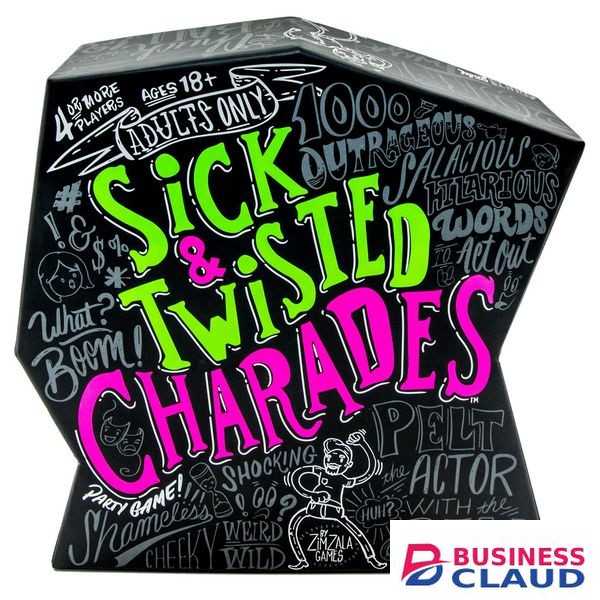
Sick and Twisted Charades Game

Sick and Twisted Charades Game

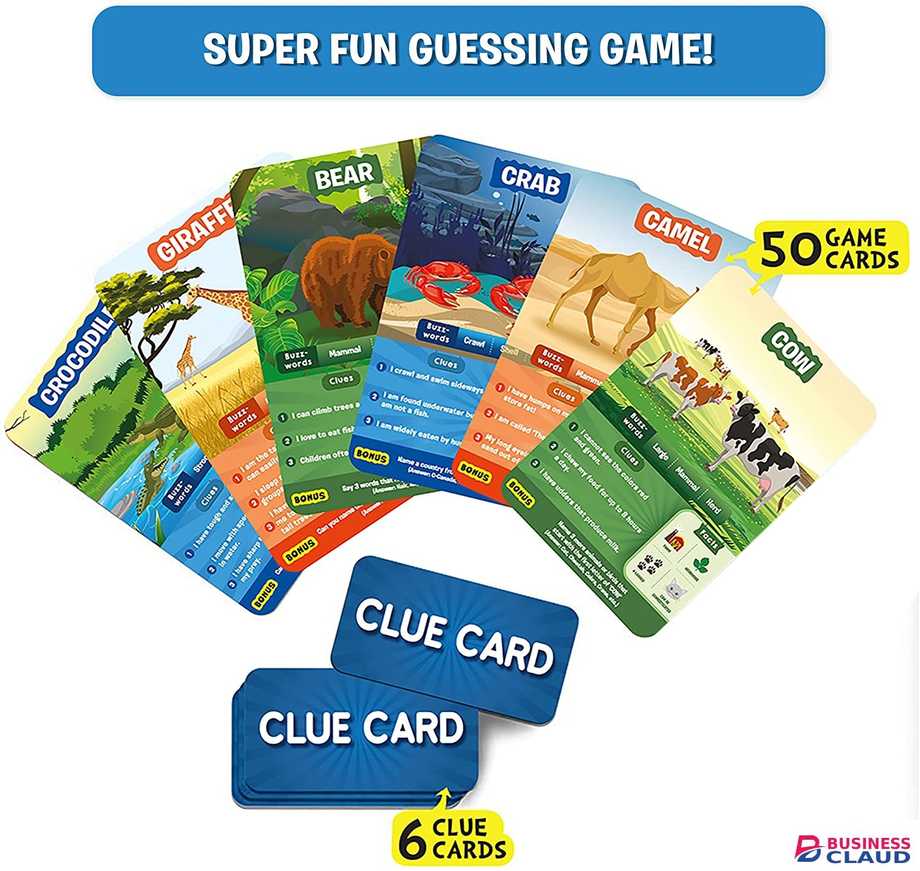
Charade what!? Split into teams and face off in a raucous game of charades! Guess the saucy, suggestive, and downright obscene clues in order to score. Or stick it to your rivals with challenging twists to make them suffer. Be sure to peg your opponents with the foam ball when their time is up, or they’ll never stop! This rude, rowdy party game will get your mind in the gutter and your friends rolling on the floor! Contests: 500 Doubles-Sided Cards, 24 Twist Tiles, 1 Sand Timer, 1 Ball, Instructions. How To Play: 1) Separate into two teams. If you have an odd number of players, make the teams as even as possible. 2) The cards have a green side and a pink side. Select which color will be used for the entire game. 3) Shuffle the Twist Tiles and create a face-down draw pile. Each team draws one tile. 4) Select which team will guess first and which player from that team will act first (the Actor). 5) Start the timer! 6) The Actor draws a card adn acts out the word or phrase. Acting Rules: You cannot say words or make any sounds with your mouth. You cannot mouth any words or write any letters in the air. 7 The Actor's team shouts out guesses. When a teammate guesses the card, the Actor draws another card and keeps going. 8) At the end of the turn, collect the cards that were correctly guessed and put them in a score pile for the team. Any cards that were not guessed are removed from the game. 9) Now it's the other team's turn. Continue taking turns, alternating teams, and selecting a different actor each time. Twist Tiles: Mess With Your Opponents Correctly guess cards with a Twist icon to earn tiles that will sabotage the other team or give your team an advantage. 1) At the start of a turn, the team that's not guessing may choose to play ONE of their Twist Tiles. Then the guessing team may choose to play ONE of their Twist Tiles. 2) Read each played tile out loud and follow the rule written on it for the entire turn. (Rules affecting the Actor may be suspended in order to draw and read cards, but must be followed when acting out the card.) PASS ONE CARD: These Twist Tiles do not need to be played at the start of the turn. If the guessing team has one of these tiles, they may play it at any time in order to skip a card. 3) At the end of the turn, the guessing team draws one Twist Tile for each correctly guessed card with a Twist icon on it. 4) Review all of the Twist Tiles earned that turn. Select ONE to keep and discard the rest. 5) Create a discard pile of any played or discarded Twist Tiles. If the draw pile runs outprice shownuffle the discard pile. NOTE: There is no limit to the number of Twist Tiles a team can have. THE BALL: The Timer Doesn't End The Turn - You Do! When the timer runs out, any member of the throwing team (the team that is not guessing) may throw the ball at the Actor. - If the actor dodges the ball, they may continue acting out clues and scoring. The throwing team has to keep taking shots! - If the Actor is hit with the ball, the turn ends. - If the Actor catches the ball, the turn ends, but the guessing team draws an additional Twist Tile before selecting one to keep. THROWING RULES: - Not in the face! - Inf the ball misses, a member of the throwing team must retrieve the ball and return to their original seat before throwing it again. Note: The guessing team may warn the Actor when the timer is getting low, but they cannot interfere with throwing. WINNERS!: After all players have had a chance to act, count up the cards in each team's score pile. Whichever team has the most cards is the winner! Note: If one team is larger, one member of the smaller team will be the Actor again, so both teams take the same number of turns. Want a longer game? Have everyone be the Actor two or three times before counting your score. DELINQUENTS: At some point, someone is going to screw up. Here's what to do... - If an acting rule or Twist Tile rule is broken, the card being acted is removed from the game and the guessing team cannot score it. The Actor draws another card and continues their turn. - If a throwing rule is broken, the throw does not count. The throwing team must throw again. - If the guessing team intercepts the ball or interferes with a throw, the turn immediately ends.
from 1 USh 292,050.00 Incl. 0.16% VAT
New Sale

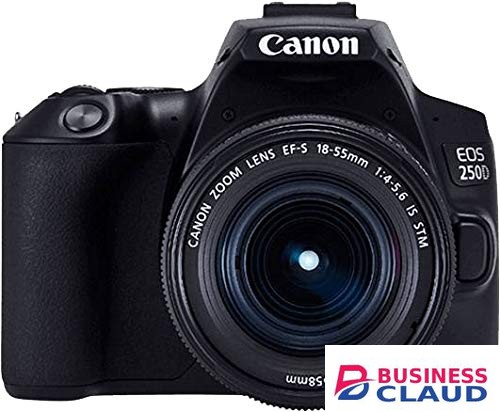
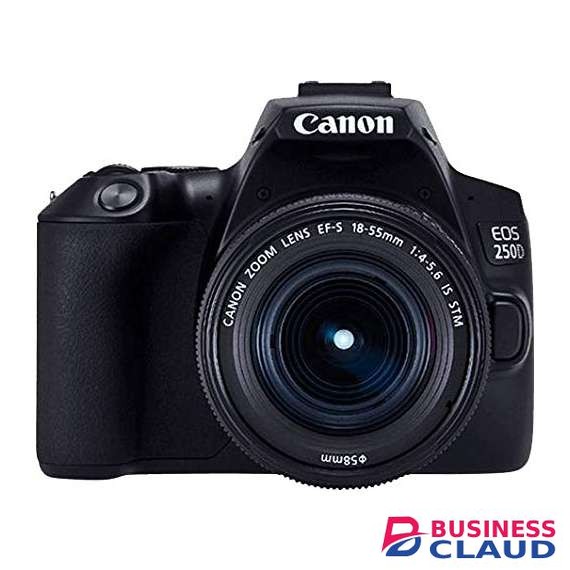
Canon EOS 250D DSLR Camera with 18-55mm f/4-5.6 IS STM Lens

Canon EOS 250D DSLR Camera with 18-55mm f/4-5.6 IS STM Lens

24.1MP APS-C CMOS Sensor DIGIC 8 Image Processor 3.0″ 1.04m-Dot Vari-Angle Touchscreen UHD 4K24p Video and 4K Time-Lapse Movie 9-Point AF System; Dual Pixel CMOS AF ISO 100-25600, Up to 5 fps Shooting Built-In Wi-Fi and Bluetooth EF-S 18-55mm f/4-5.6 IS STM Lens Camera Shutter Speed Bulb Mode Mechanical Shutter 1/4000 to 30 Seconds White Balance Fluorescent (White) Auto Cloudy Daylight Flash Shade Tungsten Camera Format APS-C (1.6x Crop Factor) Imaging/ Image Sensor Pixels Actual: 25.8 Megapixel Effective: 24.1 Megapixel Max Resolution 24 MP: 6000 x 4000 Aspect Ratio 1:1 16:9 3:2 4:3 Sensor Type CMOS Image File Format JPEG RAW ISO Sensitivity 100 to 12800 Bit Depth 14-bit Image Stabilization 5-Axis (Video Only) Digital Lens Lens Mount Canon EF Canon EF-S Focus Type Auto & Manual System Bluetooth Yes Shutter Self Timer 2/10-Second Delay Focus & Optics Focus Mode Automatic (A) Continuous-servo AF (C) Manual Focus (M) Single-servo AF (S) Autofocus Points Phase Detection: 9 (1 Cross-Type) Autofocus Sensitivity -0.5 to +18 EV Viewfinder & Display Viewfinder Coverage 95% Viewfinder Type Optical (Pentamirror) Viewfinder Eye Point 19.00 mm Viewfinder magnification Approx. 0.87x Screen type Articulating Touchscreen LCD Screen Size 3" Diopter Adjustment – 3.0 to +1.0 m Screen Resolution price shown Dot Exposure Control Exposure Modes Modes: Aperture Priority, Manual, Programprice shownutter Priority Metering Method Center-weighted average metering Evaluative Metering Partial Metering Spot metering Metering Range 1 to 20 EV Exposure Compensation -5 to +5 EV (1/3, 1/2 EV Steps) Continuous Shooting Up to 5 fps at 24.1 MP for Unlimited Exposures (JPEG) Up to 5 fps at 24.1 MP for up to 10 Exposures (Raw) Interval Recording Yes Recording Audio Recording Built-In Microphone (Stereo) External Microphone Input Audio Format AAC Recording Modes Full HD (1920 x 1080) at 25p/29.97p/50p/59.94p [12 to 60 Mb/s] HD (1280 x 720) at 50p/59.94p [26 Mb/s] UHD 4K (3840 x 2160) at 23.976p/25p [120 Mb/s] External Recording Modes DCI 4K (4096 x 2160) at 23.976p/29.97p Full HD (1920 x 1080) at 59.94i/59.94p Recording Limit Up to 29 Minutes, 59 Seconds Connectivity Wi-Fi Capable Yes Connectivity 3.5mm Microphone, HDMI C (Mini), Micro-B (USB 2.0) GPS No Flash Built-in Flash Yes Dedicated Flash System eTTL External Flash Connection Hot Shoe Flash Compensation -2 to +2 EV (1/3, 1/2 EV Steps) Max Sync Speed 1/200 Second Interface Memory Card Slot Single Slot: SD/SDHC/SDXC (UHS-I) Environmental Operating Temperature 32 to 104°F (0 to 40°C) Operating Humidity 0 to 85% Power Batteries 1 x LP-E17 Rechargeable Lithium-Ion Battery Pack AC Power Adapter AC-E6N with DR-E18 (Optional) Kit Lens 1 Focal Length KL1 18 to 55mm (35mm Equivalent Focal Length: 28.8 to 88mm) Maximum Aperture KL1 f/4 to 5.6 Minimum Aperture KL1 f/22 to 32 Angle of View KL1 74° 20' to 27° 50' Maximum Magnification KL1 0.25x Minimum Focus Distance KL1 9.84" / 25 cm Optical Design KL1 12 Elements in 10 Groups Diaphragm Blades KL1 7, Rounded Focus Type KL1 Autofocus Image Stabilization KL1 58 mm (Front) Image Stabilization Notes KL1 YES Package Weight KL1 2.6 lb Box Dimensions (LxWxH) KL1 8.7 x 6.5 x 5.8"
from 1 USh 3,876,300.00 Incl. 0.16% VAT
New Sale
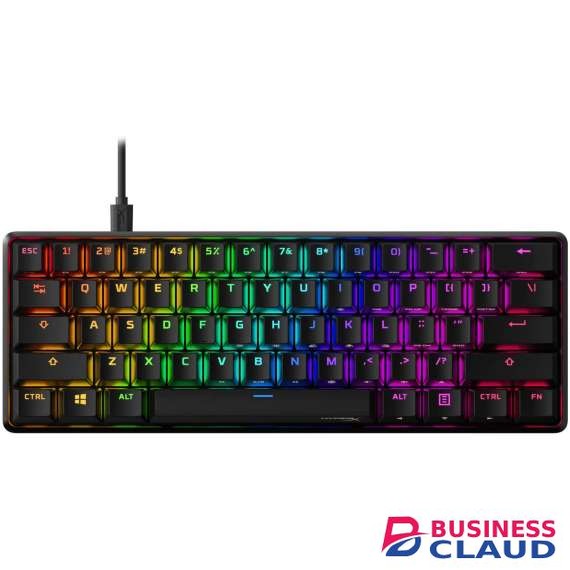
HyperX Alloy Origins 60 Mechanical Gaming Keyboard

HyperX Alloy Origins 60 Mechanical Gaming Keyboard

[Petite 60% form factor]: Free up more room for your mouse with this supremely compact keyboard. [Full aircraft-grade aluminum body]: The aluminum casing keeps the keyboard structurally sound and stable when the action gets intense. [Double shot PBT keycaps with side printing]: The keycaps are designed with durable PBT material that is resistant to wear, friction, and solvents. Secondary functions are printed on the sides of the keycaps for quick recognition. [HyperX Mechanical switches]: Custom-designed HyperX key switches are balanced for speed and accuracy. They’re also reliable, rated for 80 million keypresses with no loss of quality. [RGB backlit keys with radiant lighting effects]: Get brighter, more luminous RGB lighting, thanks to the exposed LED design of the HyperX mechanical switches. [Advanced customization with HyperX NGENUITY]: Customize Game Mode, build macros, and set up per-key lighting and effects. [Three adjustable keyboard angles and detachable USB-C cable]: Two-step keyboard feet allow you to set your keyboard up at 3 different tilt angles. A detachable USB-C cable makes this ultra-compact keyboard super portable. [Included keycap puller and additional keycaps]: A keycap puller, an additional Esc key, and the special alternate spacebar design for the Alloy Origins 60 are included for additional customization. [Multi-platform compatibility]: The keyboard is compatible with PC, PS5, PS4, Xbox Series X|S, and Xbox One.
from 1 USh 1,115,100.00 Incl. 0.16% VAT